I do a lot of UI work, and like a lot of people lately I've been letting an AI agent take the first pass. Point it at a Figma file, let it write the components, come back to something that's 90% there. On a good day that's a huge time save.
The problem is the other 10%, and where it hides.
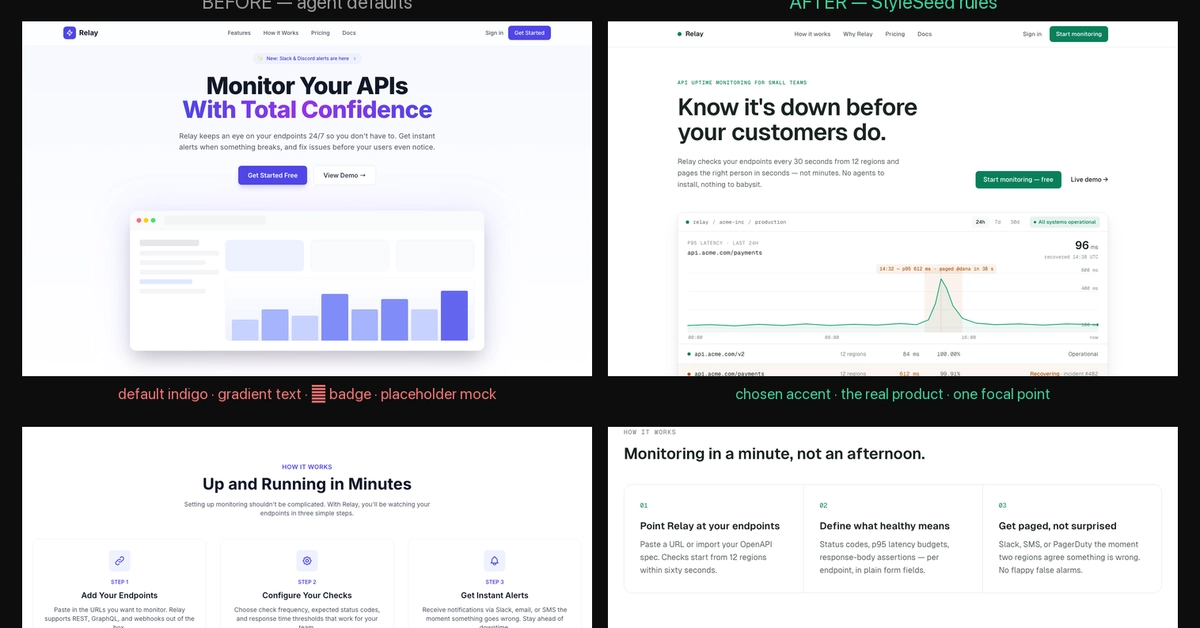
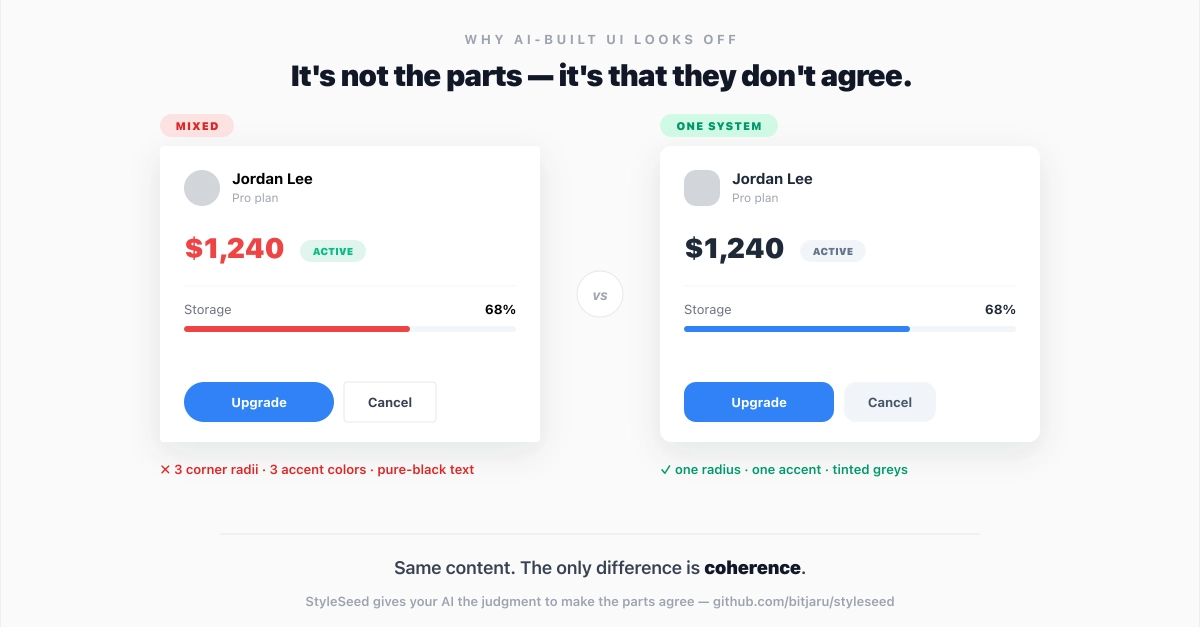
It's never an obvious break. It's the padding that's 12px instead of 16. A font weight that's 500 where the design says 600. A border radius that's a couple pixels off. A gradient that starts at the wrong stop. Each one tiny, but together they're the difference between "looks like the design" and "looks like someone who sort of saw the design once." And the only way I was catching any of it was opening the Figma frame and the browser side by side and squinting back and forth like it's a spot-the-difference puzzle.
That got old fast. What bugged me most was that the agent had no idea it was wrong. It would read the design, write the code, and confidently tell me it matched. It couldn't check its own work. Every Figma tool I tried could feed it data about a node, but none of them could answer the actual question: does the thing you just built look like the thing the designer drew?
So I stopped squinting and built the missing piece. It's a local tool called figma-connect, and the part I care about is one function: verify_node.