Here's a thing that catches almost everyone the first week they run a model locally. You paste a 600-line file into your shiny new local assistant, ask it to find the bug, and it confidently rewrites a function that isn't even in the part it read. No error. No warning. It just... silently dropped most of your file on the floor before the model ever saw it.
That's not the model being dumb. That's Ollama doing exactly what it was told. By default it gives every model a context window of 2048 tokens and quietly truncates anything past that. It's one of a handful of small surprises that separate "I installed Ollama" from "I actually understand what's running on my machine." Let's go through the ones that matter: how the thing works under the hood, what hardware you really need, the gotchas, and the honest answer to "should I even bother instead of just calling an API?"
What Ollama actually is
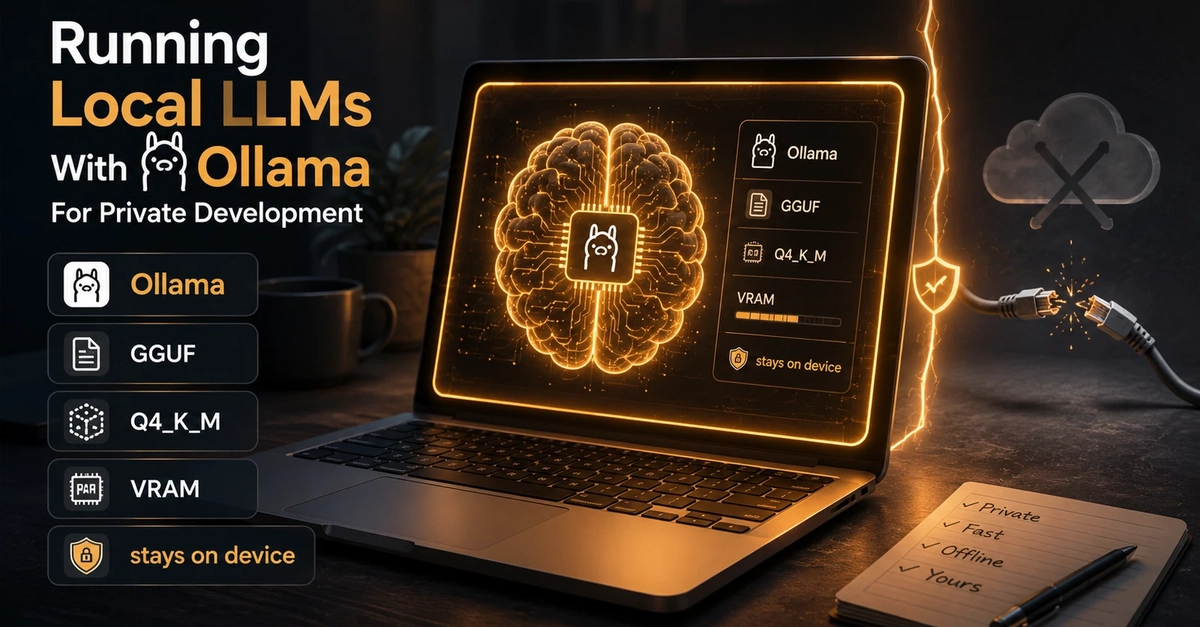
Ollama gets described as "Docker for LLMs," and that's a decent first approximation. You pull a model, you run it, there's a registry. But it hides what's doing the heavy lifting. Underneath, Ollama is a friendly wrapper around llama.cpp, the C/C++ inference engine that made running these models on consumer hardware practical in the first place. When you type ollama run, you're really booting a llama.cpp runtime with a sane default config and a tidy HTTP server bolted on.