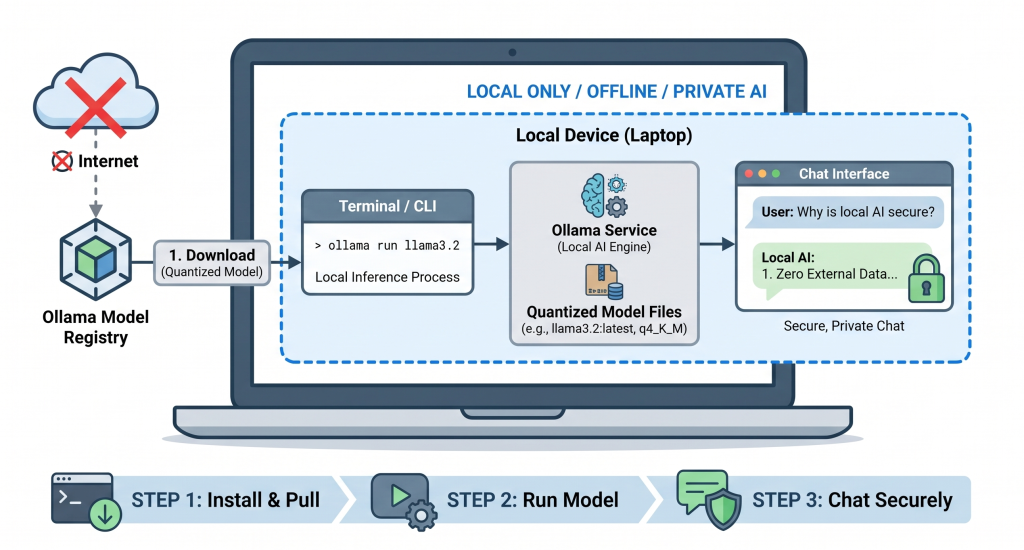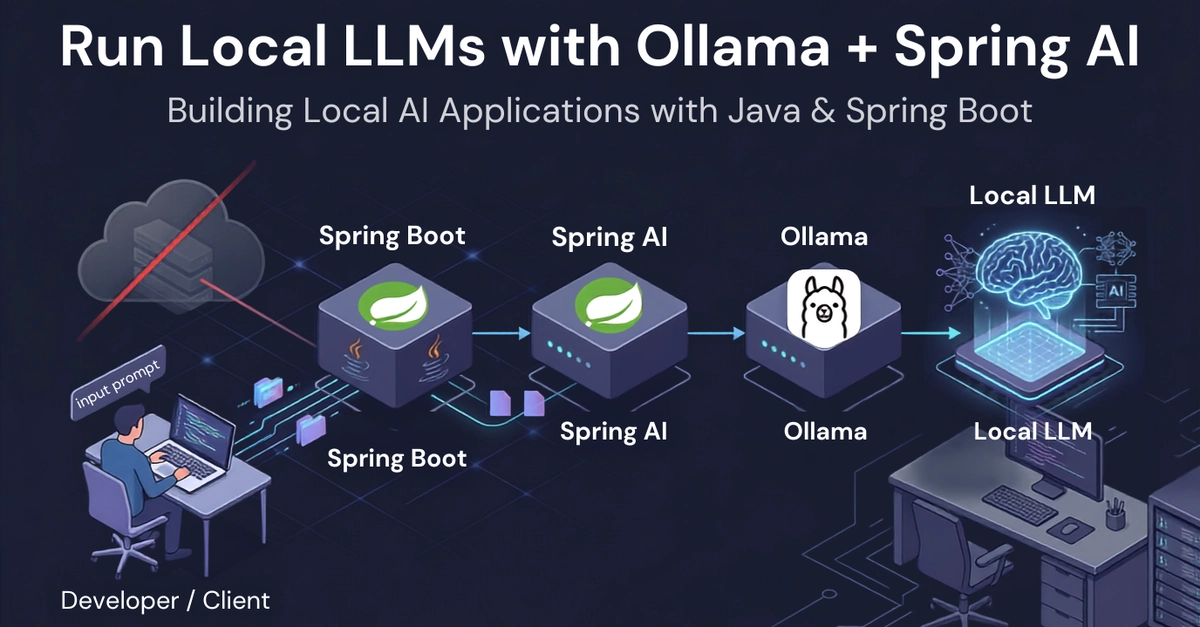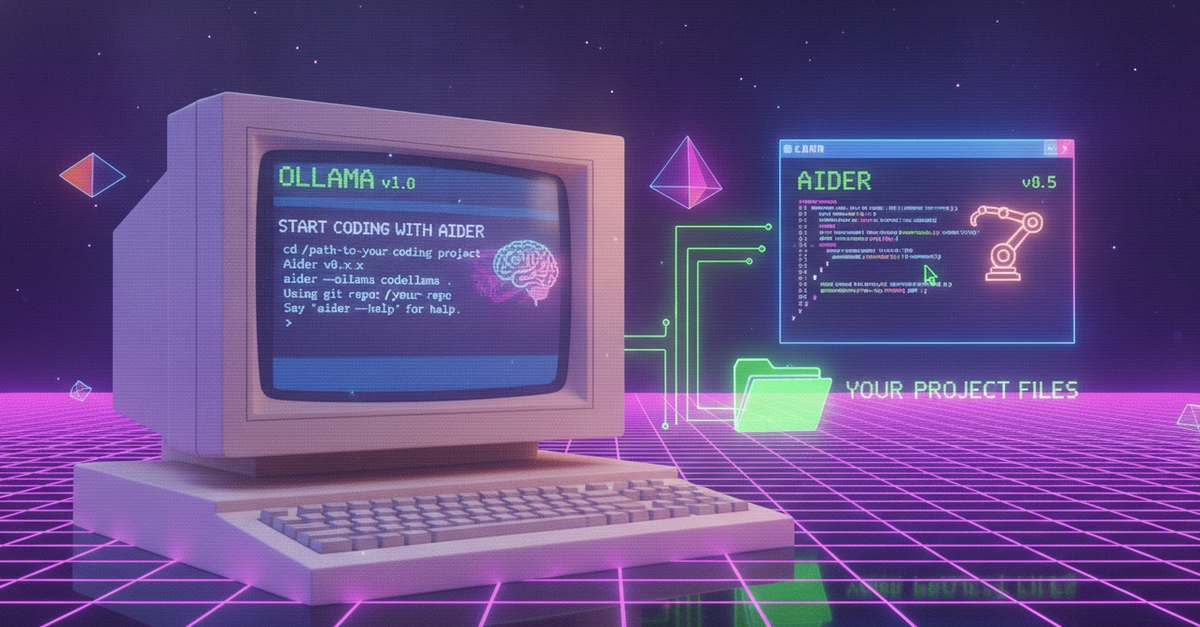
Over the past few months, I've experimented with several workflows for using LLMs in software development. In this article, I describe the local setup I've validated on my own PC: Ollama running on Windows, Aider inside Ubuntu on WSL2, and a code-focused model running entirely on the local machine.
The machine I used for my first experiment runs Windows 11 with an Intel Core i7-1355U CPU, 48 GiB of RAM, and no dedicated NVIDIA GPU. It's generally a capable machine, but not particularly well suited for AI inference. Because it lacks a dedicated GPU, I had to run the model in CPU-only mode.
The goal of this setup was to create an environment where both the source code and the data remain entirely on the local machine—far from the cloud-based frontier model approach.
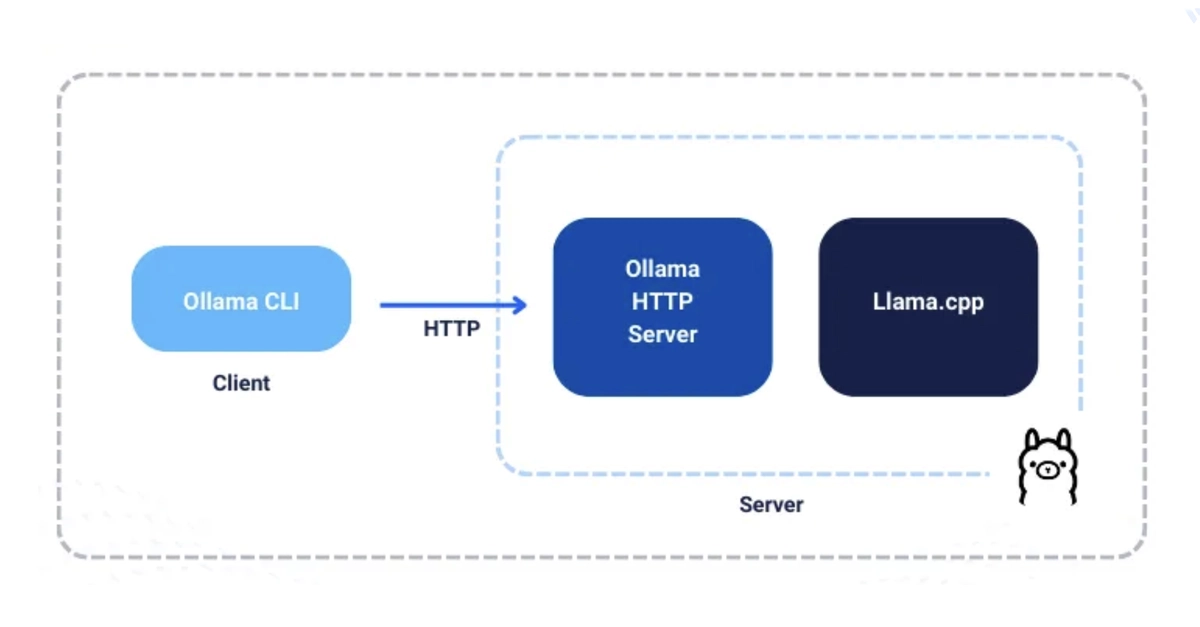
From an architectural standpoint, I decided to keep Ollama on Windows because I also use the installed models with other Windows applications, and I wanted to avoid maintaining duplicate model installations. Aider, on the other hand, runs inside WSL, where installation and configuration are simpler and the Linux command-line environment is more convenient.
Ollama remains exposed on the local port 11434. Aider, running inside Ubuntu WSL2, connects to Ollama through the OLLAMA_API_BASE environment variable.