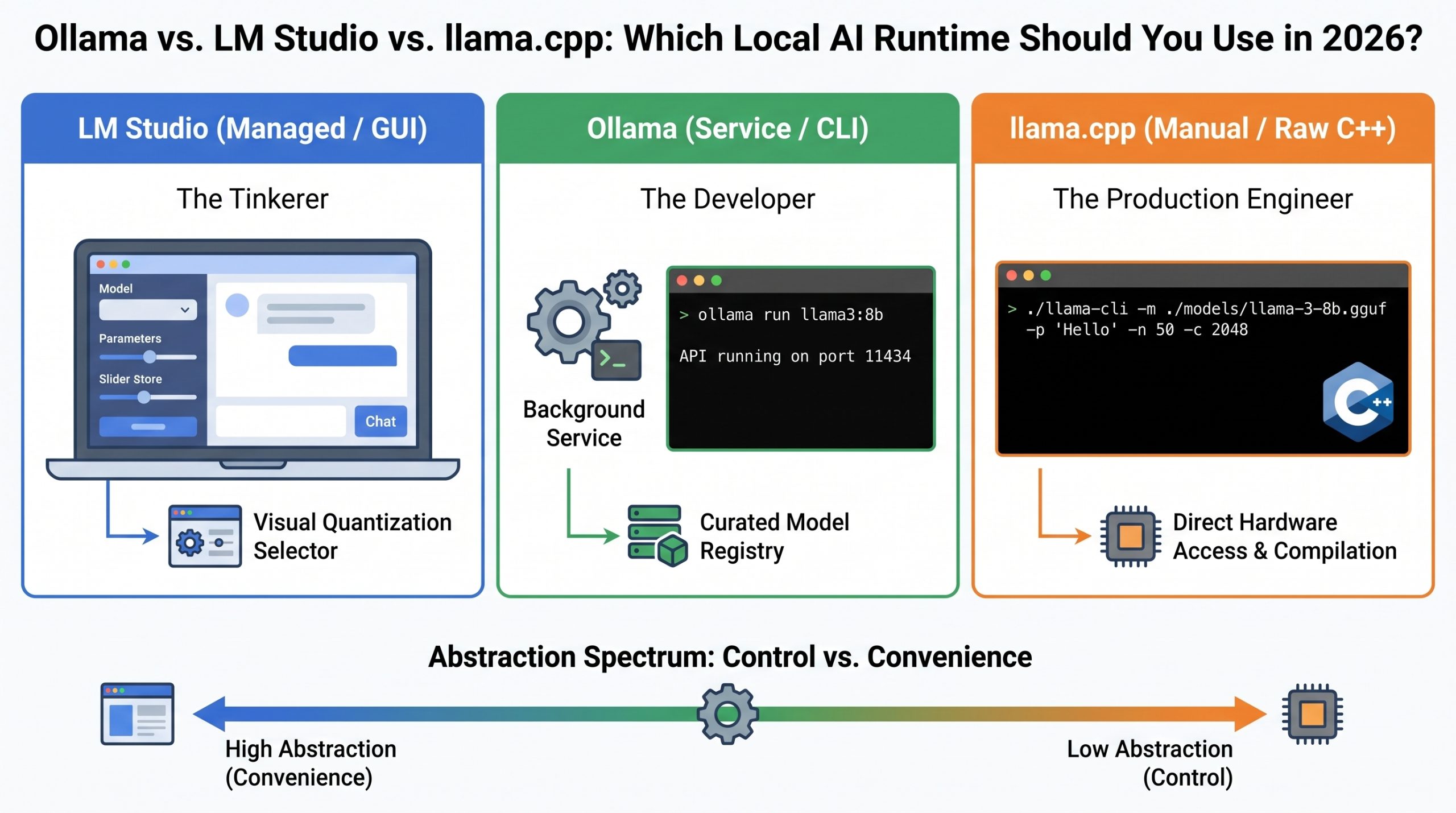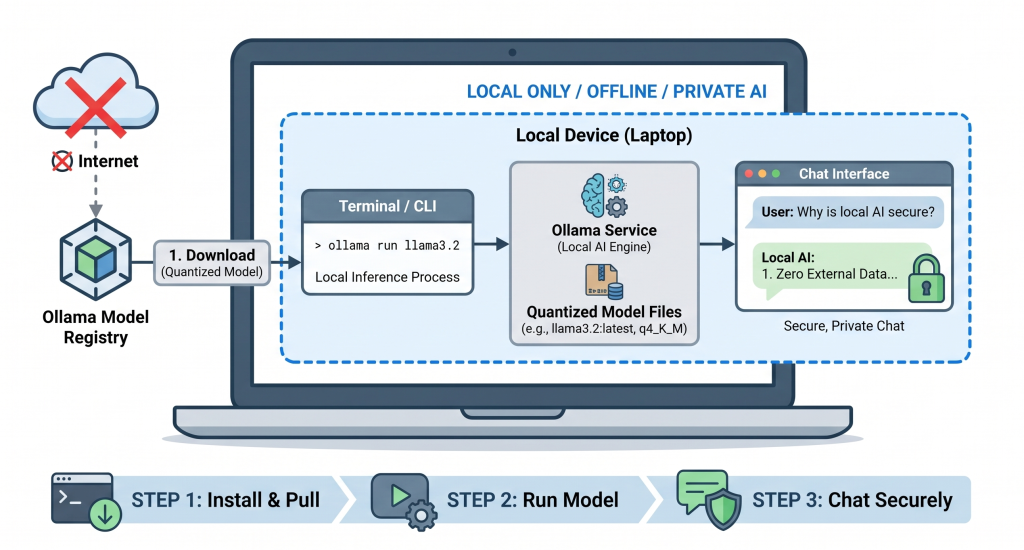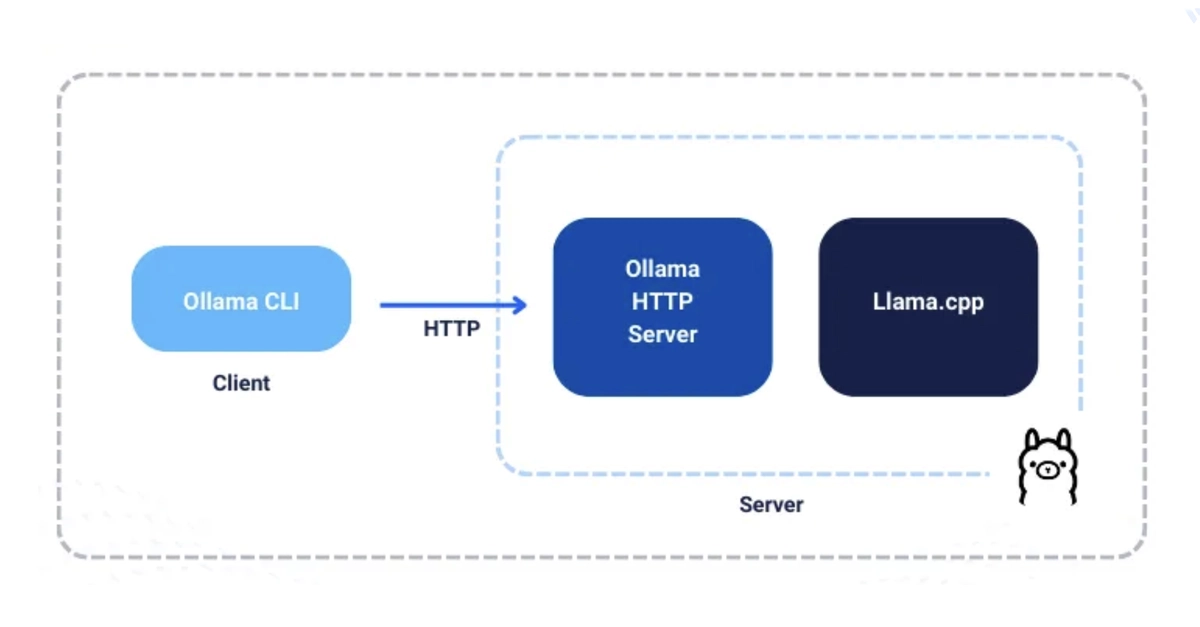
Ollama is an open-source platform for running large language models locally (Llama 3, DeepSeek R1, Mistral, Phi-4, Gemma 2, and more) with no internet connection or cloud API required. Running models locally improves privacy, security, and gives you full control over performance tuning. This guide installs Ollama on Linux/macOS/Windows, downloads and runs models, and covers management and environment-variable configuration.
Install Ollama
Linux
1. Install via the official script:
$ curl -fsSL https://ollama.com/install.sh | sh