If you’ve ever scrolled through an endless graveyard of ChatGPT conversations trying to find that one thread where you nailed your budget spreadsheet formula, OpenAI finally heard you. The company has rolled out pinned chats and a revamped projects system across its web and mobile platforms, giving users actual tools to wrangle their ever-growing pile of AI interactions.
What pinned chats and projects actually do
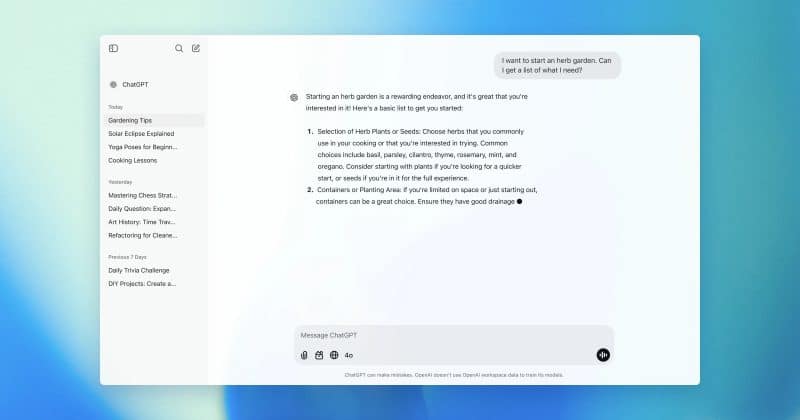
Pinned chats are exactly what they sound like. Users can now fix their most important conversations to the top of the sidebar, so they don’t get buried under newer threads. The feature has rolled out across web, Android, and iOS.
Projects let users group related chats and files into customizable workspaces. If you’re using ChatGPT to help manage a product launch, for instance, you can bundle all relevant conversations, uploaded documents, and custom instructions into a single project folder rather than hunting through your history.
Each project supports per-project custom instructions, meaning you can tell ChatGPT to behave differently depending on which workspace you’re in. Your coding project can enforce a specific programming style while your writing project maintains a different tone.