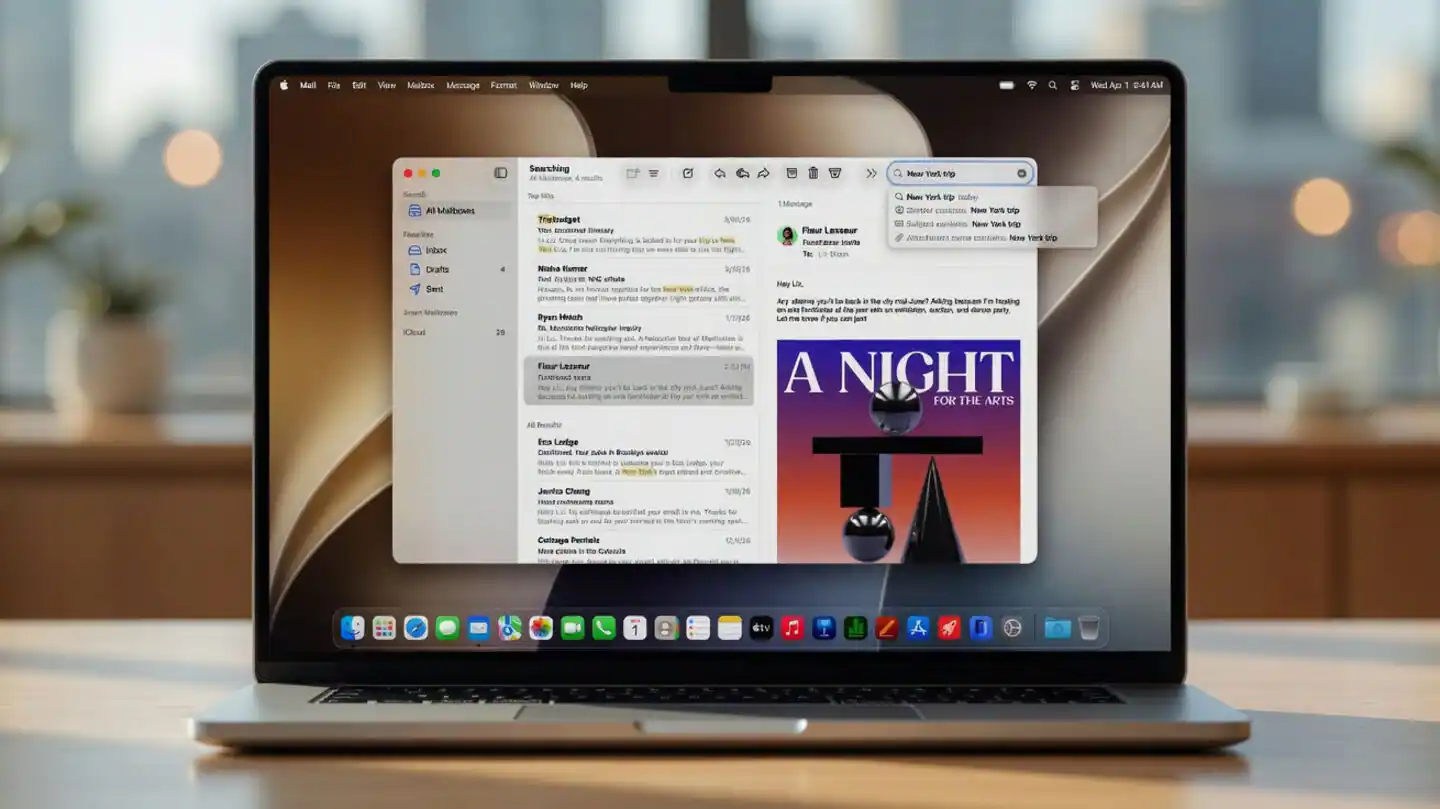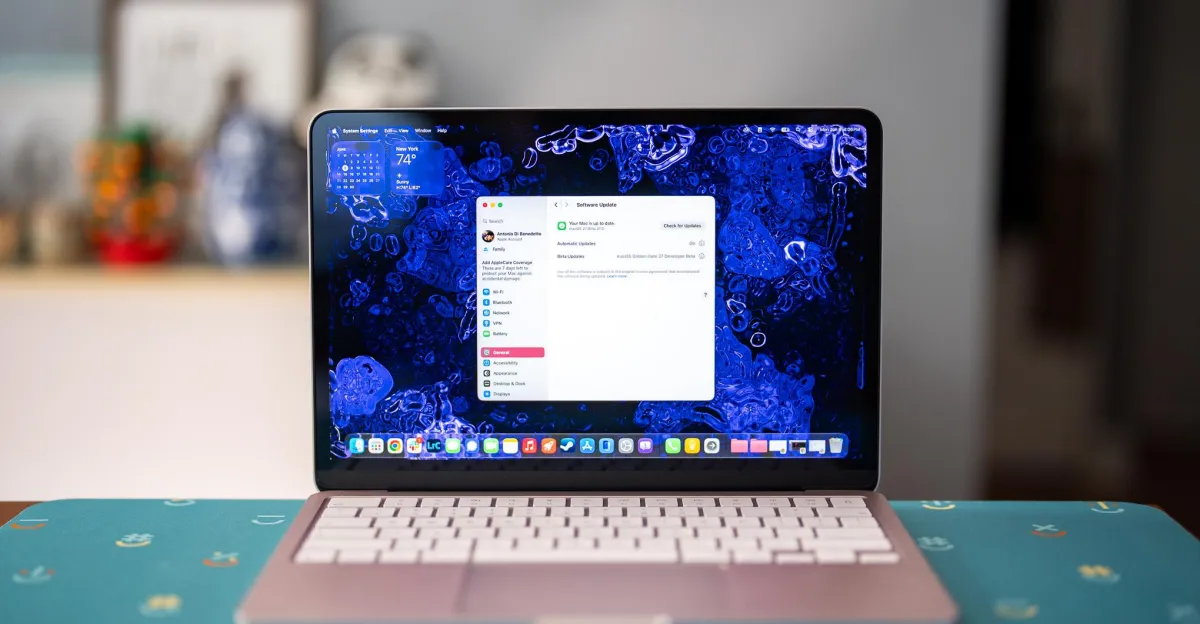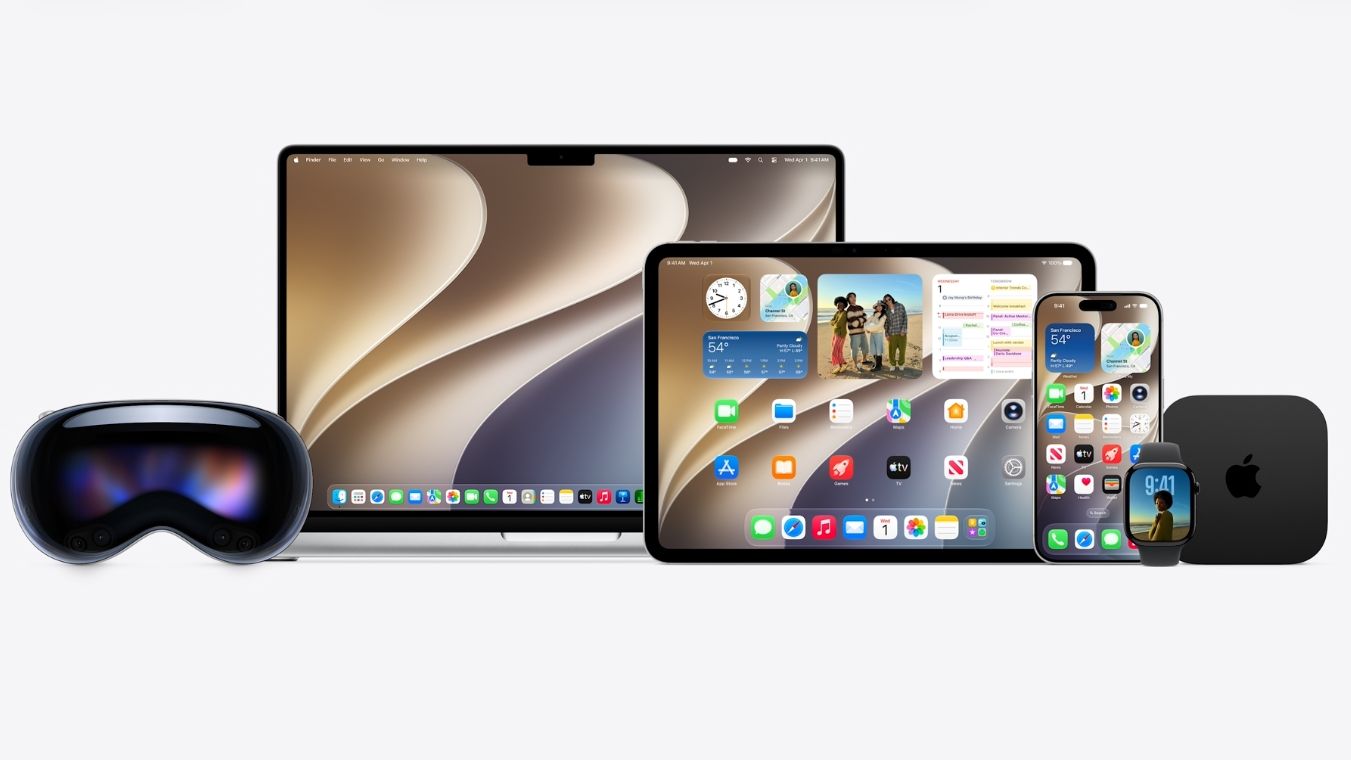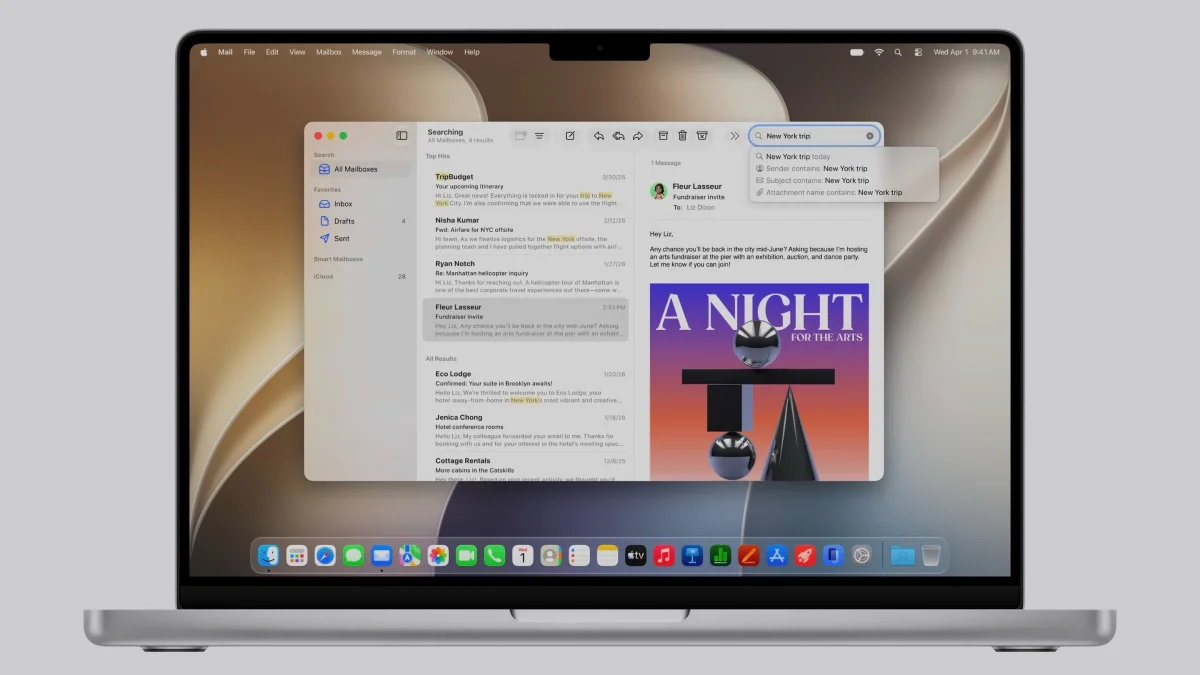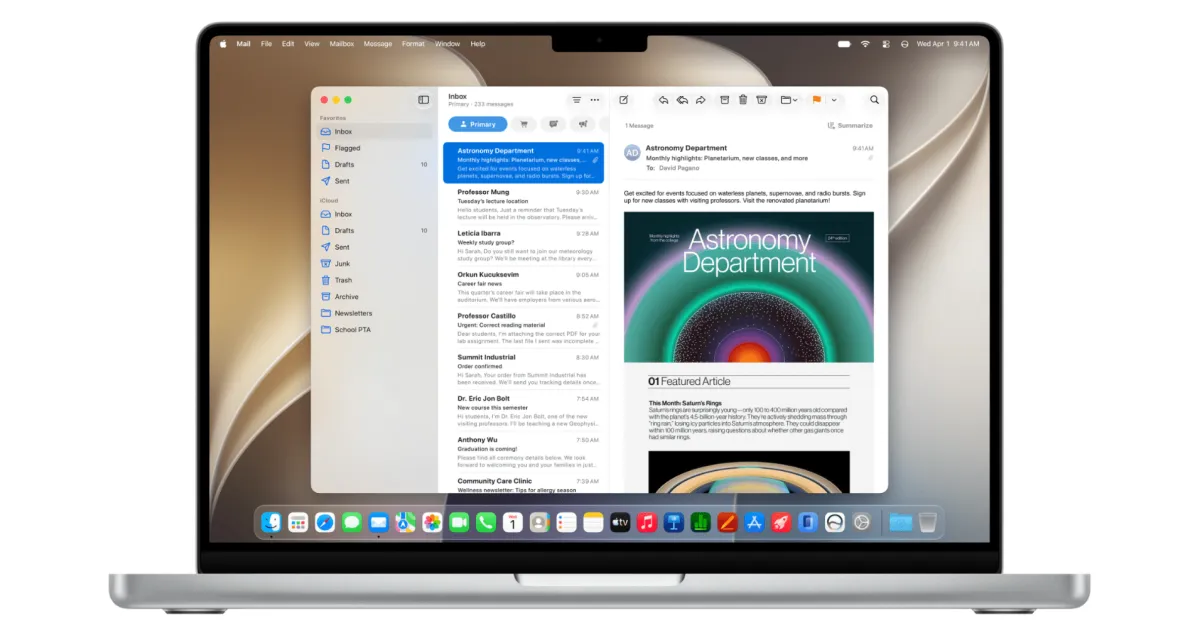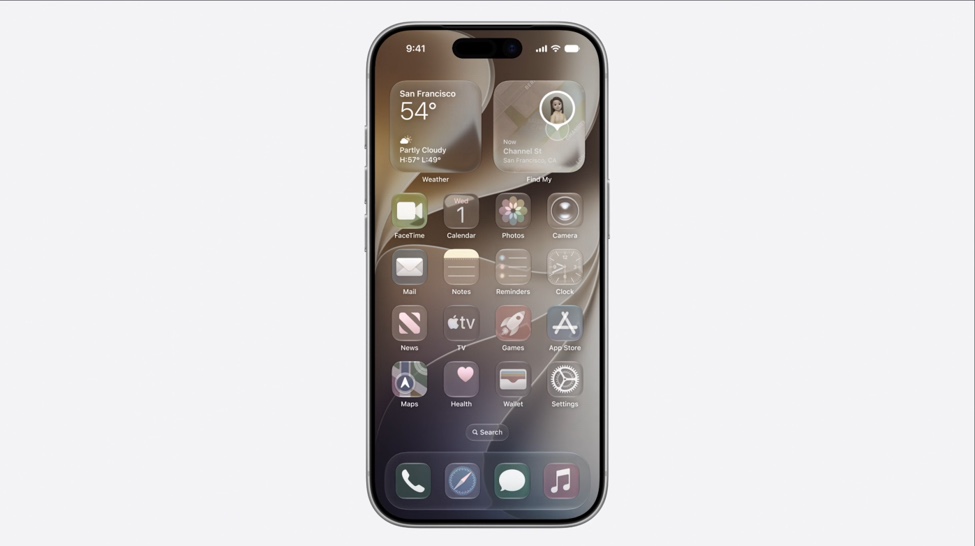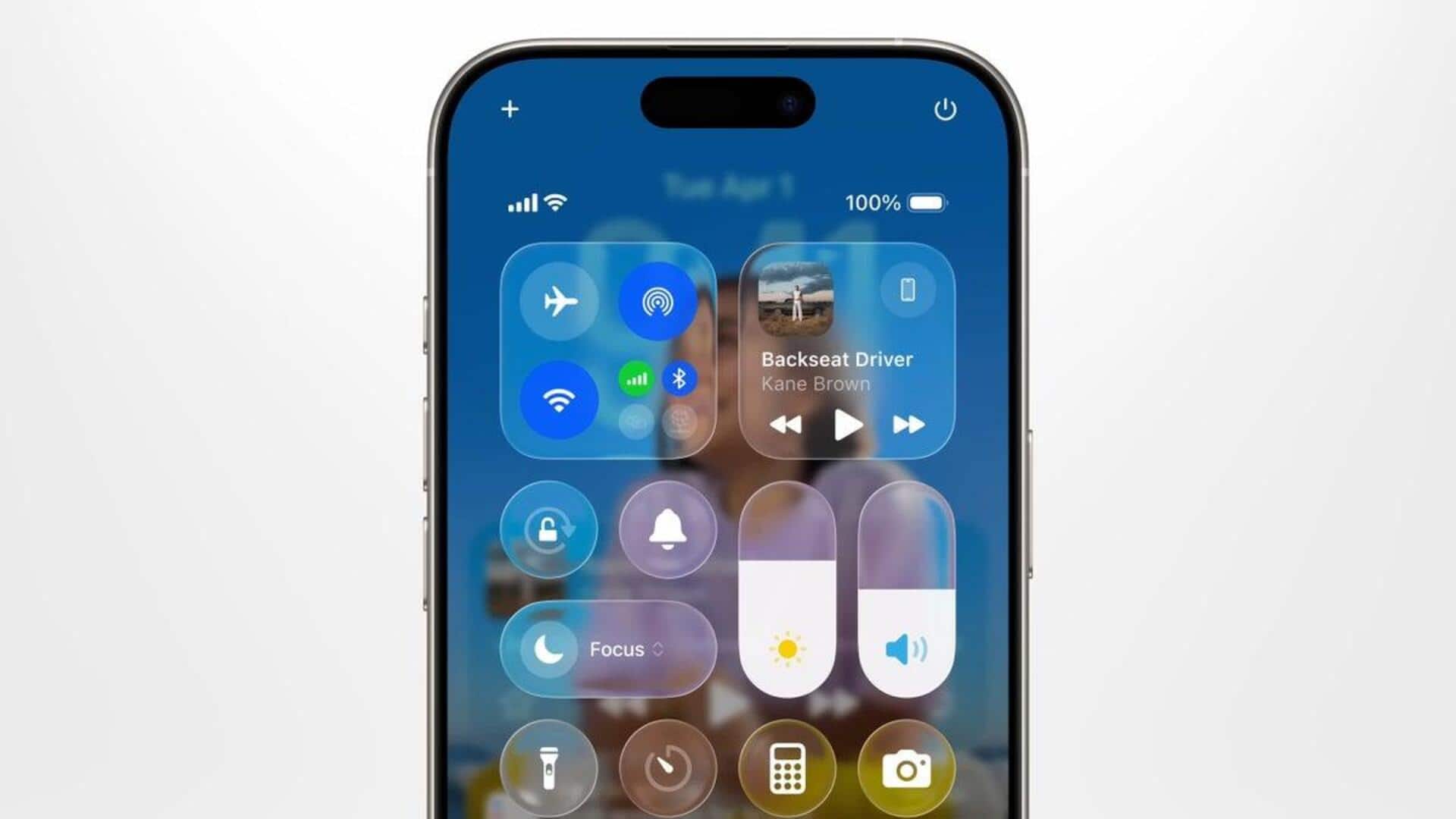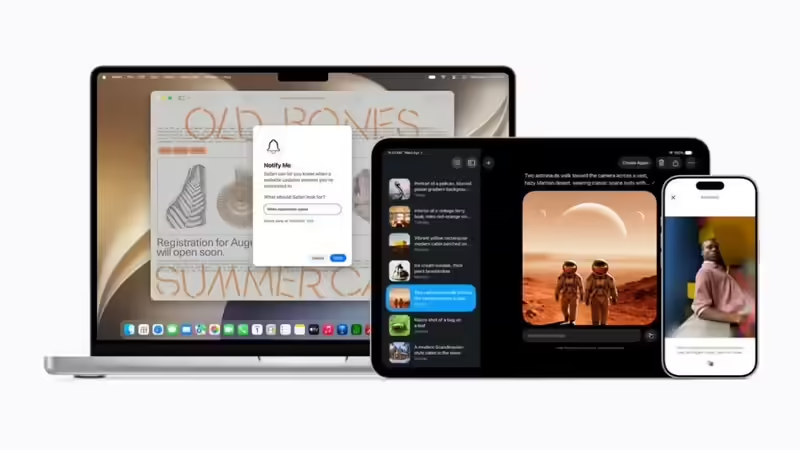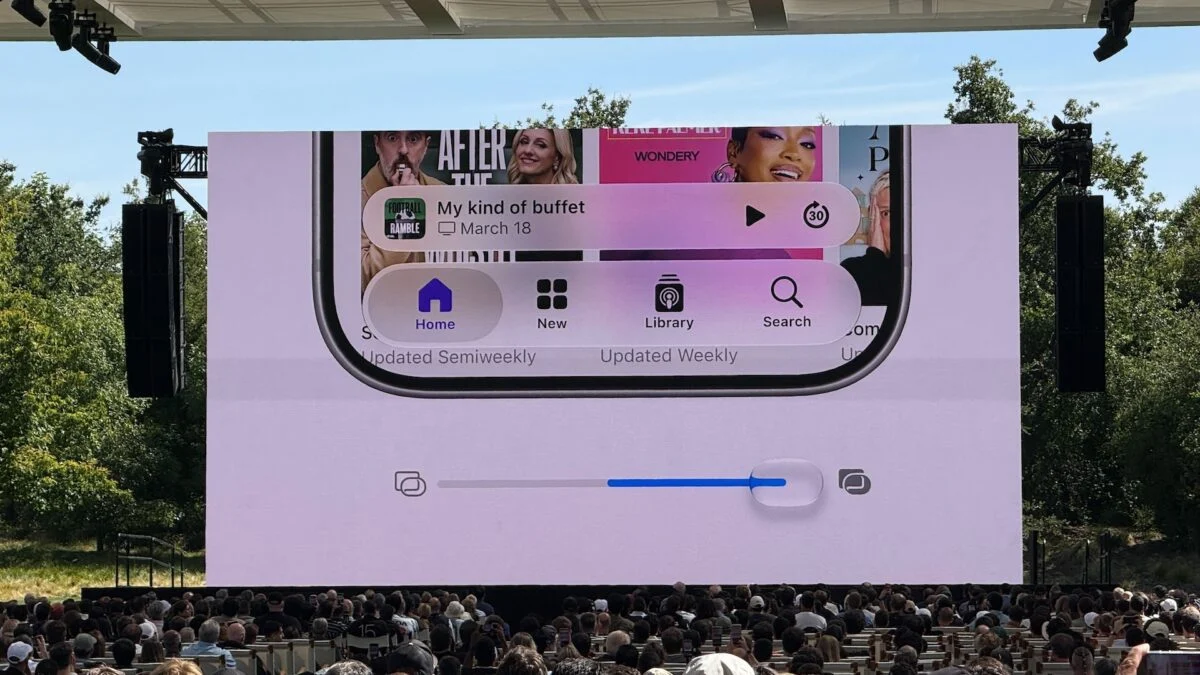
The big changes coming to macOS 27 may fix the worst parts of macOS 26, namely those awkward and occasionally illegible translucent Liquid Glass UI elements. The new macOS 27 Golden Gate (yes, like the Golden Gate Bridge), first showcased at WWDC 2026, modifies some of the UI elements to make them seem better built for a current MacBook display. The changes are subtle, but they should reduce those transparency issues you had with macOS Tahoe.
Apple said it “listened to users and developers” as it refined the new designs of Liquid Glass. The new look reduces the odd distortion you can get of elements that exist behind the translucent windows. There are multiple new modes for the UI that will reduce issues you used to see when using regular apps, especially on the LCD-based displays on the MacBook and MacBook Pro. Apple is also changing up how Search works. Macs will now have a more comprehensive index that catalogues what’s on your device. So now, instead of pulling up all the documents you don’t want in Finder, you should be able to surface the actual photos you need. Apple further claimed it upgraded CPU utilization to increase the responsiveness inside macOS and its other operating systems. Apps are supposed to launch faster on iPhones and Macs alike. In addition, apps’ toolbars and sidebars now have a uniform look to differentiate the text between those elements you can see underneath. Apps like Apple Music regained the color you used to see in the app’s side window. Toolbars also had their UI elements bolded, which helps make them look more clear. This story is developing…