(Image credit: FIFA)
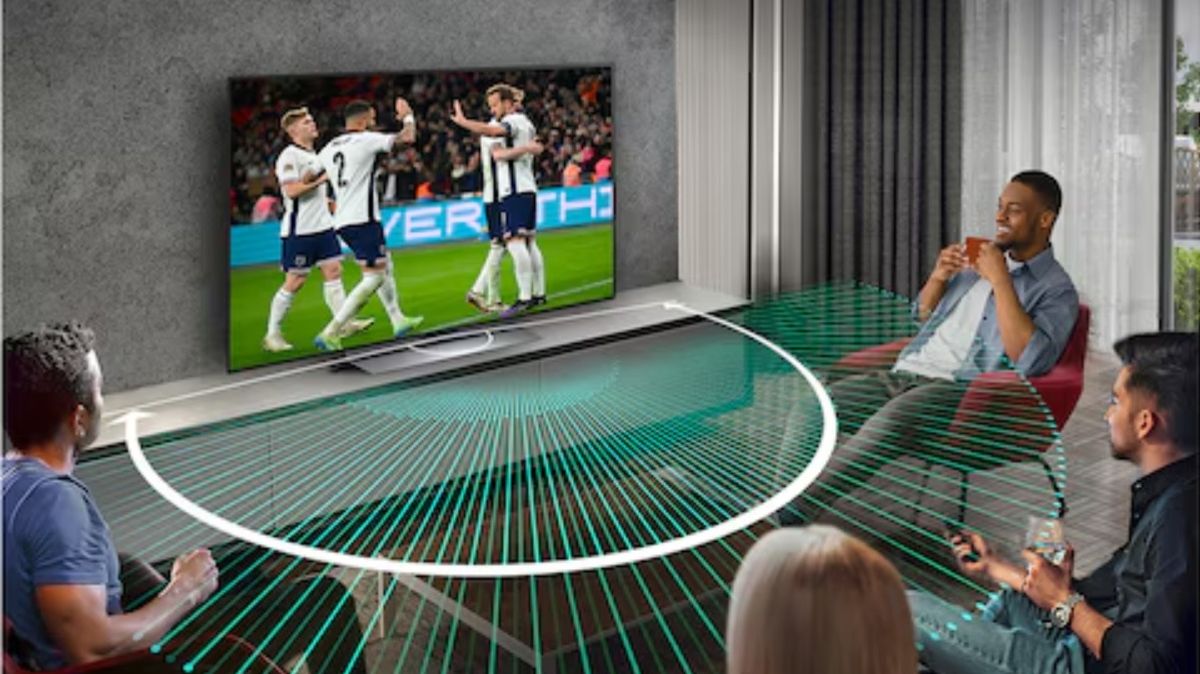
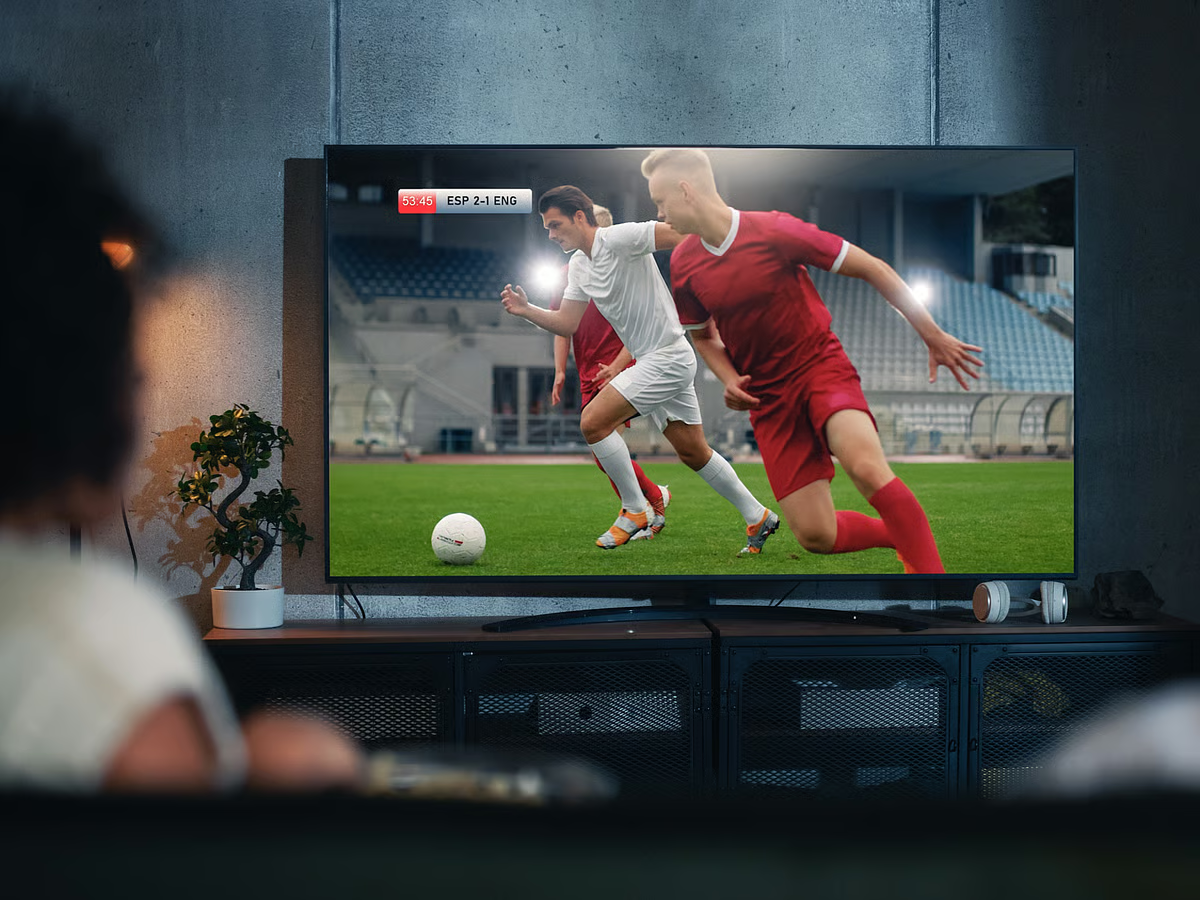
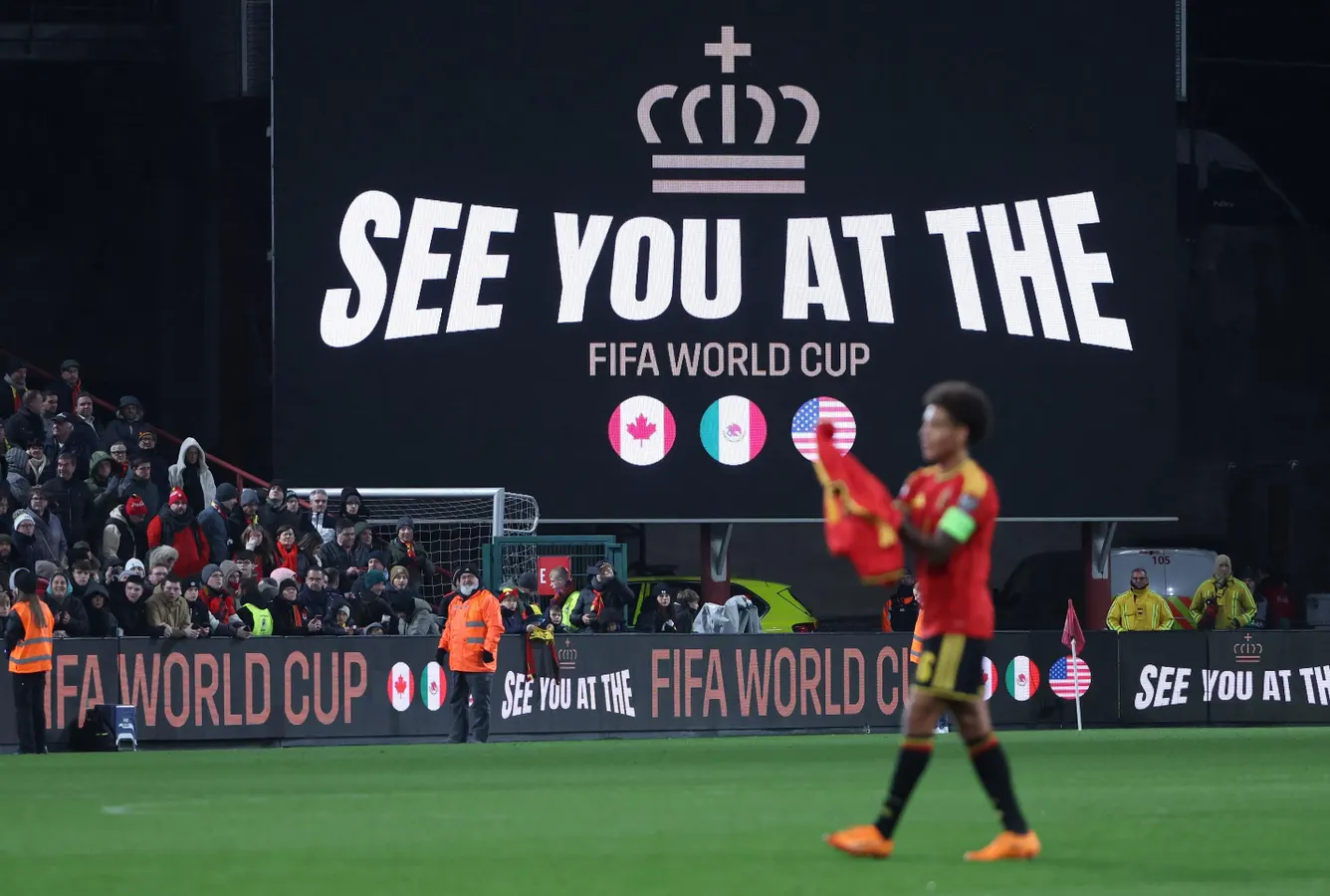
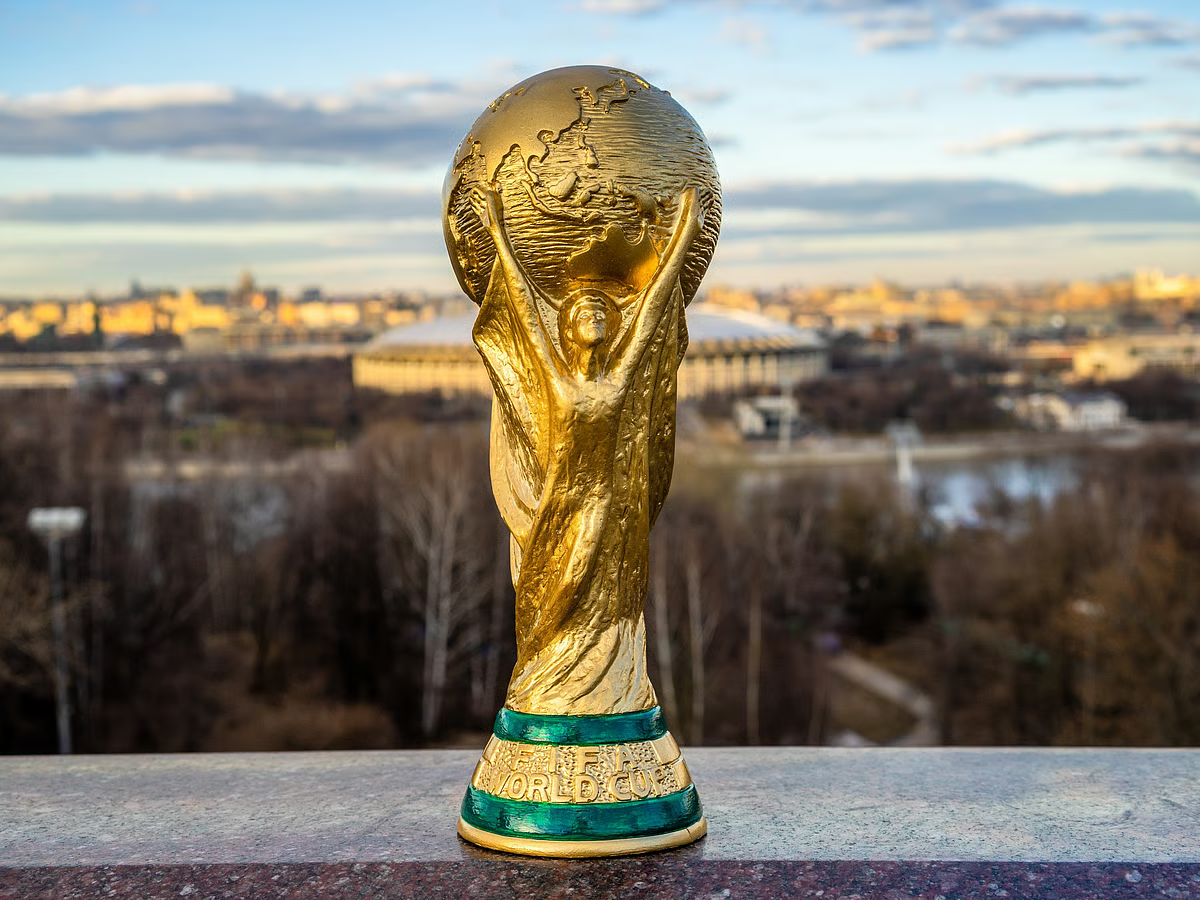
Around two billion people will be watching the FIFA World Cup when it kicks off on June 11. As 48 men's teams from across the globe compete for the honor of lifting the coveted trophy on July 19, some fans will be watching in more comfort than others.The matches, hosted across the U.S., Mexico and Canada, can be streamed on everything from the best phones and best tablets to the best laptops and best TVs.But if you're watching on a LG TV, there's one simple setting worth changing before the first whistle blows — it takes less than a minute and can make a surprisingly big difference to your viewing experience.Below, we walk through exactly where to find that setting and what it does. May your favorite team win.
1. Select a mode
Go to your TV’s settings and select the Picture Mode option. Even though your LG TV may offer a Sport mode, many experts would suggest sticking to the Standard mode for football because it gives a balanced image. Besides, there’s a more important setting to adjust as we’re about to see.
2. Find motion smoothing