(Image credit: Samsung)
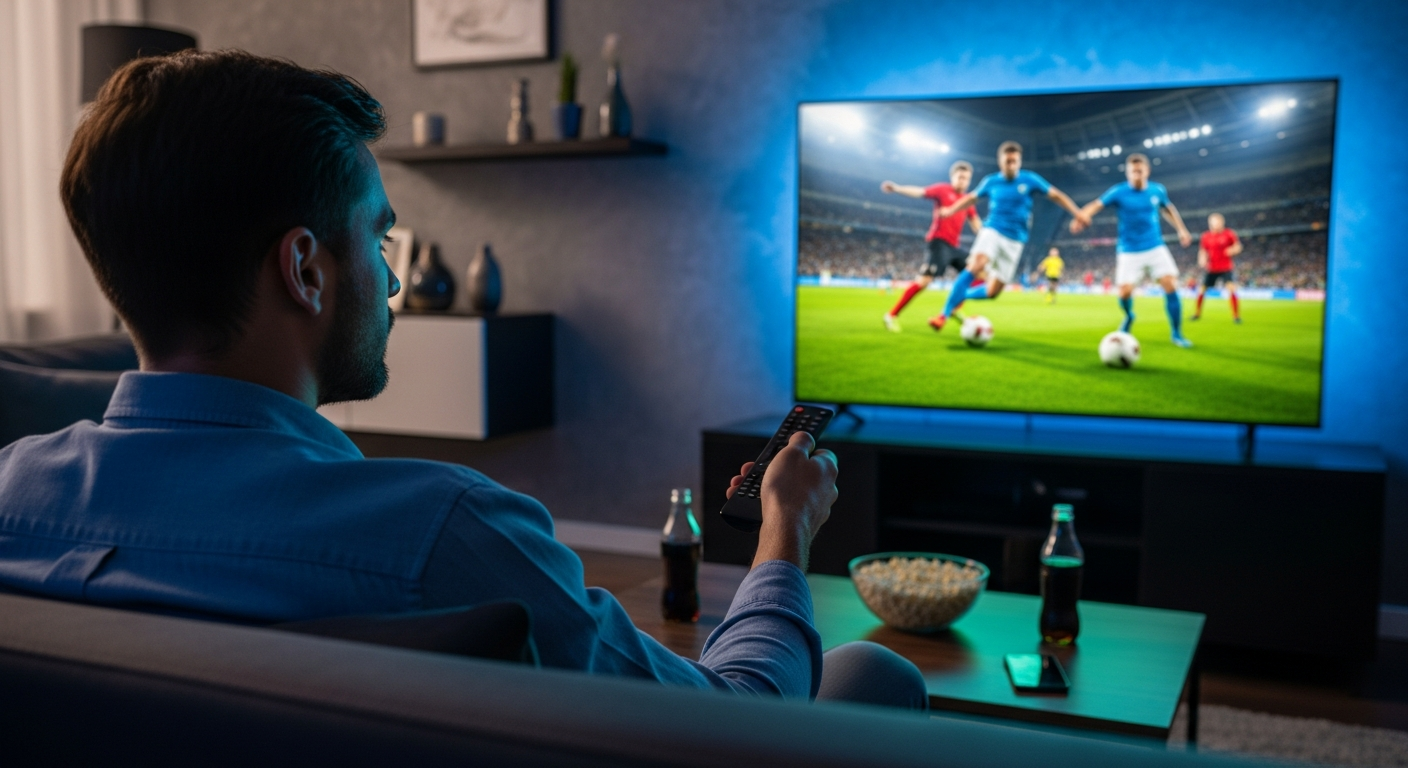
Samsung TVs ship with default settings optimized for showroom displays and energy savings, not sports viewing. Out of the box, your Samsung TV is working against you during the World Cup.Motion smoothing makes live actual look unnatural. Eco Mode dims brightness and reduces contrast. Standard audio buries commentary under crowd noise, and so on. But it doesn't have to be so! These five quick setting changes transform how the FIFA World Cup looks and sounds.These adjustments take minutes but deliver stadium-quality viewing. Here's exactly which settings to tweak.
1. Disable Picture Clarity (motion smoothing)
Samsung calls motion smoothing "Picture Clarity," and it's often enabled by default. This feature adds extra frames between actual video frames to reduce blur. For sports, this is the opposite of what you want. It makes live action look overly smooth and artificial, aka the "soap opera effect."Go to Settings, Picture, Expert Settings, Picture Clarity Settings and set it to Off. This restores natural motion and makes World Cup matches feel immediate and realistic. If you watch other content where slight smoothing helps, you can experiment with settings, but for live sports, Off is the right choice.