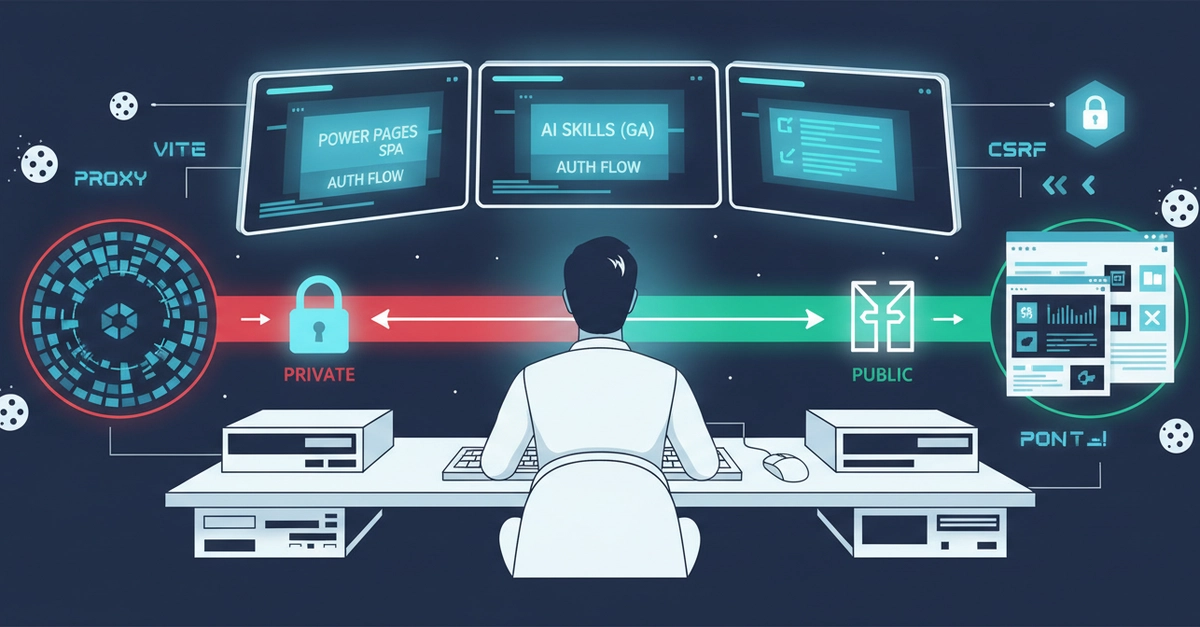
TL;DR: building a Power Pages SPA with the GitHub Copilot AI skills for Power Platform, the portal handles authentication in a completely different way from the previous article — custom React forms, server-side form scraping, CSRF token fetching, session resolution via /_services/auth/user. And yet, when running locally, it hits exactly the same wall: the portal set to "Private" redirects every request through Entra, with a redirect_uri that points to the production URL. The fix is the same: set the portal to "Public".
Microsoft recently released the AI skills for building Power Pages portals to GA, and that made them worth revisiting seriously. Compared to the earlier preview, the GA wave brings more commands, broader end-to-end operations, and much better support for authentication models beyond Entra.
So I did what I usually do when I want to understand a tool properly: I tried to build a portal from scratch using only the Microsoft-provided skills.
The test case was a ticket management portal: external users register, open tickets, track progress, and exchange comments with a support team. The data model I built the usual way, with PACX, because I still find it significantly more effective for that part of the job. The rest — portal, authentication, and Web API integration — was generated through the skills, with me acting mainly as the person defining requirements, reviewing the plan, and approving each step.