Chat is one interface for working with agents, but UI work tends to be spatial. Designers, PMs, and frontend developers often communicate through annotations that point to elements, regions, or the state of the page.
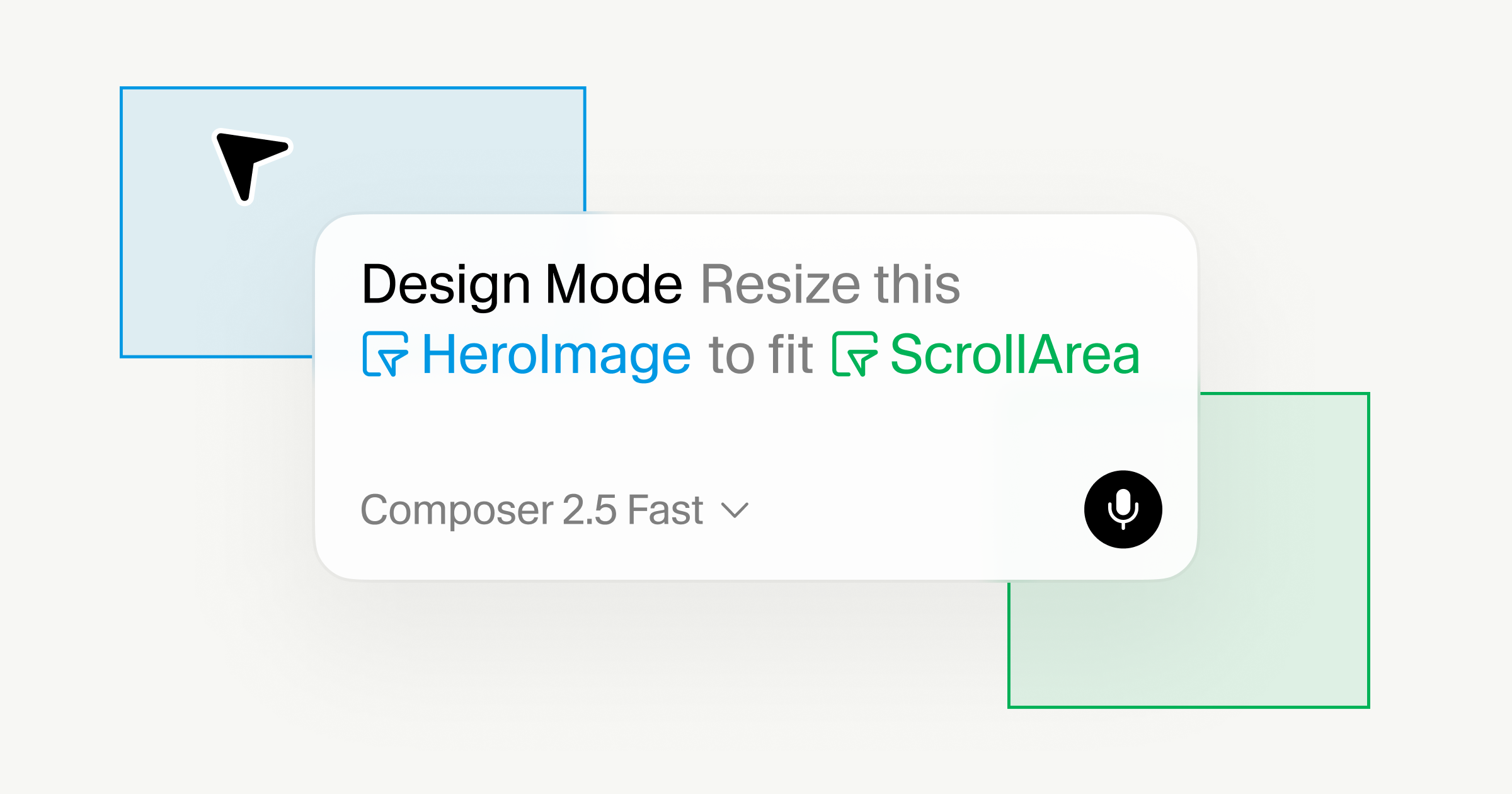
Design Mode, which we're updating today, is part of how we're shrinking the distance between what you see and what the agent understands. It lets you edit your product in context while staying in flow.
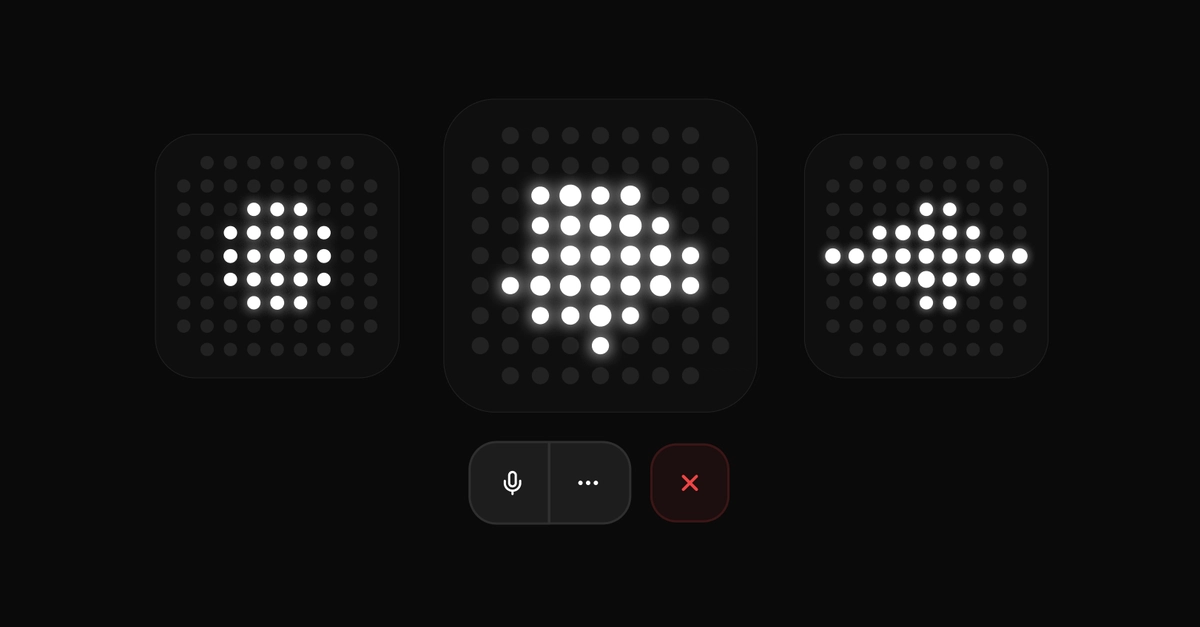
From the Cursor browser, you can click any element, draw on the page, or describe the change by voice, and Cursor gets the context it needs to edit the code while you move on to the next edit.
It is a faster, easier way to iterate on design changes with agents because the instruction is no longer just a sentence—instead it can include the selected element, the code behind it, the surrounding layout, and the visual relationships on the page.
This makes the loop between noticing and editing tighter. You can point at the part of the interface you mean without leaving the running product, then keep making references against the product itself while agents make the edits underneath.