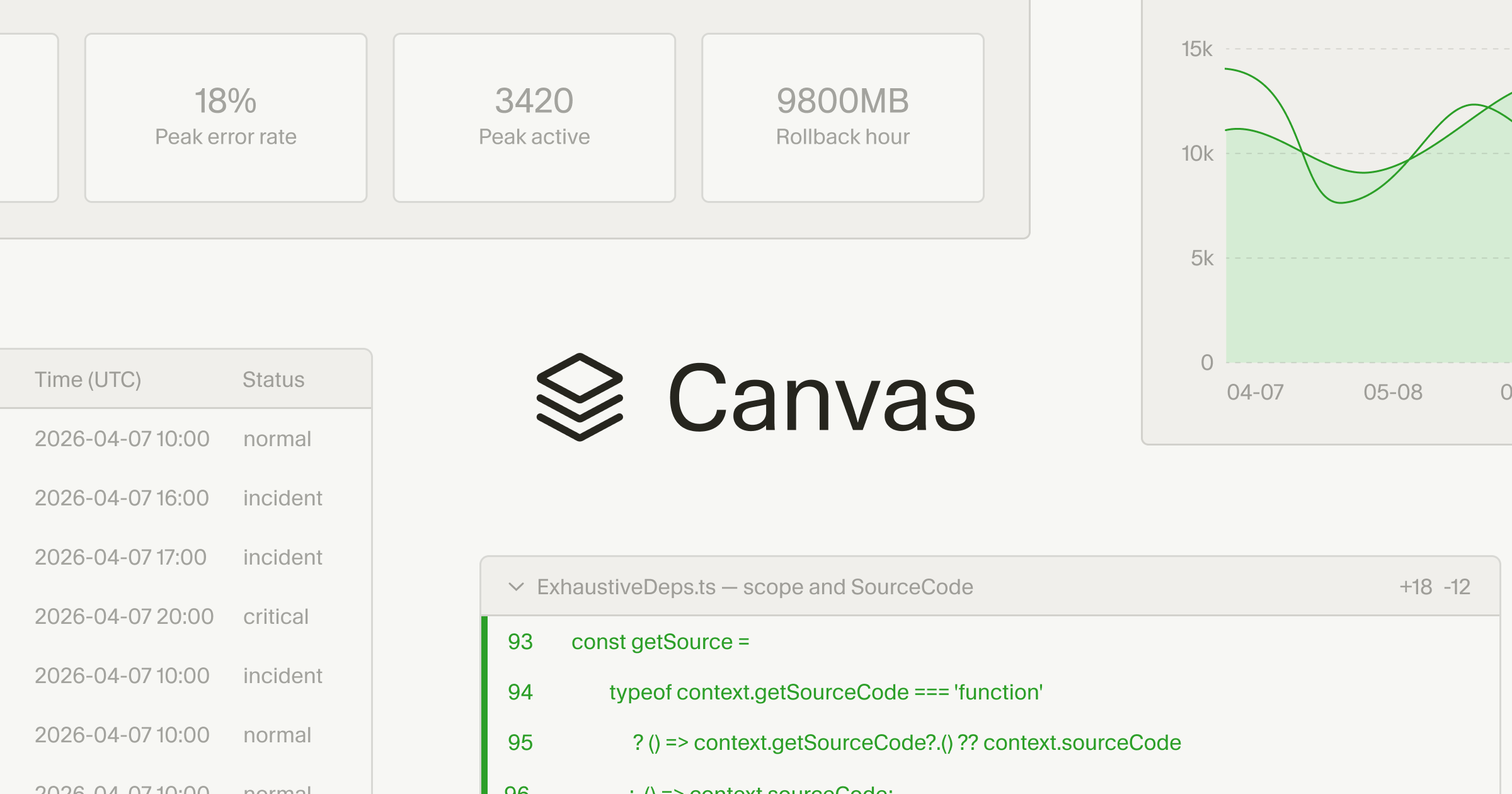
Cursor can now respond by creating canvases to visually represent information. This allows you to explore and interact with custom interfaces instead of reading walls of texts in chats or markdown files that can be hard to digest.
With canvases, agents can create dashboards for real-world data as well as custom interfaces with logic and interactivity tailored to your request. Agents can use them to help you review PRs, learn new libraries, or even manage other agents in Cursor. In the Agents Window, canvases are durable artifacts that live alongside your other tools like the terminal, browser, and source control.
Components as building blocks
Cursor renders canvases using a React-based UI library with first-party components like tables, boxes, diagrams, and charts. We gave agents access to existing components in Cursor like diffs and to-do lists, and we also instructed it to follow data visualization best practices.
You can create skills to teach agents how to create different kinds of canvases. For example, the Docs Canvas skill allows Cursor to generate an interactive architecture diagram of your repo.