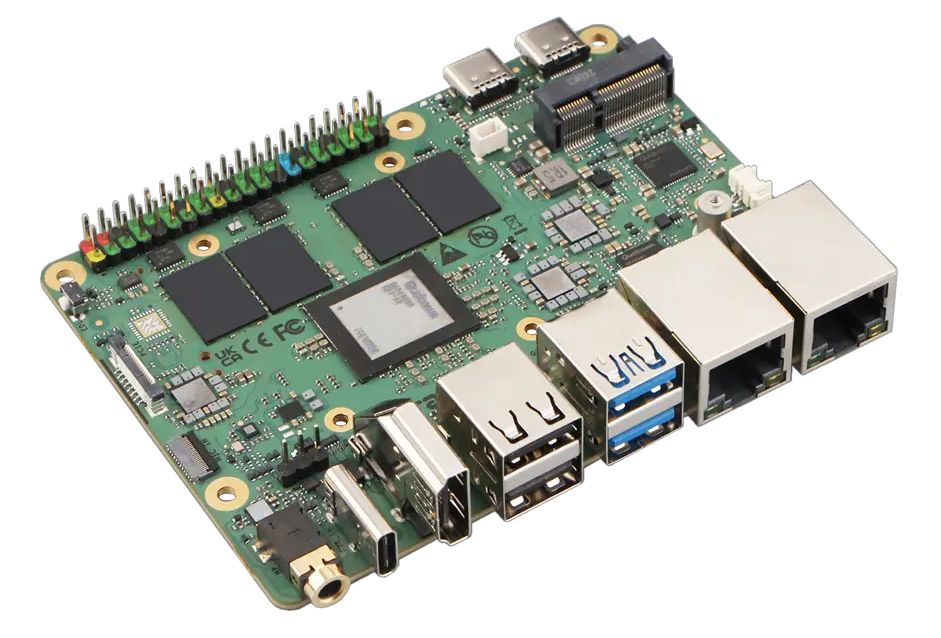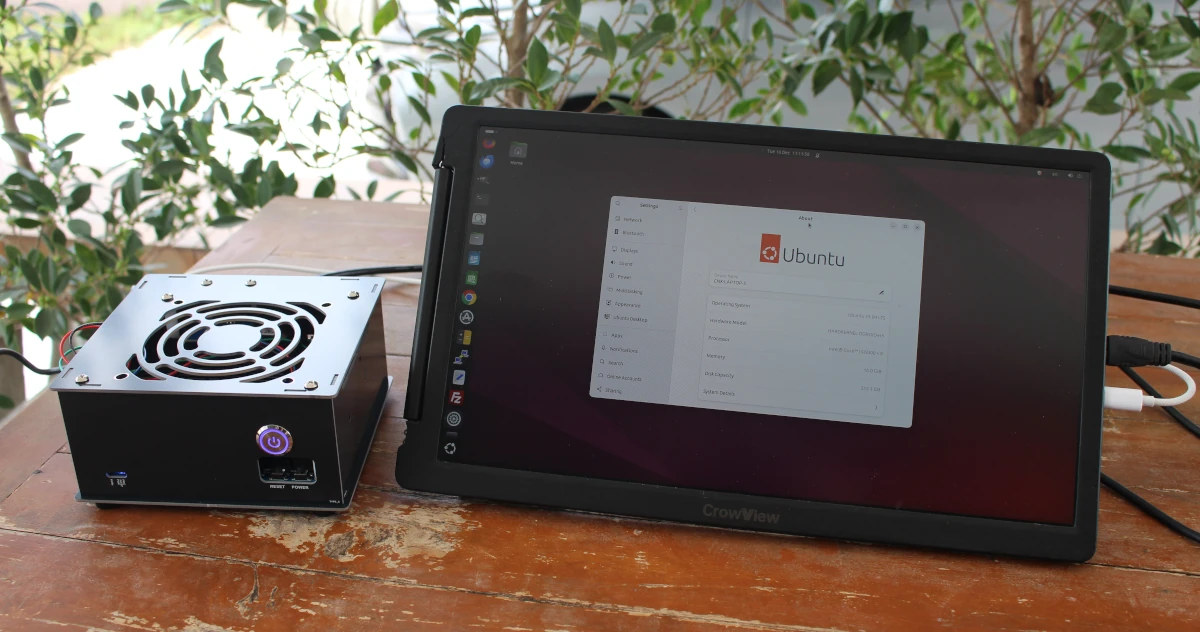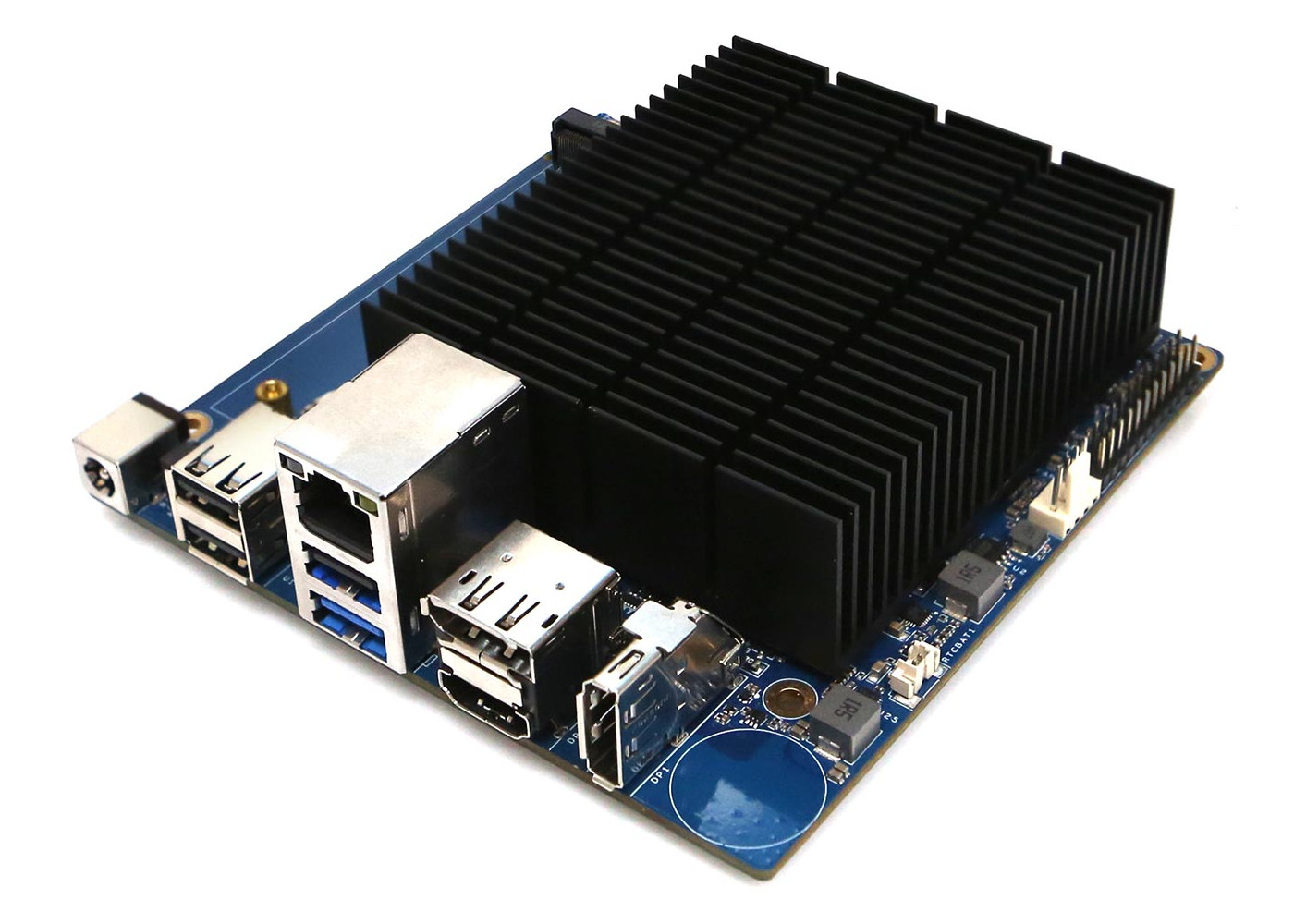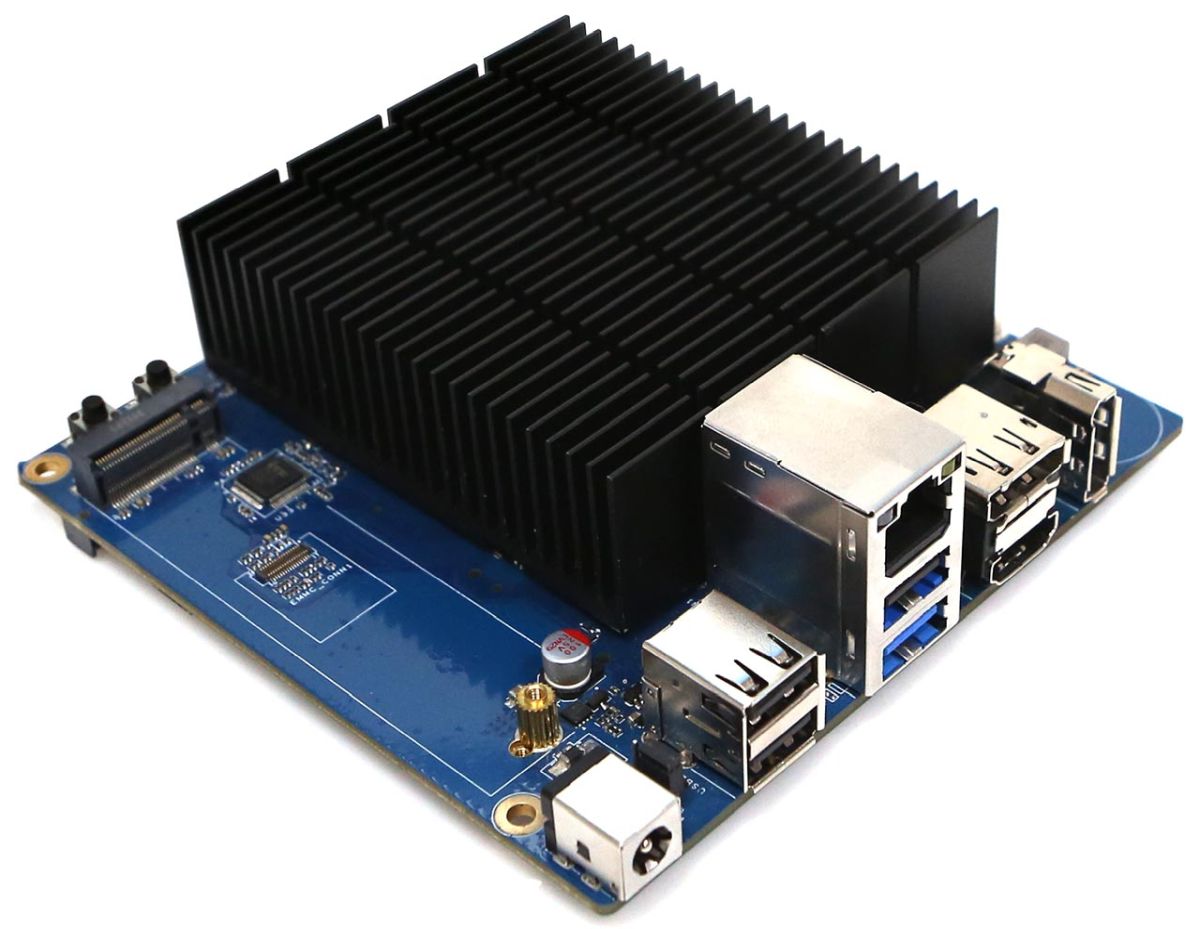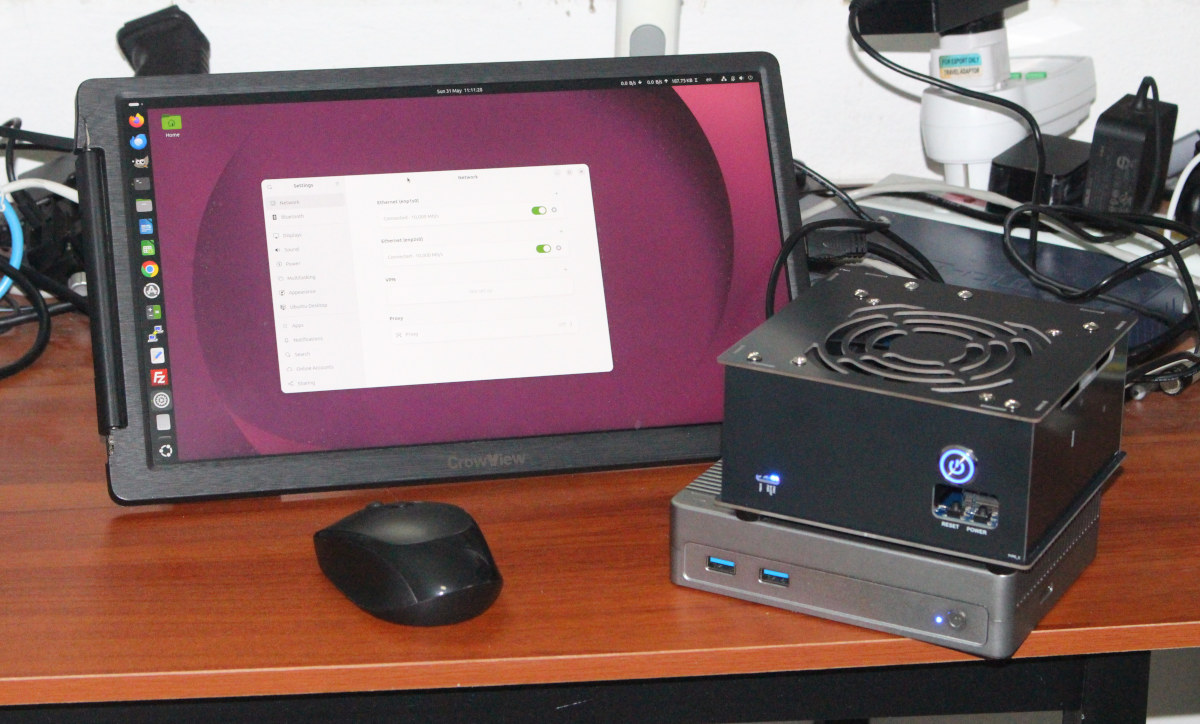
I received a kit for review last week with an ODROID-H5 SBC, a Type1 case, an M.2 10GbE module, and other accessories. In the first part of the review, I went through an unboxing, assembled the kit, and tested whether it could boot an M.2 NVMe SSD with Ubuntu 24.04 and Windows 11.I’ve now updated the system to Ubuntu 26.04, run a few benchmarks, tested the two 10GbE RJ45 ports, as well as other features. I’ll report my experience about all that today.ODROID-H5 running Ubuntu 26.04 on top of iKOOLCORE R2 Max for dual 10GbE testing
Upgrading from Ubuntu 24.04 to Ubuntu 26.04The 512GB M.2 NVMe SSD I use in the ODROID-H5 comes from a laptop, which I upgraded with a 2TB SSD. That means the operating systems were not upgraded for a few months. While Ubuntu 24.04 could boot, it would not show the two 10GbE interfaces.That’s because the required drivers were not available in the version of Ubuntu 24.04 HWE on the SSD. I thought, no problem, I’ll just use a USB-C dock with built-in Ethernet. The only problem is that the ODROID-H5 doesn’t come with a USB-C port. I switched the USB-C to USB-C cable with a USB-C to USB-A (power and data) cable, but the USB-C dock (MINIX 480GB SSD) was not recognized with that cable. I ended up using the same USB cable with my Android smartphone and enabled USB tethering to update Ubuntu 24.04 to a more recent kernel (Linux 6.17) with RTL8127 drivers.After that, both RTL8127-based 10Gbps Ethernet interfaces were recognized. Sp I disconnected the Android smartphone and upgraded from Ubuntu 24.04 to Ubuntu 26.04 over one of the Ethernet ports without major issues. That’s probably a unique case, and anybody installing Ubuntu 26.04 or the latest version of Ubuntu 24.04 should have both RJ45 ports working out of the box.ODROID-H5 System Info on Ubuntu 26.04Let’s check the system information in Settings->About.We are shown a HARDKERNEL ODROID-H5 hardware model powered by an Intel Core i3-N300 octa-core processor paired with 16GB RAM and 512.1 GB storage running Ubuntu 26.04 LTS. The device name is CNX-LAPTOP-5 since it came from a laptop, and I’ll change that to CNX-ODROID-H5 shortly…