If you’ve been doing Android development for a while, you know the drill. You start a new project, wait for Gradle to sync (and maybe grab a coffee ☕), set up your architecture, write out your ViewModels, configure your Navigation graph, and finally start building your Jetpack Compose screens.
It’s a labor of love, but the initial boilerplate (and knowing which libraries to use!) can be a grind.
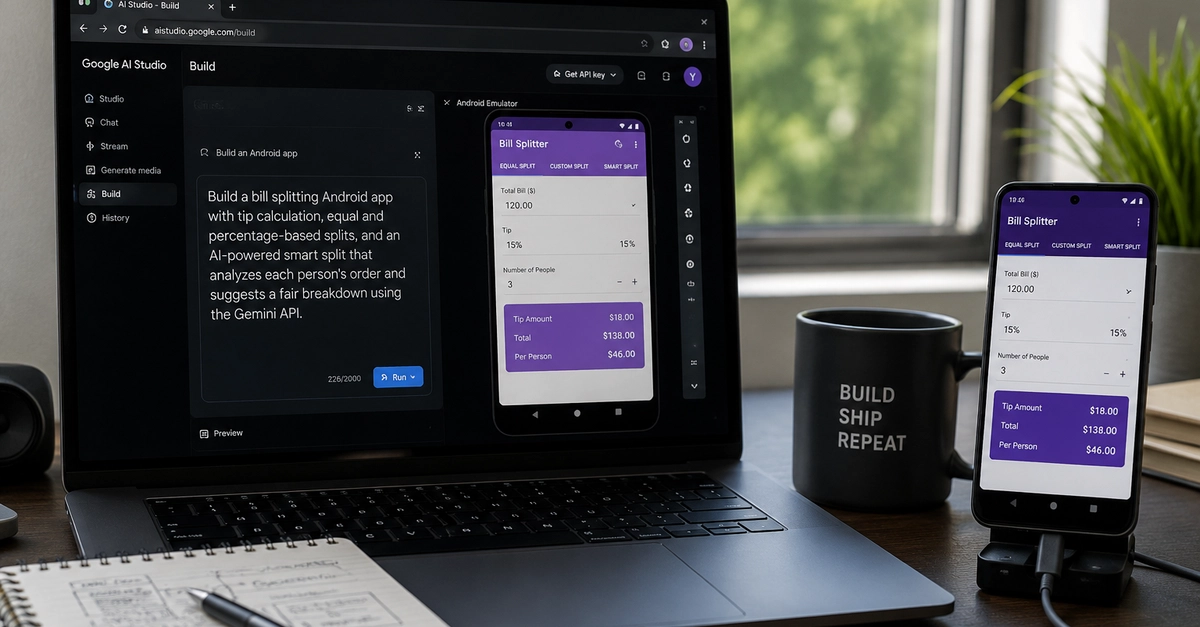
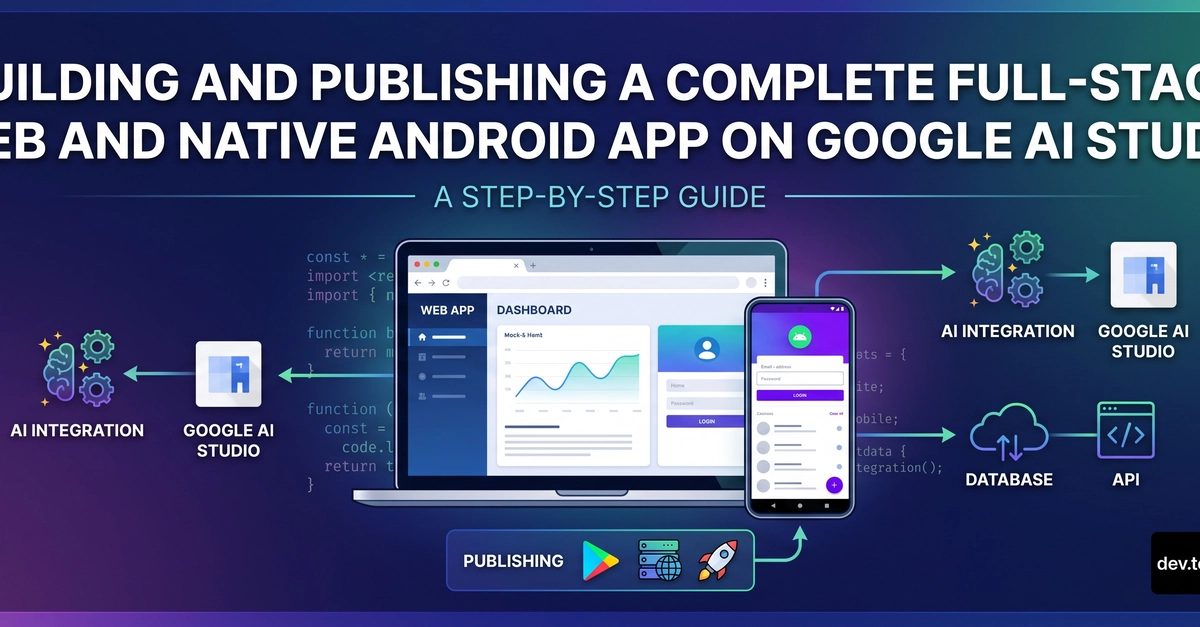
With the recent announcement of prompt-to-Android-app generation in Google AI Studio, the barrier to entry for building Android apps just got completely demolished. Here is what you need to know about the new update, how it works, and what it actually means for us as developers.
What is "Prompt-to-Android-App"?
In a nutshell, Google has integrated native Android project generation directly into AI Studio. Instead of writing code line-by-line to scaffold your app, you describe what you want in plain English.