No SDK to install. No local environment to configure. Just a prompt — and a production app.
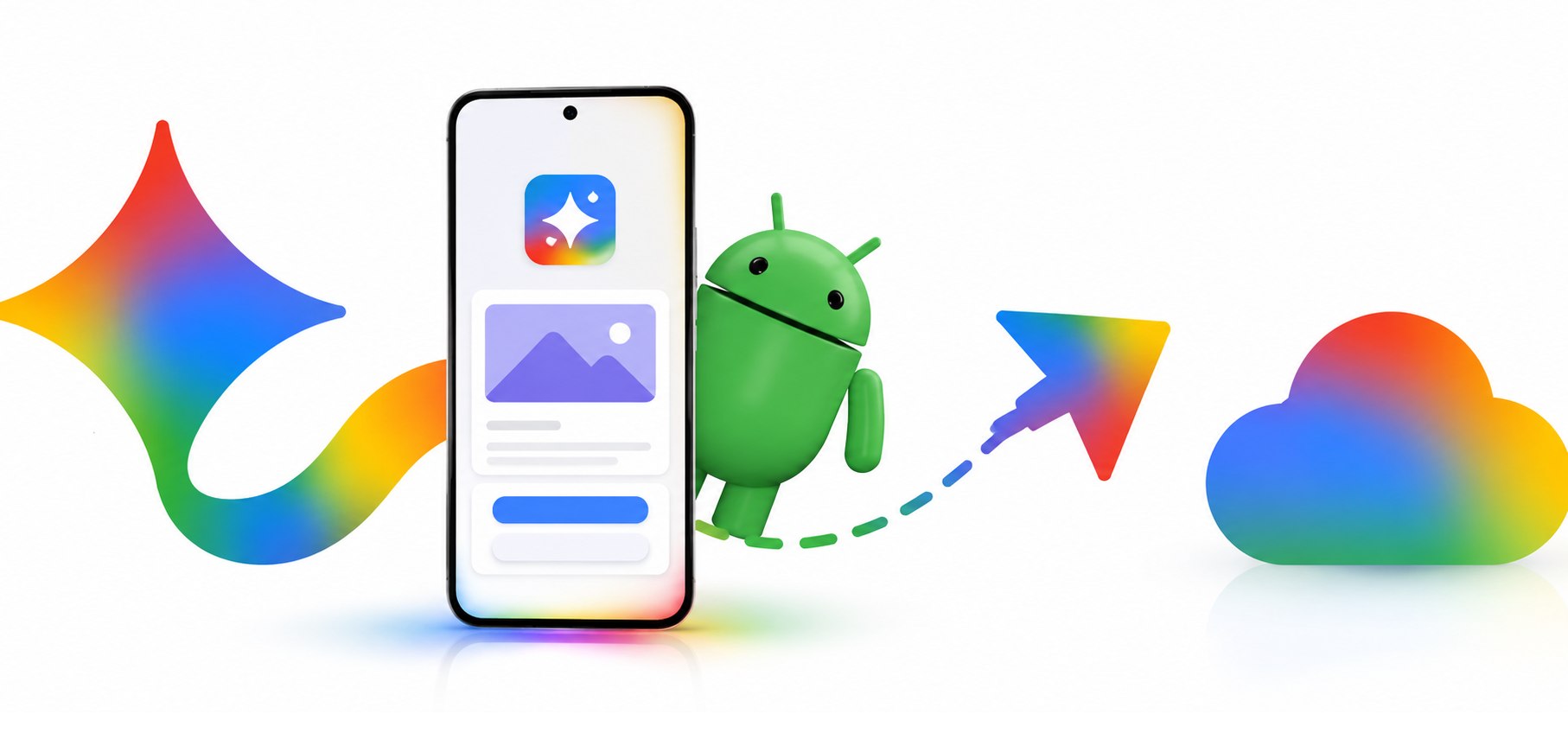
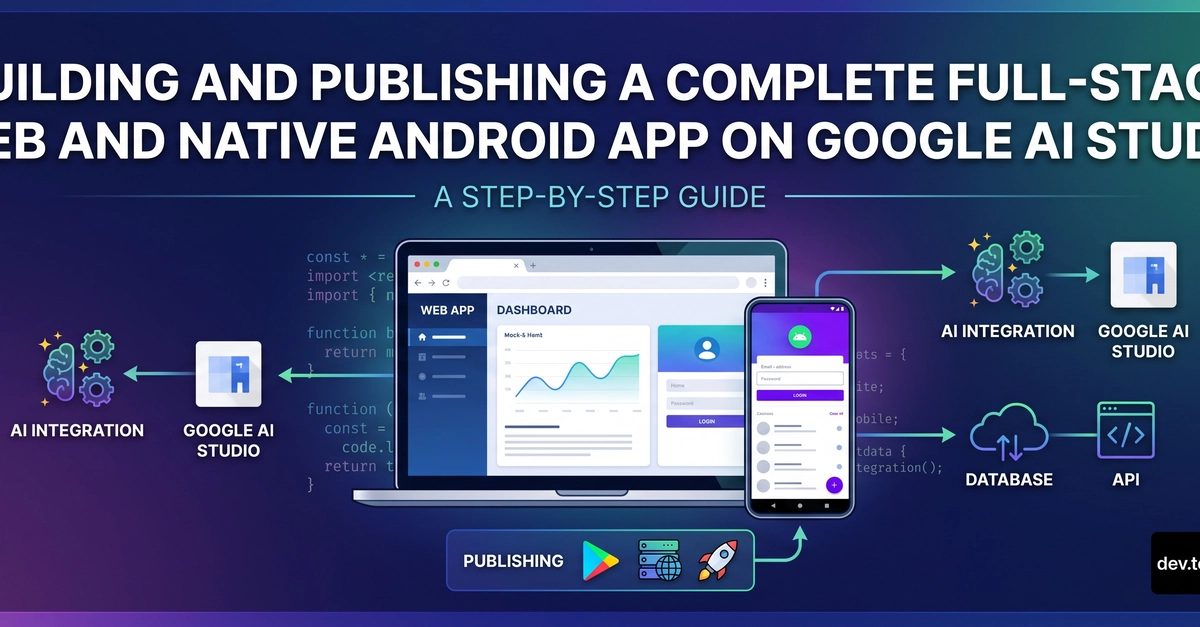
If you've been waiting for the moment when "describe what you want" actually results in a real, deployable app — that moment is now. Google AI Studio's Build mode lets you go from a plain English prompt to a full-stack web app and a native Android app, all inside your browser, with one-click deployment to Google Cloud.
This tutorial walks you through the entire journey: from your first prompt to a live web app and a published Android app on the Google Play Store's Internal Test Track. We'll build a simple Task Manager with AI suggestions — a practical app that's complex enough to show what the platform can really do, but beginner-friendly enough to follow without prior experience.
What is Google AI Studio Build Mode?
Google AI Studio is Google's platform for building with the Gemini API. The Build mode — powered by the Antigravity Agent under the hood — is where you create full apps through natural language prompting.