Introduction
The foundation of every successful Power BI report is reliable data ingestion. No matter how visually appealing your dashboards are, if the underlying data is incomplete, inconsistent, or poorly structured, the insights generated will be misleading.
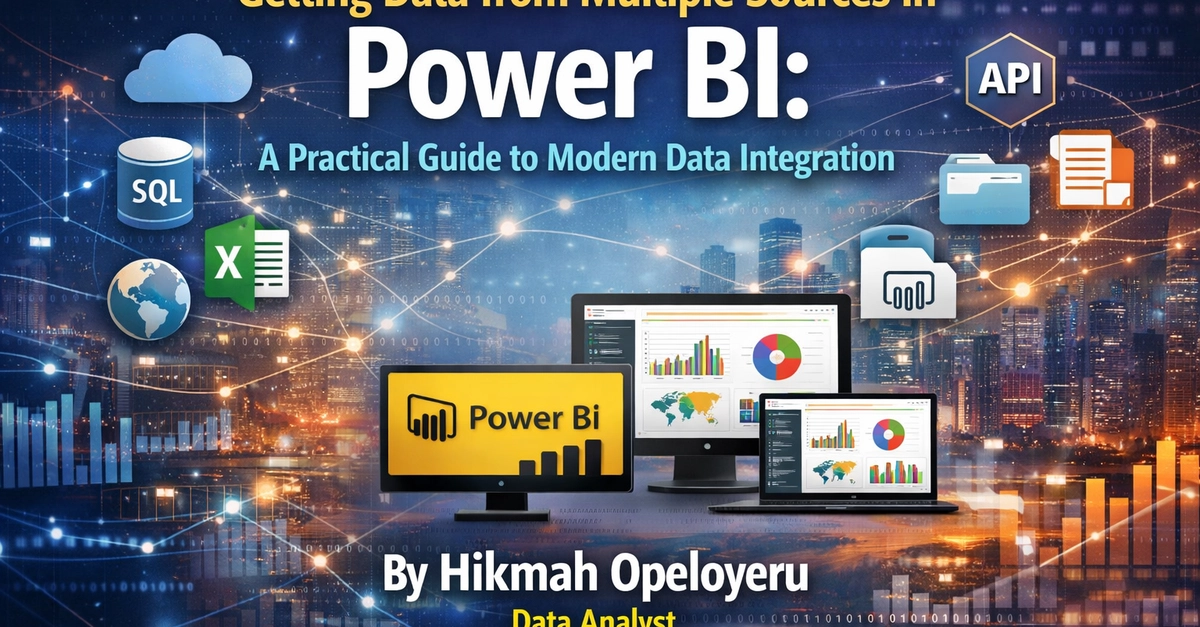
In real-world business environments, data rarely exists in a single source. As a data analyst, you will often work with multiple data sources such as Excel files, CSVs, databases, PDFs, JSON APIs, and cloud platforms all within the same report.
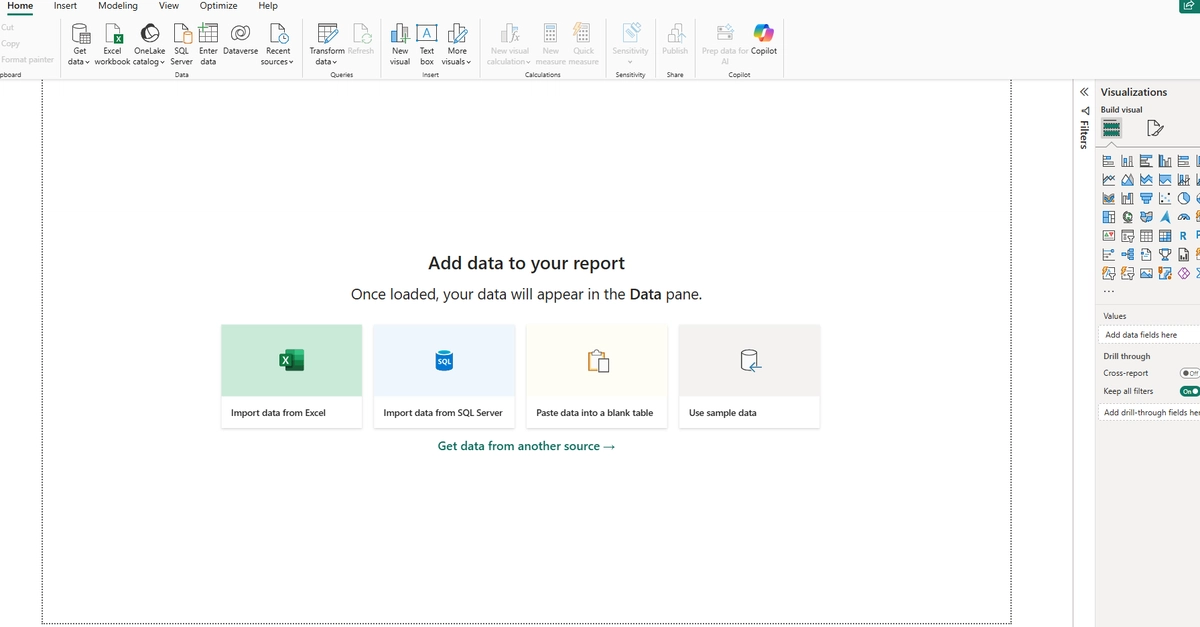
Power BI is designed to handle this complexity through its powerful Get Data functionality and Power Query Editor, allowing you to seamlessly connect, transform, and unify data from diverse sources.
In this guide, you will learn how to: