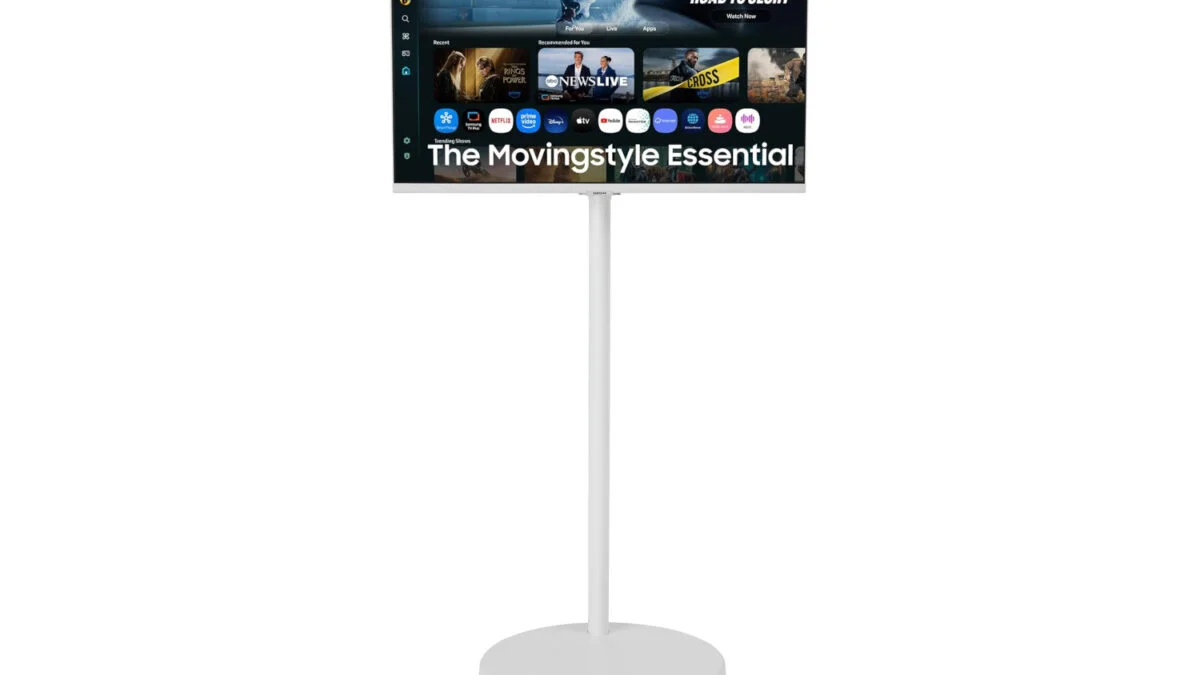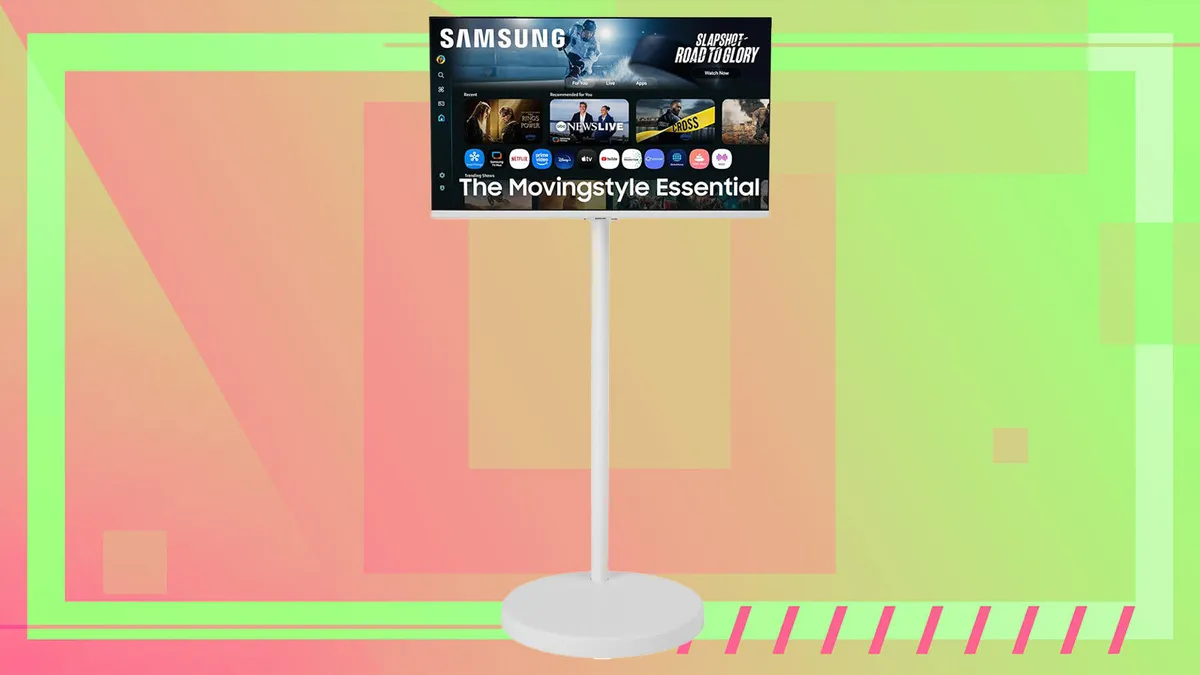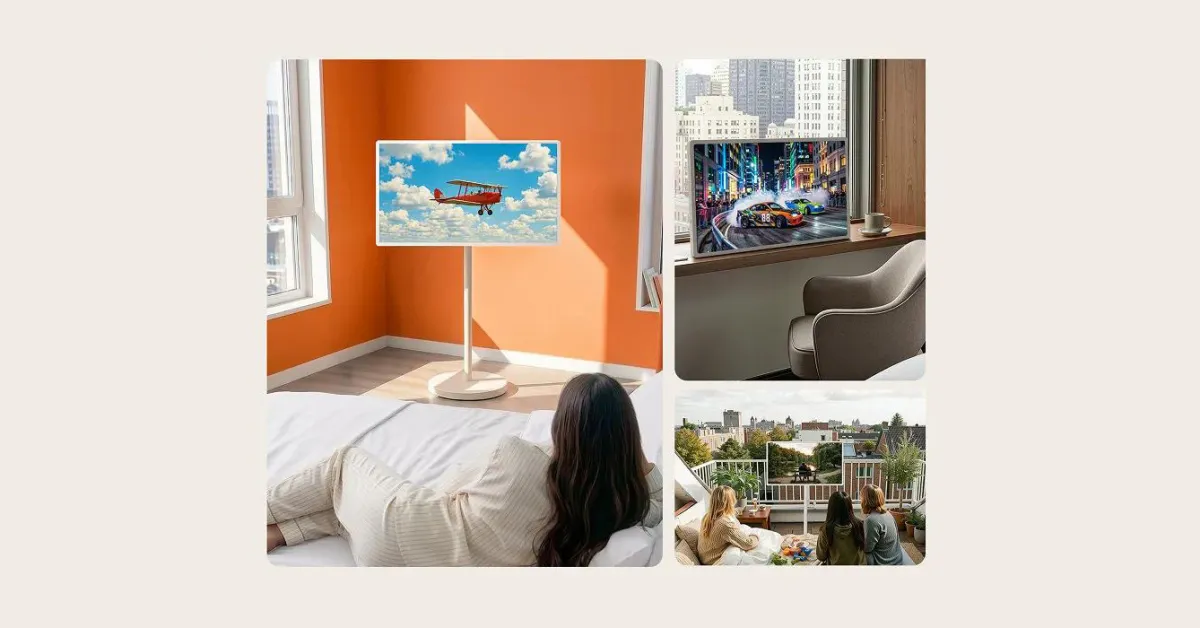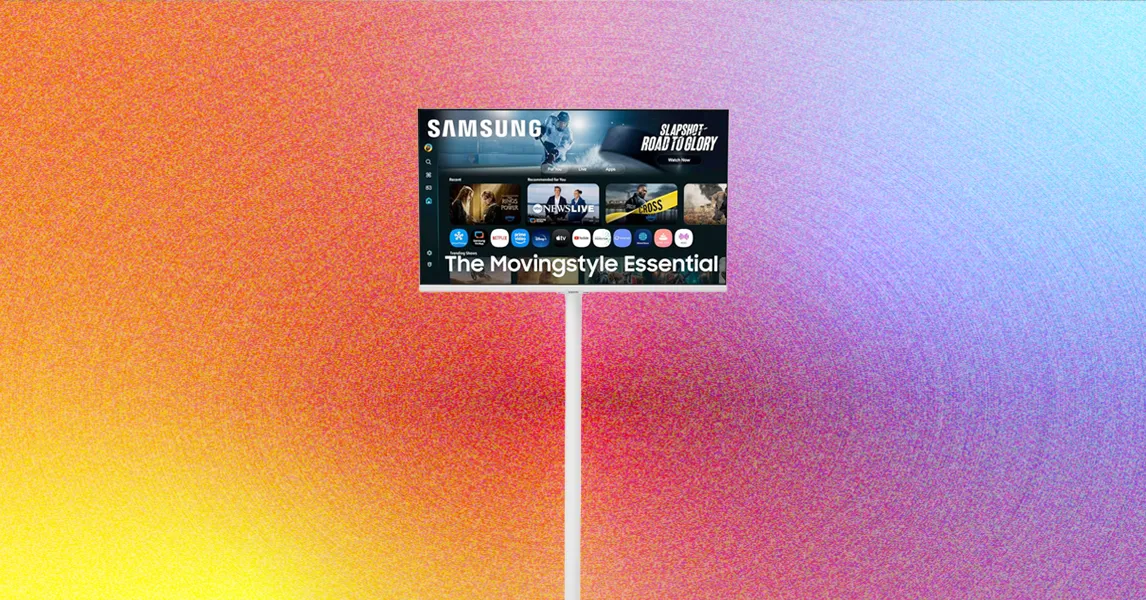
Photograph: Luke LarsenWith just a few screws and a power cable to snake through the stand, setup was a straightforward process. The adjustments to the monitor tilt, height, and rotation happen with one dubious handle, and it's not nearly as intuitive as I’d have liked. For something that would need to be frequently adjusted, it should be a bit easier.Height adjustment is more limited. The stand itself doesn't move up or down, and the monitor can only be adjusted from the steel bar where the display clips onto the stand. Eight inches is plenty for height adjustment, though, which allowed me to find eye-level regardless of where I was sitting.My lack of a television makes me the perfect candidate for the Movingstyle stand. Moving the screen from the living room to the kitchen and into the closet is awesome. Because we live in a multi-story townhome, moving the Movestyle between floors was not feasible, limiting the device's utility. Another factor limiting the monitor's mobility is the shortness of the power cable, at 4 feet, 9 inches. While longer than a standard power cord on a desktop monitor, you'll either want to connect the Movestyle to an extension cord or deal with moving between different outlets when wheeling this display through a large home.Beyond stairs and the length of the cable, the other limitation you can run across is rugs or carpet. We don't have thick carpet in our house, but we do have a rug in our living room. I found that the Movingstyle rolled around pretty smoothly on it, although it's a fairly thin rug. The wheels roll best, of course, on a smooth, flat surface—namely, hardwood. All in all, though, I was impressed by how well this thing moved around.TV and MoreSamsung's smart TV services are second to none. Like Samsung's other smart monitors, the Movingstyle runs on the Tizen operating system, allowing the monitor to function without being plugged into a laptop or PC.If you've never navigated Samsung's TV operating system, it's just a simple way of surfacing all the content available to you in one seamless stream of channels and apps. Navigating the UI is pleasant and easy, and the OS also points you to some features you might not have known about, such as the free content you can watch as part of the Samsung TV Plus service, which includes live local television, sports, and on-demand shows. You have access to this compelling assortment of content in addition to the streaming services you may already be subscribed to. Switching over to your connected local laptop or console over HDMI is equally easy when you want.
This Monitor-on-Wheels Concept Is Kind of Genius
Samsung’s Movingstyle is now the TV in my living room. And kitchen. And dining room.
440 words~2 min read