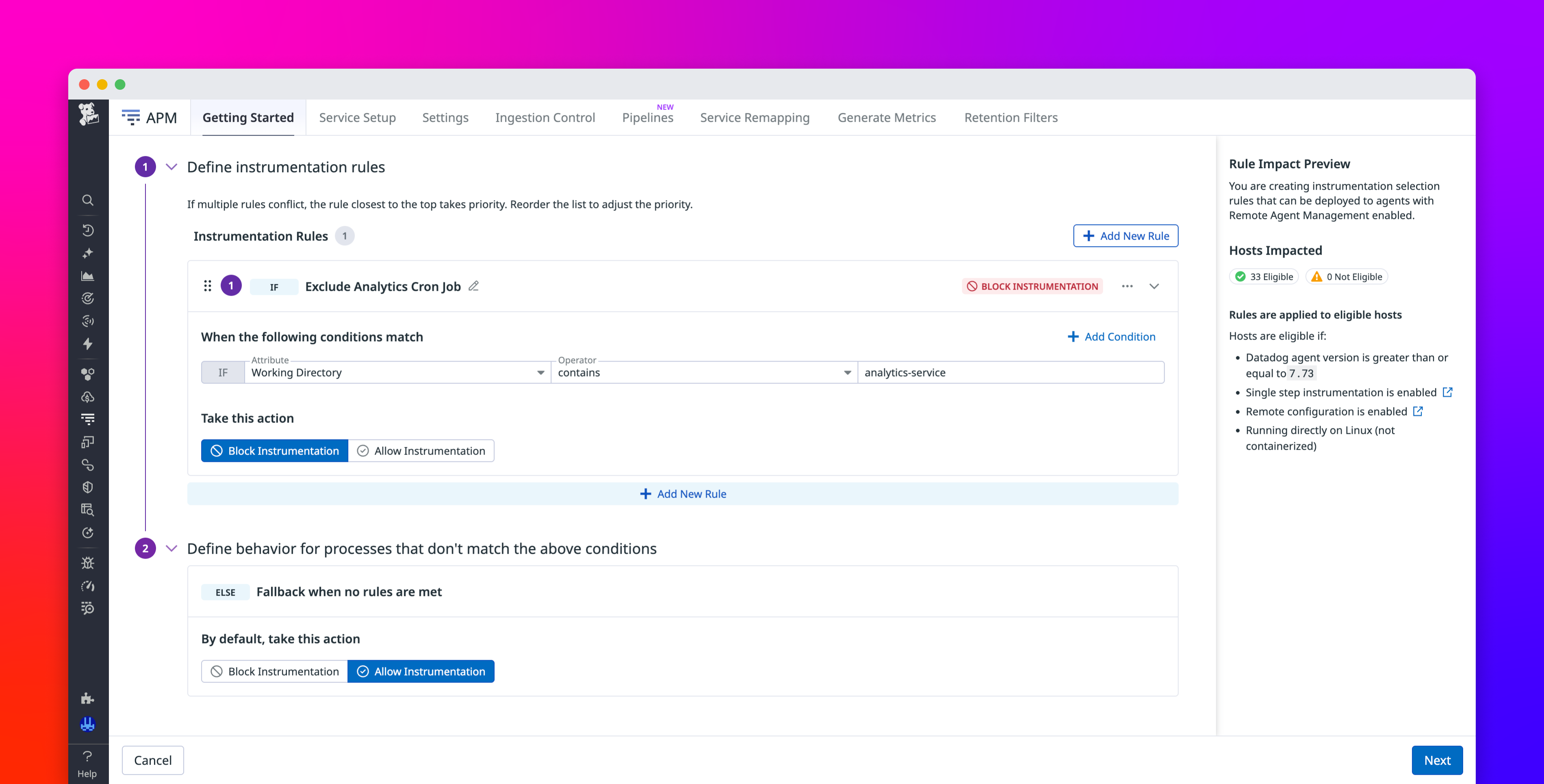
Single Step Instrumentation (SSI) simplifies Datadog Application Performance Monitoring (APM) by automatically discovering and instrumenting services across a host. For many teams, SSI is the ideal starting point because it helps them achieve full visibility with minimal setup.
However, as environments grow, teams often want more control over which services get traced. Auxiliary workloads such as batch jobs and cron tasks might not require distributed tracing. By controlling which services produce traces, teams can focus on the data that helps them make debugging and performance decisions.
Instrumentation rules add a layer of control on top of SSI, enabling you to decide which services on Linux and Windows generate traces. You can apply the rules while keeping automatic discovery and your zero-touch setup.
In this post, we’ll show how instrumentation rules help you:
Control which services are traced on Linux and Windows hostsDefine rules that match your environmentManage instrumentation centrally across your fleet