Engineers rely on many systems to prioritize what they need to work on each day. A single morning routine might involve checking pull requests (PRs), reviewing tickets, scanning CI/CD failures, looking at on-call handoffs, and confirming whether owned services are healthy. Each system provides useful context, but with that context scattered across tools, the work of turning signals into a clear plan often falls on the individual engineer.
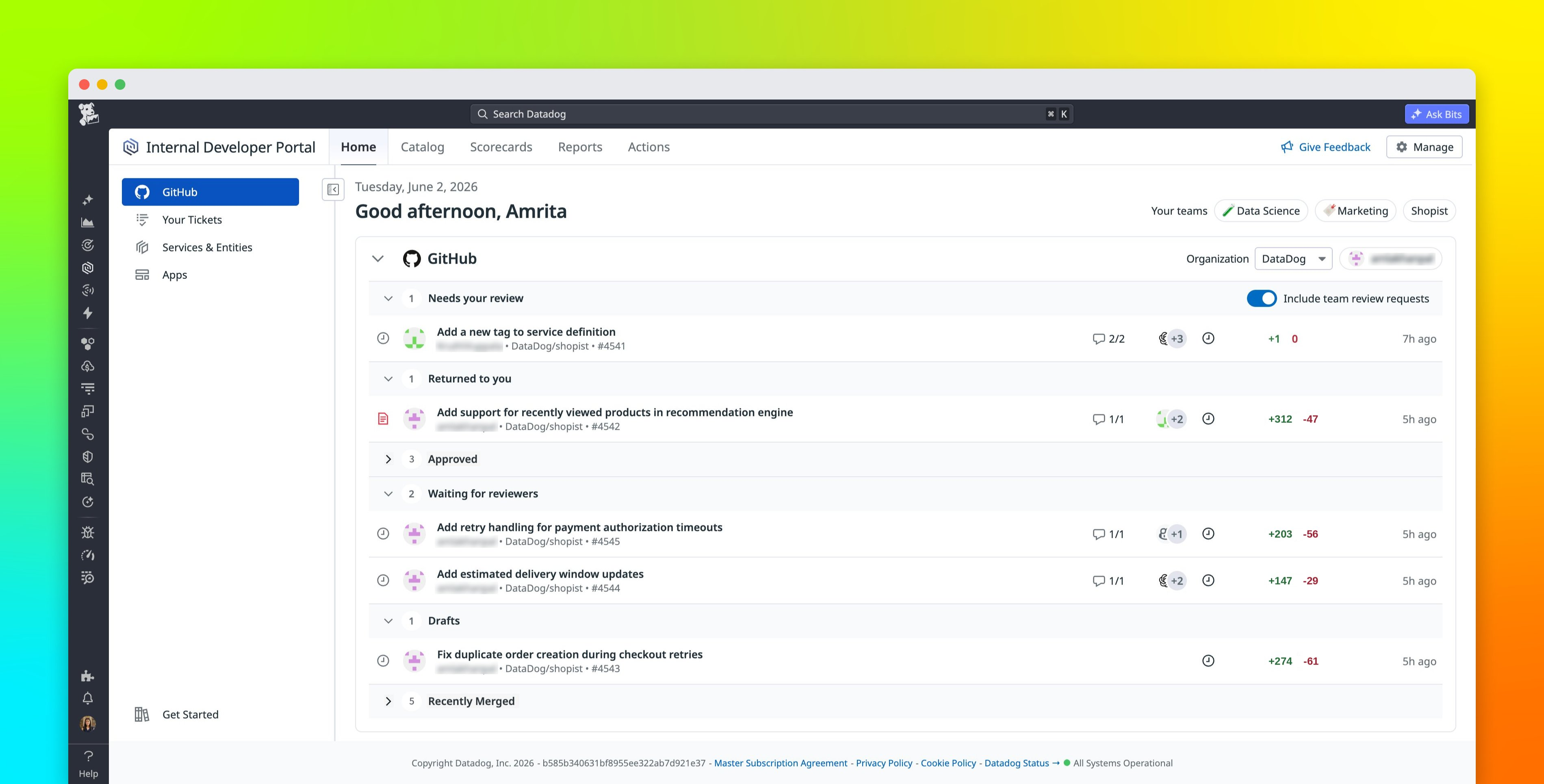
The IDP Homepage, part of the Datadog Internal Developer Portal (IDP), gives developers and the teams that support them a central starting point for prioritizing daily work in Datadog. It brings together the code changes, ownership context, and operational signals that matter to each Datadog user so they can understand what needs attention and move directly into action.
In this post, we’ll show how the IDP Homepage enables you to:
Start every day from a central location that shows assigned tasks, owned services, and operational statusBring together development workflows and operational context in one viewExtend the homepage with custom apps
Start every day from the IDP Homepage