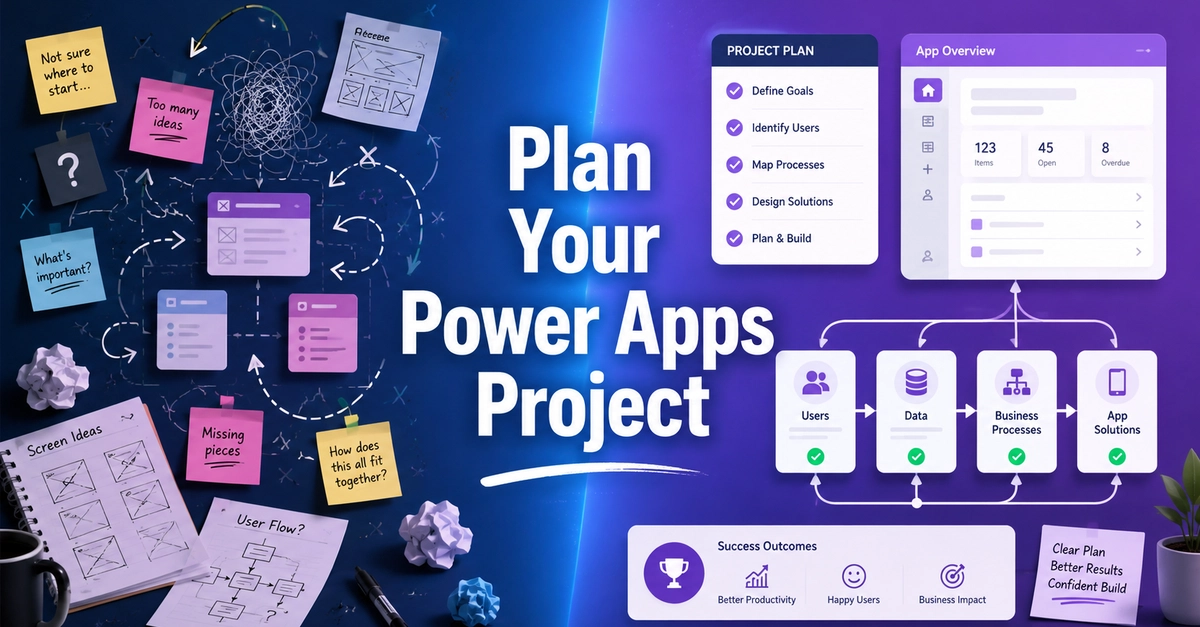
Learn Power Apps project planning before building your app. Use this beginner-friendly checklist to plan users, data, workflows, security, ALM, and success metrics.
Starting a new Power Apps project can be exciting.
You have an idea, you open Power Apps Studio, add a screen, connect a list, and start building. That is one of the best parts of Power Apps. You can go from an idea to something working pretty quickly.
But I have also learned that jumping in too fast can create problems later.
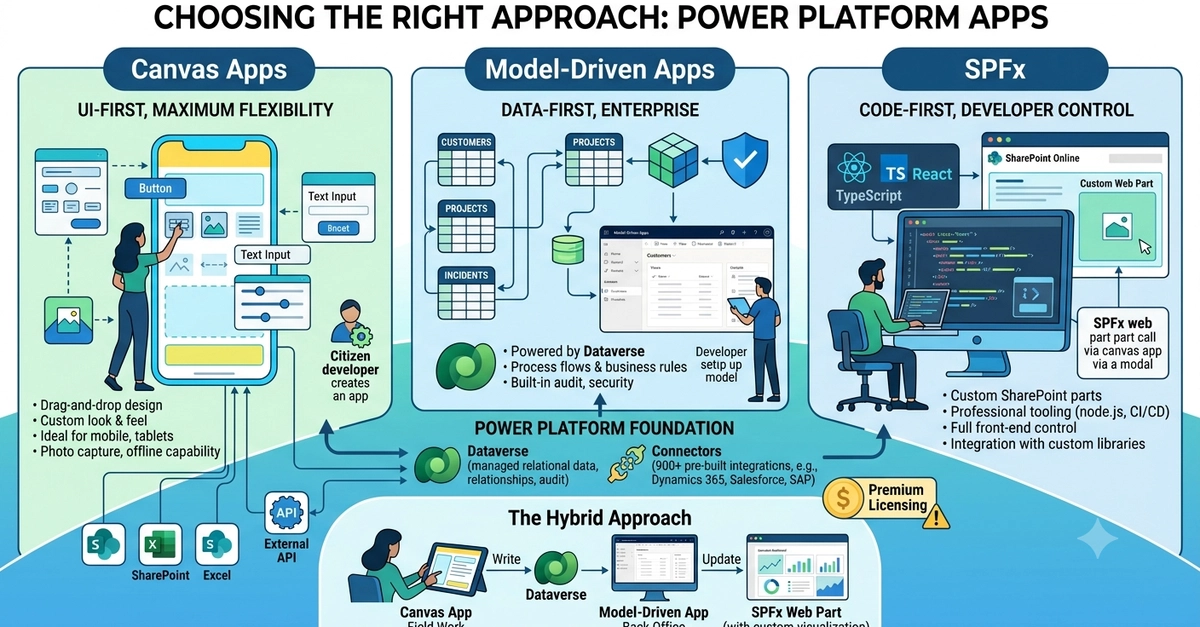
Sometimes the app starts simple, then suddenly you need approvals, different user roles, email notifications, admin screens, reports, and a better way to manage the data.