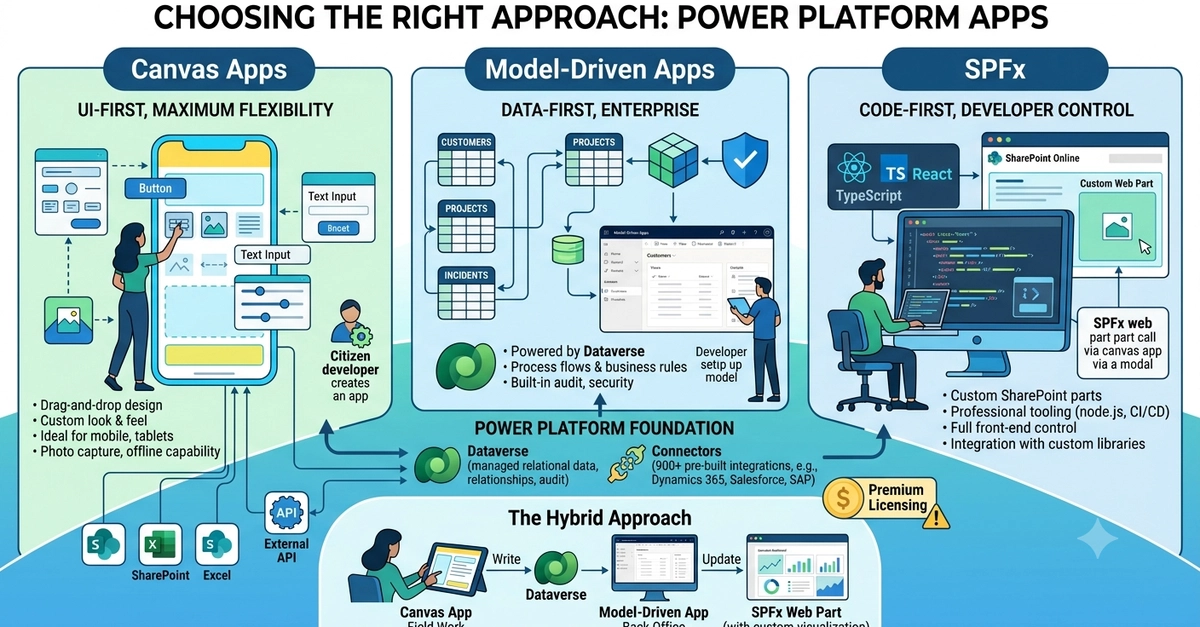
If you build canvas apps in Power Apps, you've probably rebuilt the same modal, search bar, or navigation header a dozen times by hand. There's a better way: since Microsoft introduced YAML support in Power Apps Studio, entire UI components can be copied and pasted as plain text — controls, layout, formulas and all.
This changes how you can work: components become shareable snippets, reviewable in Git, and reusable across every app and tenant.
What is Power Apps YAML?
Power Apps Studio serializes canvas controls in a YAML-based format (the same format used by Power Apps Source Code files, .pa.yaml). When you copy a control in the Studio tree view, what lands in your clipboard is YAML. The reverse works too: paste valid YAML into the tree view, and Studio recreates the whole control hierarchy.
A minimal example — a styled button: