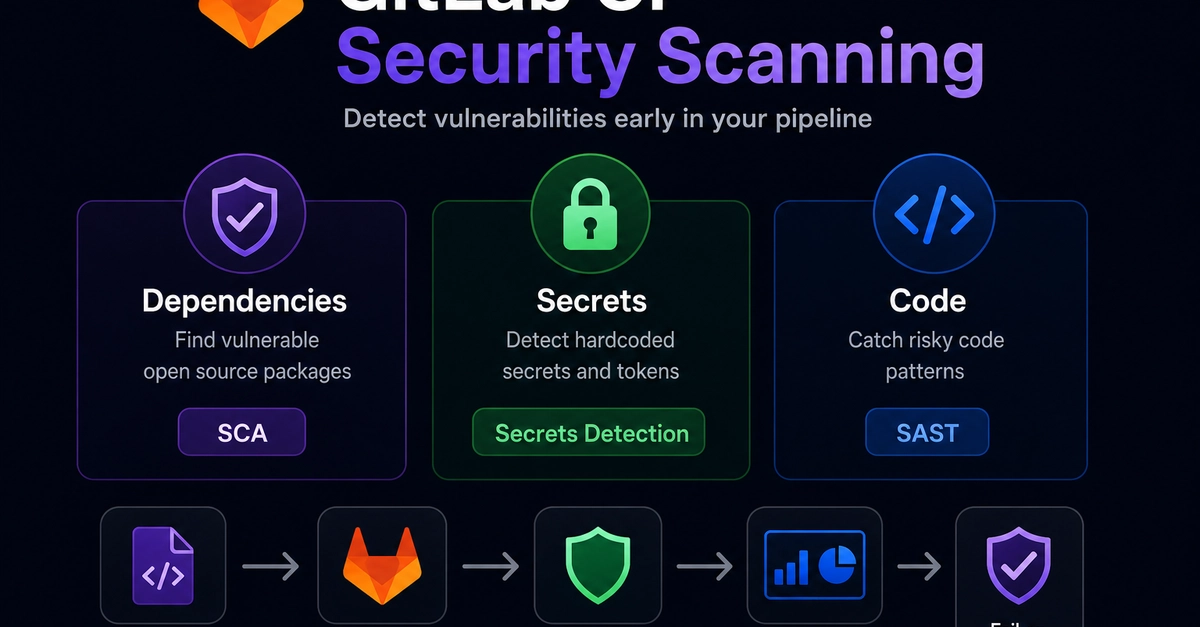
Many credential leaks start with a developer who needs a credential, doesn’t have a good place to put it, and improvises. It lands in an over-scoped CI/CD variable, a config file, or a .env committed “just for a moment.”GitLab Secrets Manager, now in public beta with GitLab 19.0, keeps credentials in the same platform that runs your code and pipelines. Each secret is scoped to the jobs that need it and governed by the access controls you already use. Fewer secrets end up in the wrong place, and if one leaks, security and engineering teams can experience less disruption.Where secrets usually landDevelopers often default to placing secrets in CI/CD variables. Set the variable at the project or group level, mask the value, and update the pipeline. From there, the value is injected into every job, and anyone with pipeline access can read it. This pattern inverts least privilege but keeps the build running.The usual fix is a standalone vault. While this approach gets the secrets out of CI/CD config, it adds a permanent operational tax: another system to authenticate, another access model to maintain, and another audit stream to correlate during an incident.Try Secrets Manager in your existing projects and pipelinesGitLab Secrets Manager is a native GitLab capability built on OpenBao. It’s already part of your GitLab platform, so credentials stay within your existing project and group structure.Developers can move a secret out of CI/CD variables by declaring it in .gitlab-ci.yml with the secrets: keyword: deploy:
Manage CI/CD credentials with GitLab Secrets Manager
Each secret is scoped to its environment or branch and governed by the same controls you use for code. Join the public beta in GitLab 19.0.
1,035 words~5 min read