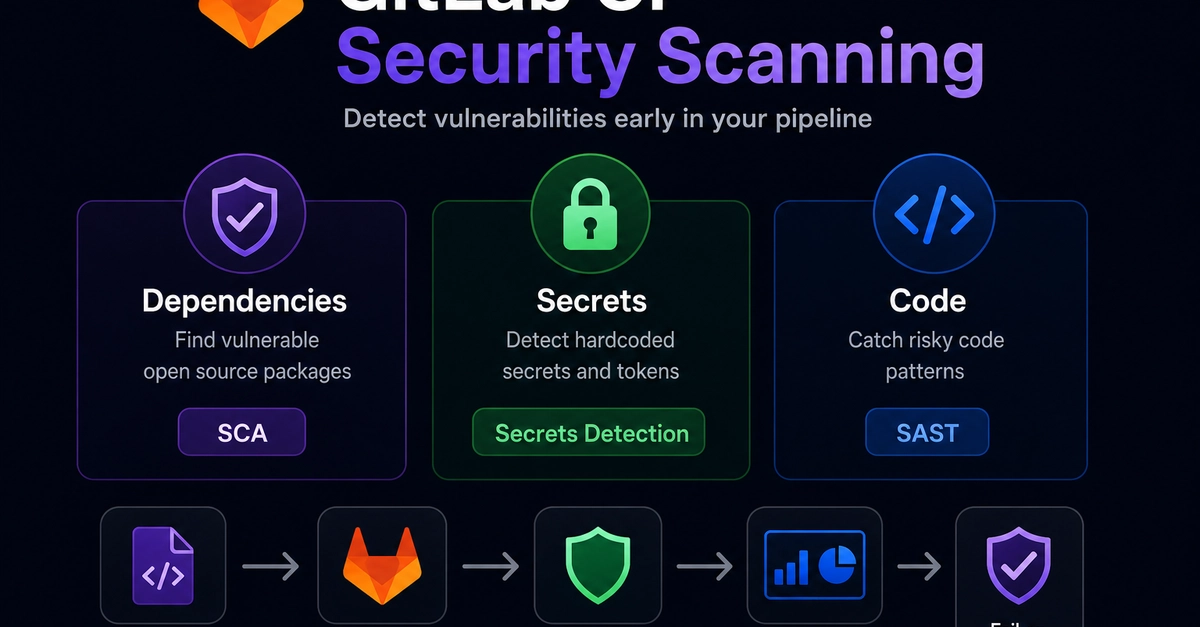
A GitLab pipeline can build, test, and deploy successfully while still shipping a vulnerable package. Passing CI does not always mean the release is safe. It only means the checks you configured passed.
That is why GitLab CI security scanning matters. Dependency scanning, secret detection, and package audits help teams catch vulnerable open source components before they reach production. GitLab Ultimate includes built-in security features, but Free and Premium users can still build strong pipelines with open source tools.
GitLab’s Built-In Security Features — What’s Available on Which Tier
GitLab security scanning includes several features across application security and pipeline security. The availability depends on your GitLab tier and deployment model. GitLab Ultimate users get the strongest built-in experience, including integrated dependency scanning results, vulnerability reports, merge request widgets, and security dashboards.
Free and Premium users can still run security tools inside GitLab CI. The difference is usually where the results appear and how deeply GitLab integrates them into the UI. Open source scanners can publish artifacts, fail pipelines, and generate reports, but some GitLab-native security dashboards and widgets require Ultimate.