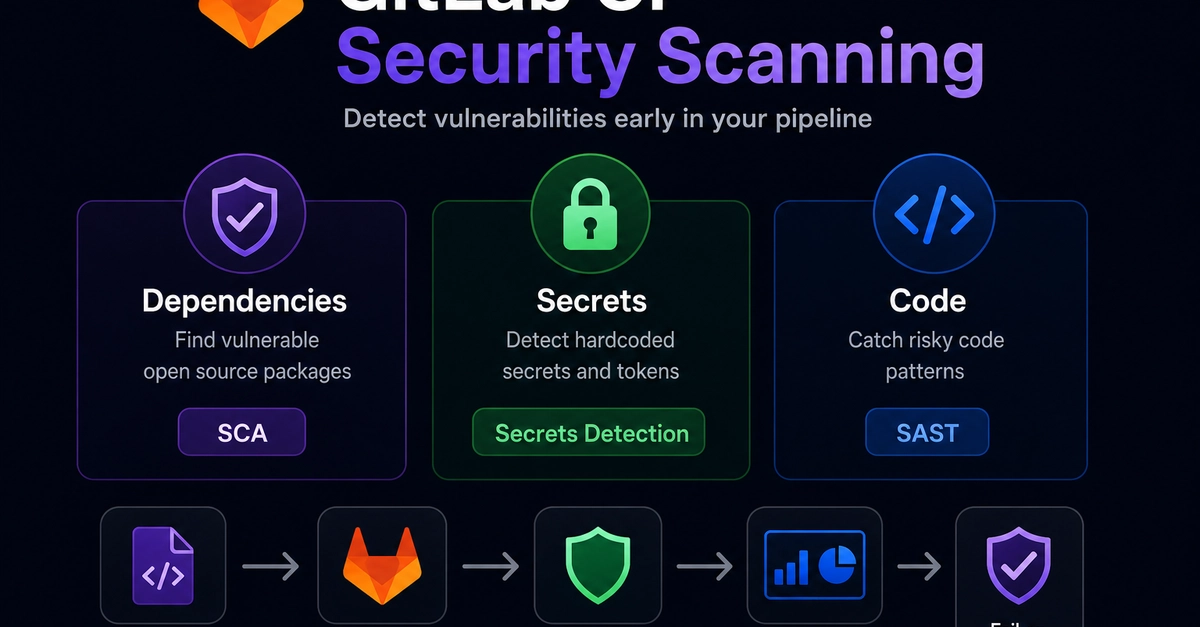
Across the industry, every CI/CD platform faces the same challenge: As organizations grow, manually configuring scanners to run across every pipeline definition file isn't scalable. AI is accelerating how fast teams ship code, and with this comes more projects, more pipelines, and more surface area to secure. What starts as a deliberate security decision becomes inherited configuration that nobody owns, coverage that was never backfilled, and gaps that are invisible until they aren't.Security teams need to apply scanners at scale, not chase scanner coverage project by project with manual YAML files. A security configuration profile is a centralized setting in the UI where security teams can define how and when security scanners run across your projects, without manually configuring scanners across pipeline definition files. With GitLab 19.0, teams can use security configuration profiles to enable static application security testing (SAST), dependency scanning, and secret detection scanners across every project from day one.Watch this video demonstration of security configuration profiles and then read more below.
Manual enablement can’t keep up with AI-driven code velocityAt a small scale, manually enabling scanner configuration per project is workable. One team, a handful of repositories, a security engineer who knows where everything lives. The model gets harder to maintain as organizations add teams and projects, and AI is making the gap between code velocity and security coverage wider every day.The drift shows up in common ways. Teams copy scanner configuration from whatever source is handy, so SAST ends up running with one ruleset in the backend service and another in the frontend. Dependency scanning gets added to new projects but never backfilled to older ones. Someone updates a .gitlab-ci.yml file to fix a pipeline issue and a scanner gets dropped along the way.Without a centralized view, individual decisions about scanner coverage rarely add up to a consistent security posture across an organization.What are security configuration profiles?A security configuration profile is a centralized group of settings that defines how and when a security scanner runs across your projects. Instead of configuring SAST, secret detection, or dependency scanning individually in each project's .gitlab-ci.yml, you define a profile once at the group level and apply it to as many projects as you need in one action.GitLab ships default profiles for each scanner: preconfigured settings that reflect recommended practice, so you can get scanning running across your projects in minutes without writing a line of YAML. For full technical details, see the security configuration profiles documentation.How profiles work: Scan triggers and coverageEach default profile activates a set of scan triggers that define when scanning runs. For SAST and dependency scanning, two triggers apply.Merge request pipelines. A scan runs automatically each time new commits are pushed to a branch with an open merge request. Results are scoped to vulnerabilities introduced by that merge request, so developers get focused, actionable feedback without noise from pre-existing issues.Branch pipelines (default branch only). A scan runs automatically when changes are merged or pushed to the default branch, giving your security team a complete picture of your default branch's security posture at all times.Secret detection includes both of those triggers and adds a third: push protection. Rather than waiting for a pipeline to run, push protection intercepts secrets in real time during the git push process and blocks the push before the secret ever enters your codebase. Because it's event-based rather than pipeline-based, there's no scan date attached to it in the security inventory.Use casesHere are four real-world scenarios where security configuration profiles can be impactful.Standardizing coverage across a large group