(Image credit: Google)
Google has already thrown its hat into the AI image generation and editing space with its Nano Banana AI image generator powered by Gemini.Nano Banana, which is now in its second iteration, has been used to help millions of users create professional-grade images through their text descriptions and image prompting, plus make adjustments to those visual creations via reference images that guide the process. Now Google has released another impressive piece of AI-assisted visual generation tech that promises to create videos from all manner of inputs, which include text, images, audio or even videos themselves.Here’s a deeper look at what Google’s latest AI video generator is capable of and how you can use it.Generating videos through a variety of inputs and editing them through chats
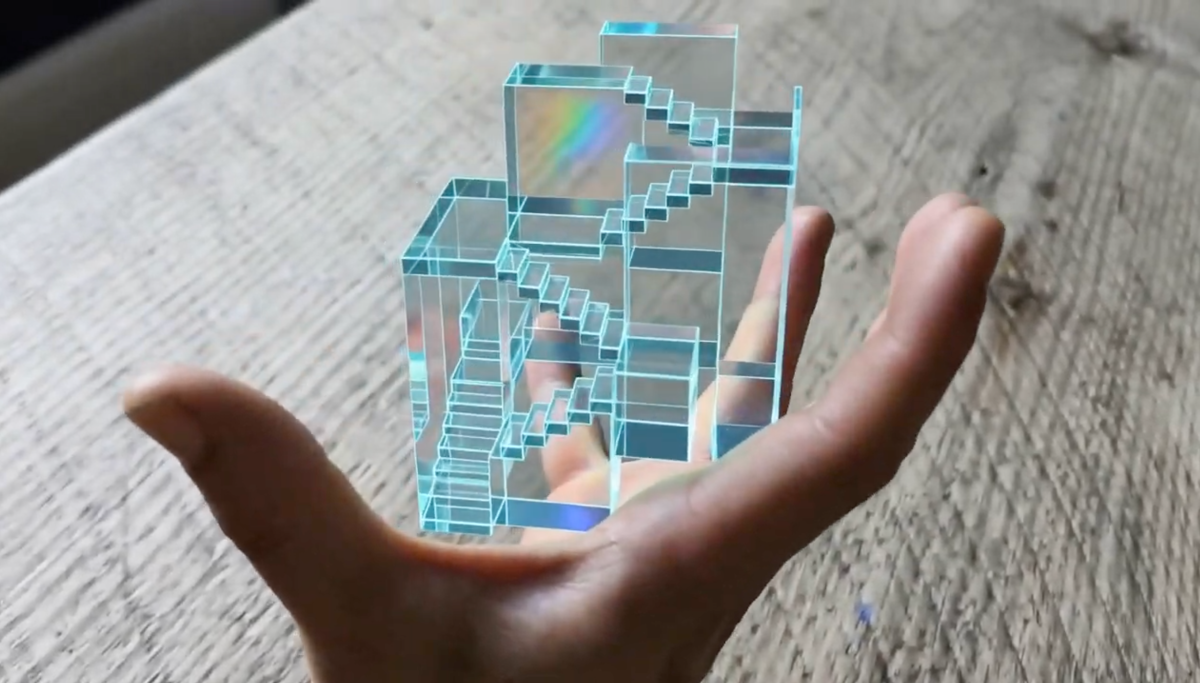
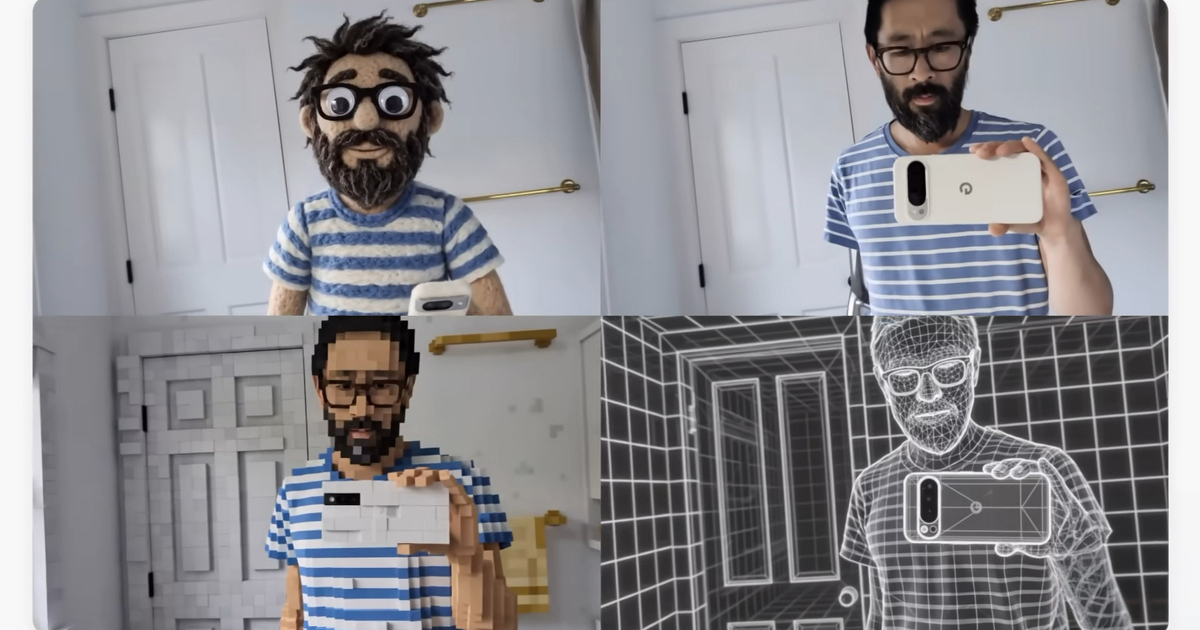
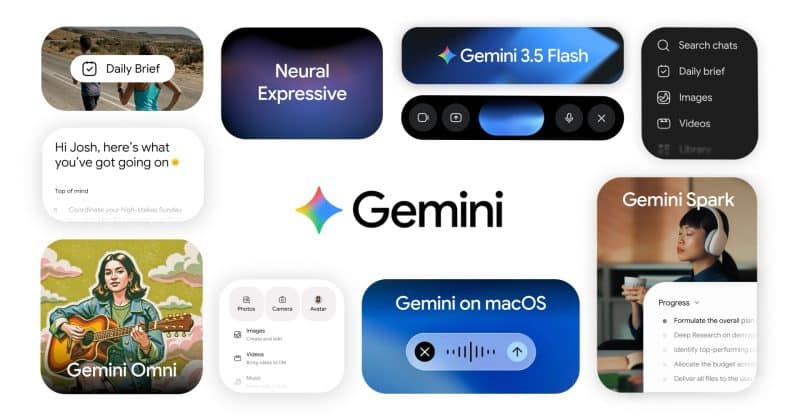
(Image credit: Google)Gemini Omni Flash is a multimodal AI video generation tool that promises to create videos from any voice references you mention about images, text or audio or just rely on input references. Your voice references can be used to describe the visual language needed to birth your visual creations or you can implement input references such as images of characters, scenes or drawings to apply the styles, motion or effects you want in your video clip.Google points to Omni Flash as being a highly intelligent AI video creation tool that can build incredibly lifelike scenes and work on its own to produce what happens next in each clip it generates. Its cohesive knowledge of gravity, kinetic energy and fluid dynamics helps it produce more realistic-looking scenes. Omni Flash is also intelligent enough to incorporate Gemini’s understanding of language, imagery and meaning to create short or lengthy explainers from your vocal prompts.On the video editing front, Omni Flash can listen to your vocal instructions and build upon each one to craft your newly created video any way you see fit. You can speak to the AI video generator to change certain aspects of your video or change everything in it altogether. You can also tell Omni Flash to edit a video you recently shot by altering what’s actually happening in it, adding in new objects or characters or completely transforming a specific moment into something else entirely.Get instant access to breaking news, the hottest reviews, great deals and helpful tips.Google is already rolling out the first member of the Omni family to the Gemini app, Google Flow and YouTube Shorts. And as a starter project, you can generate videos with your voice by using Google’s AI “Avatars,” which is a digital version of yourself that uses your voice to sound just like you.Bottom lineGemini Omni Flash’s multimodal AI capabilities sound impressive, especially since you’re able to take full advantage of its video generation capabilities by simply voicing your commands. Building worlds, swapping in/out all forms of human and animal characters, switching up visual styles, altering certain details and more come together to offer one of the most powerful AI video generation tools we’ve ever seen.