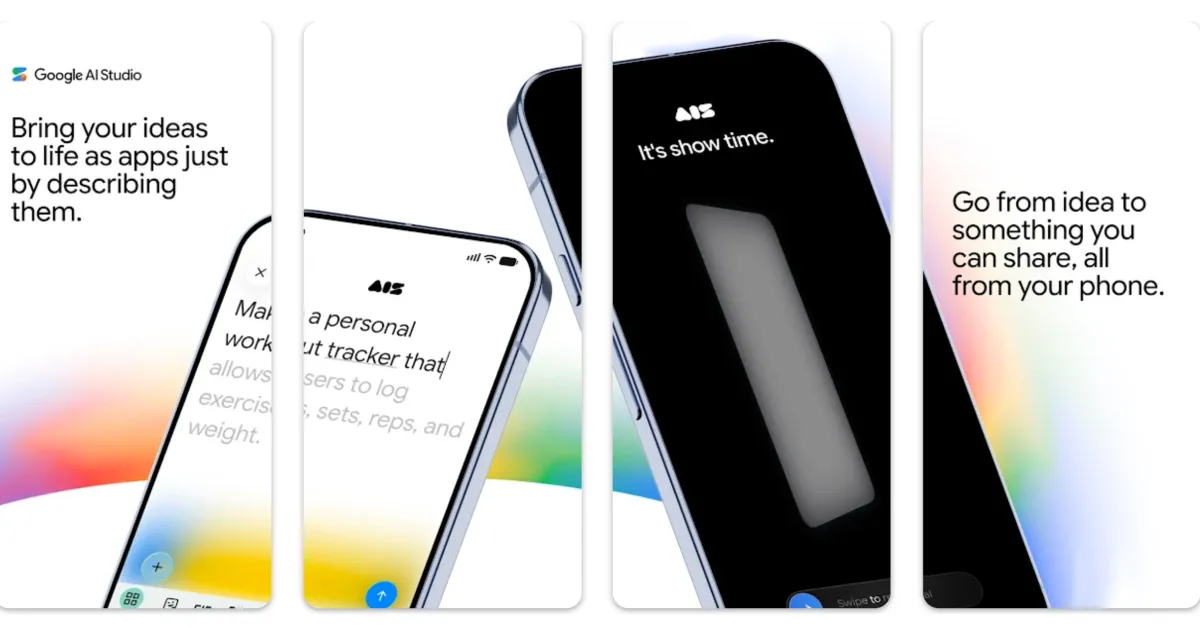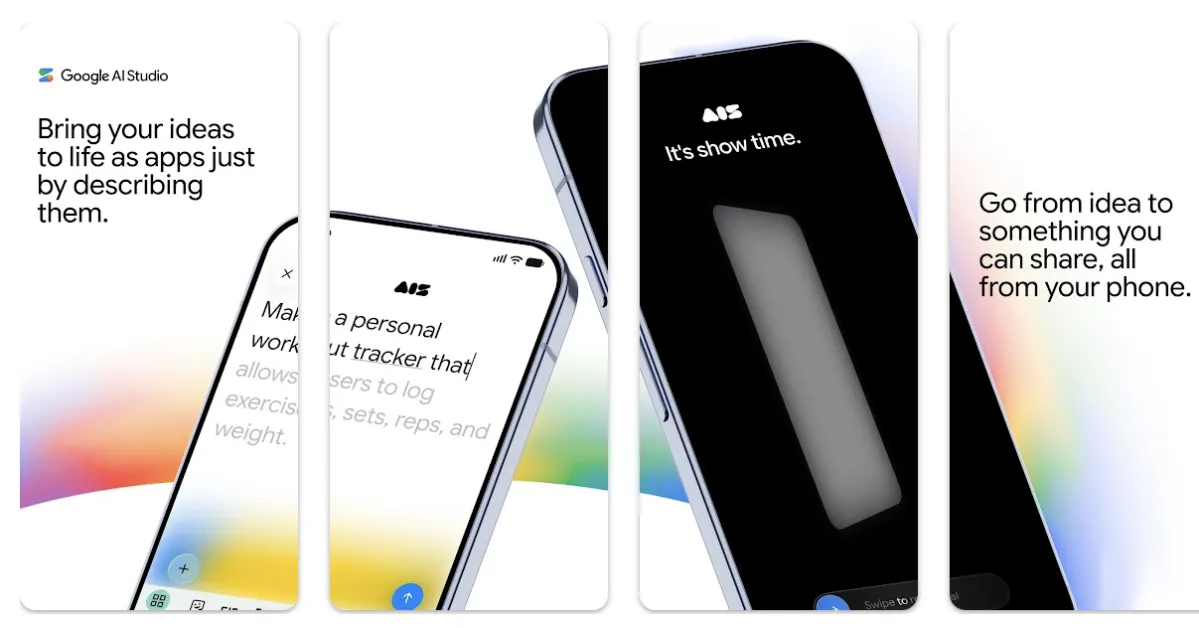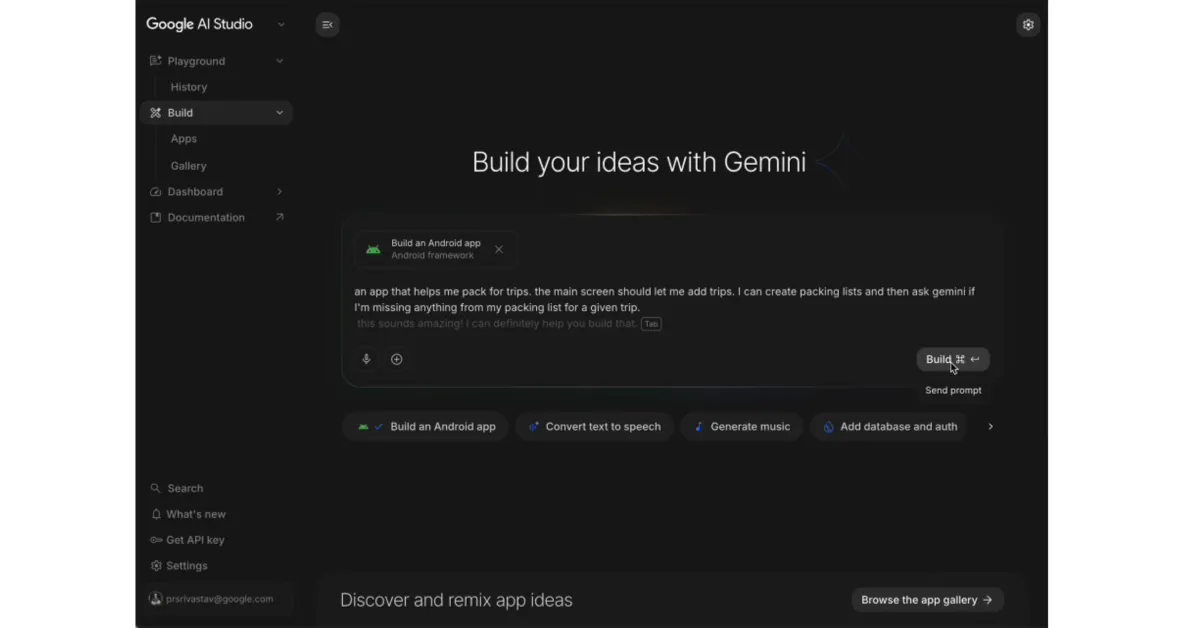
Following The Android Show, Google made several developer announcements at I/O 2026, led by AI Studio’s new capability to build native Android apps.
The web-based AI Studio now lets you build native Android apps. Google notes that applications are “built with development best practices like Jetpack Compose, Kotlin, and APIs,” as well as recommended developer patterns.
You can go from prompt to prototype, iterate with an embedded Android Emulator in your browser, and then install the app on your Android phone over USB using the integrated Android Debug Bridge (ADB). If you have a Google Play developer account, you can also publish your app directly from AI Studio for internal testing.
To prepare for a wider release, Google recommends using Android Studio for “advanced debugging, testing, and UI polish.” You can add the project to Android Studio by downloading a ZIP file or exporting to GitHub.
Google will be adding more features in the future, including: