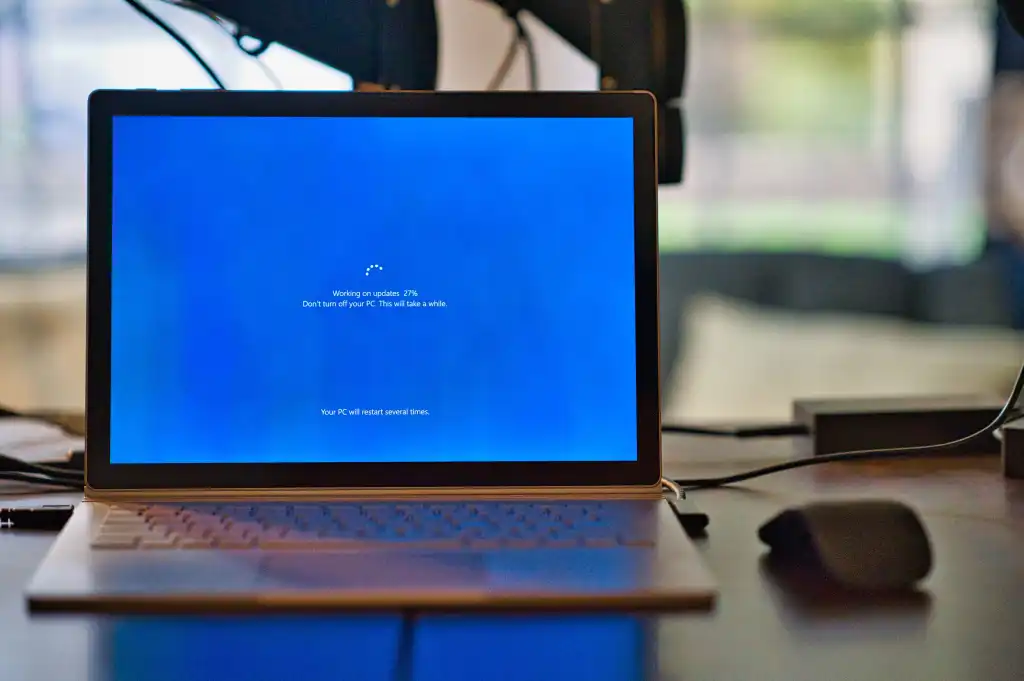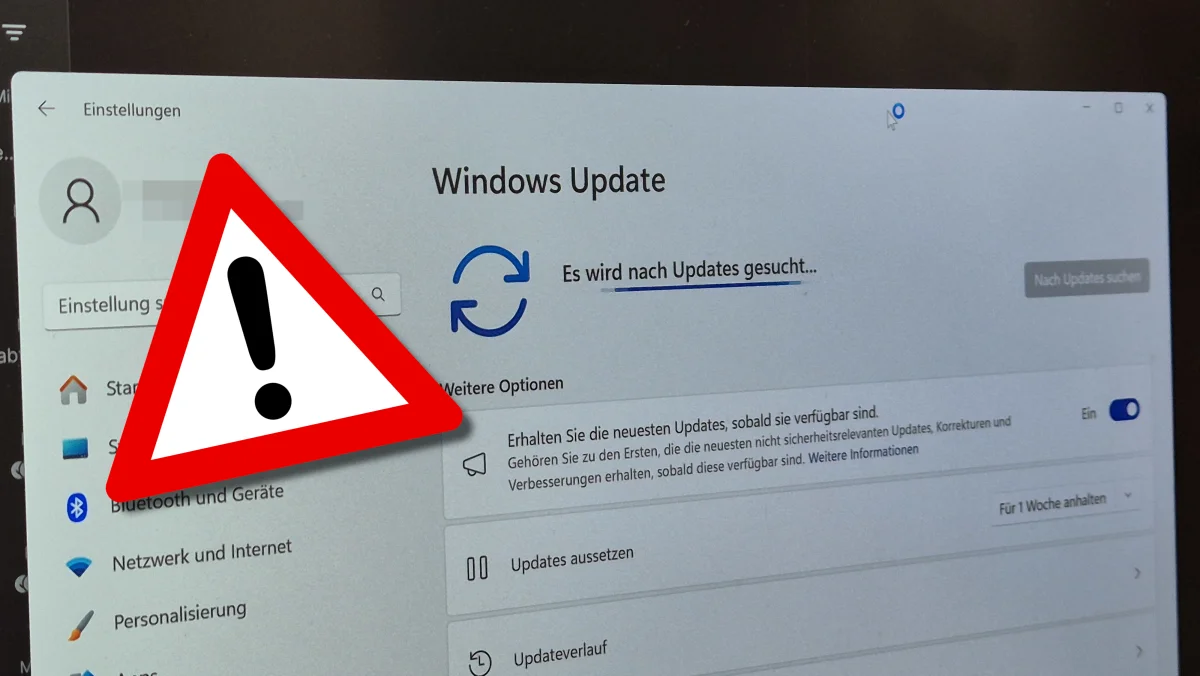
Microsoft says customers in restricted network environments may encounter Windows Update failures after installing the January 2026 optional non-security preview updates.
In Windows network-restricted environments, ranging from fully isolated, air-gapped systems to strictly firewalled networks, affected systems will display error code 0x80010002 when updating through Windows Update.
"Affected devices might be able to download the February monthly Windows security update, but then become unable to use the Windows Update settings to download Windows updates released in March, April, or later months," Microsoft said in a service alert first spotted by Microsoft MVP Susan Bradley.
"This issue results from recent changes in download timeout requirements when starting download operations. It is not related to device integrity or the device's ability to install Windows updates, only to its ability to download updates from the internet via the Windows Update page under Settings."
While Microsoft is still working to resolve this issue, IT administrators can work around this issue by installing one of the following group policies using Known Issue Rollback (KIR), a Windows feature that reverses buggy updates delivered via Windows Update: