HomeAI · summaries
Storia in 6 fonti
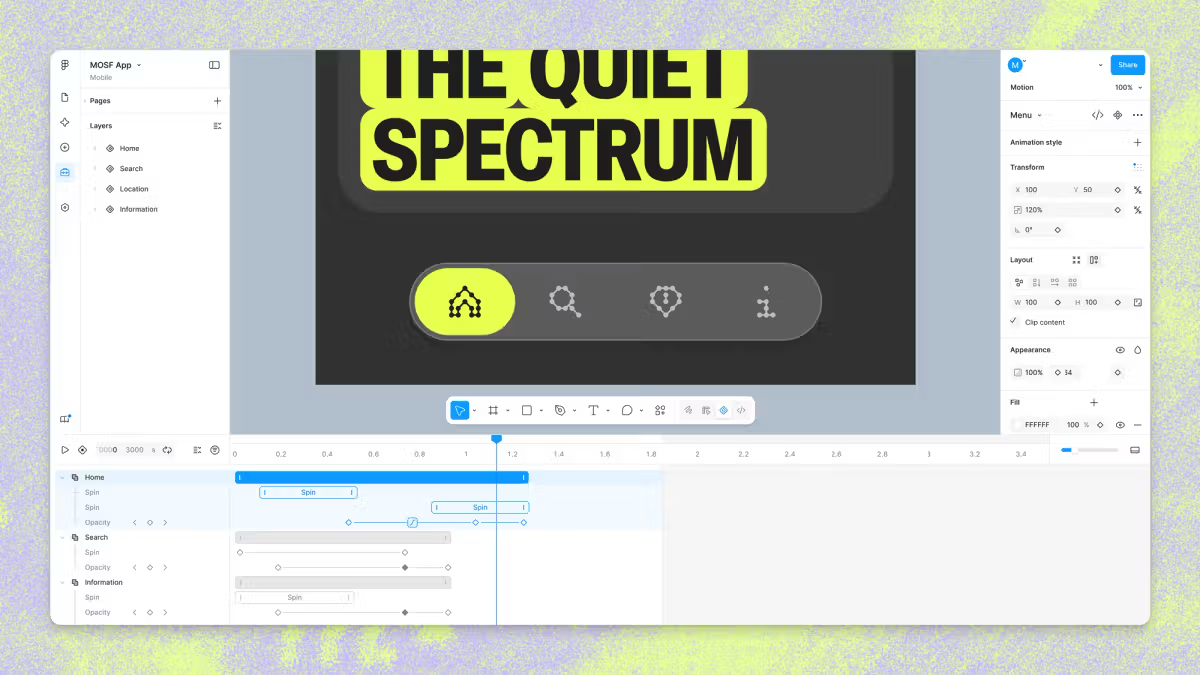
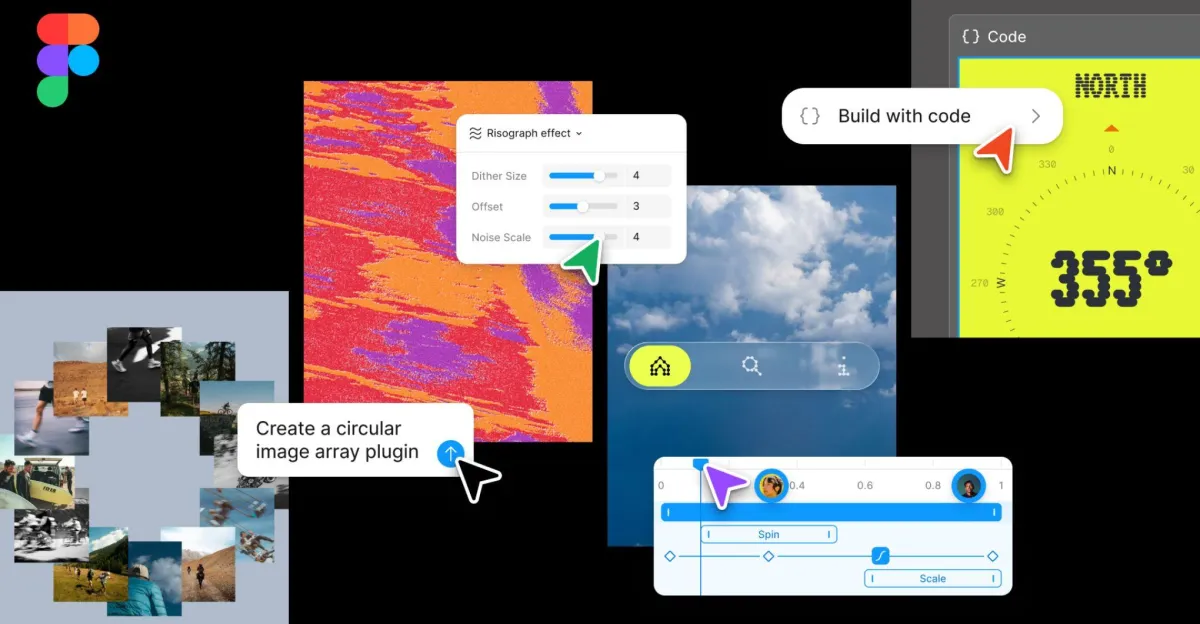
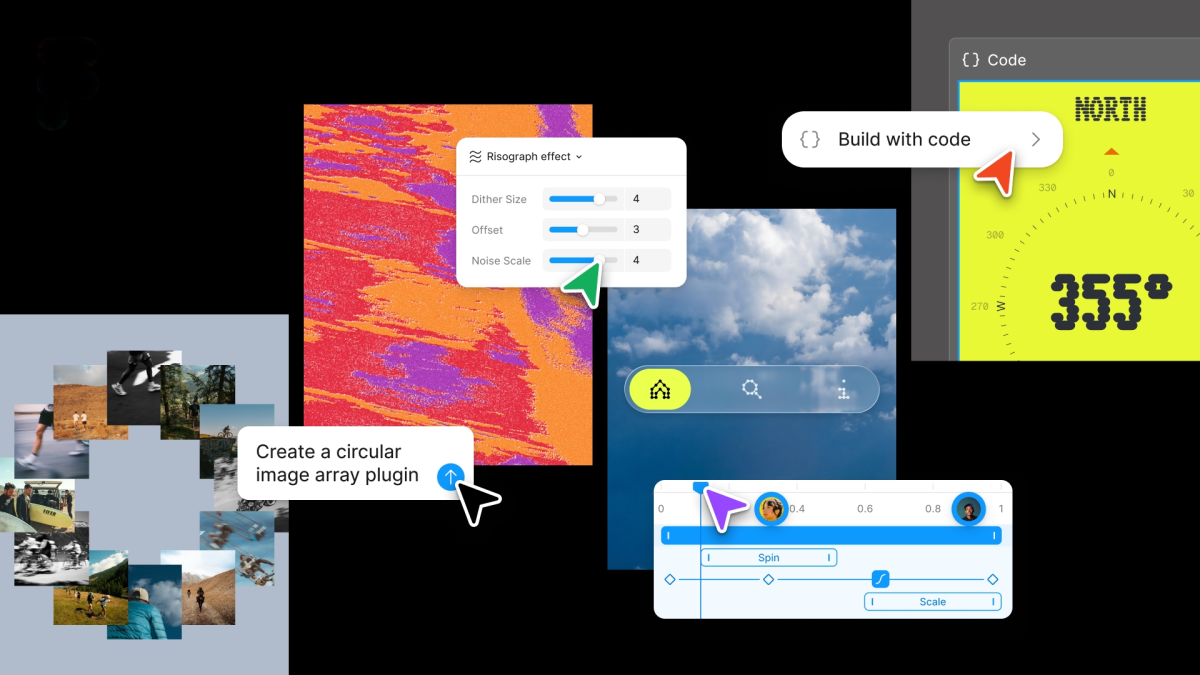
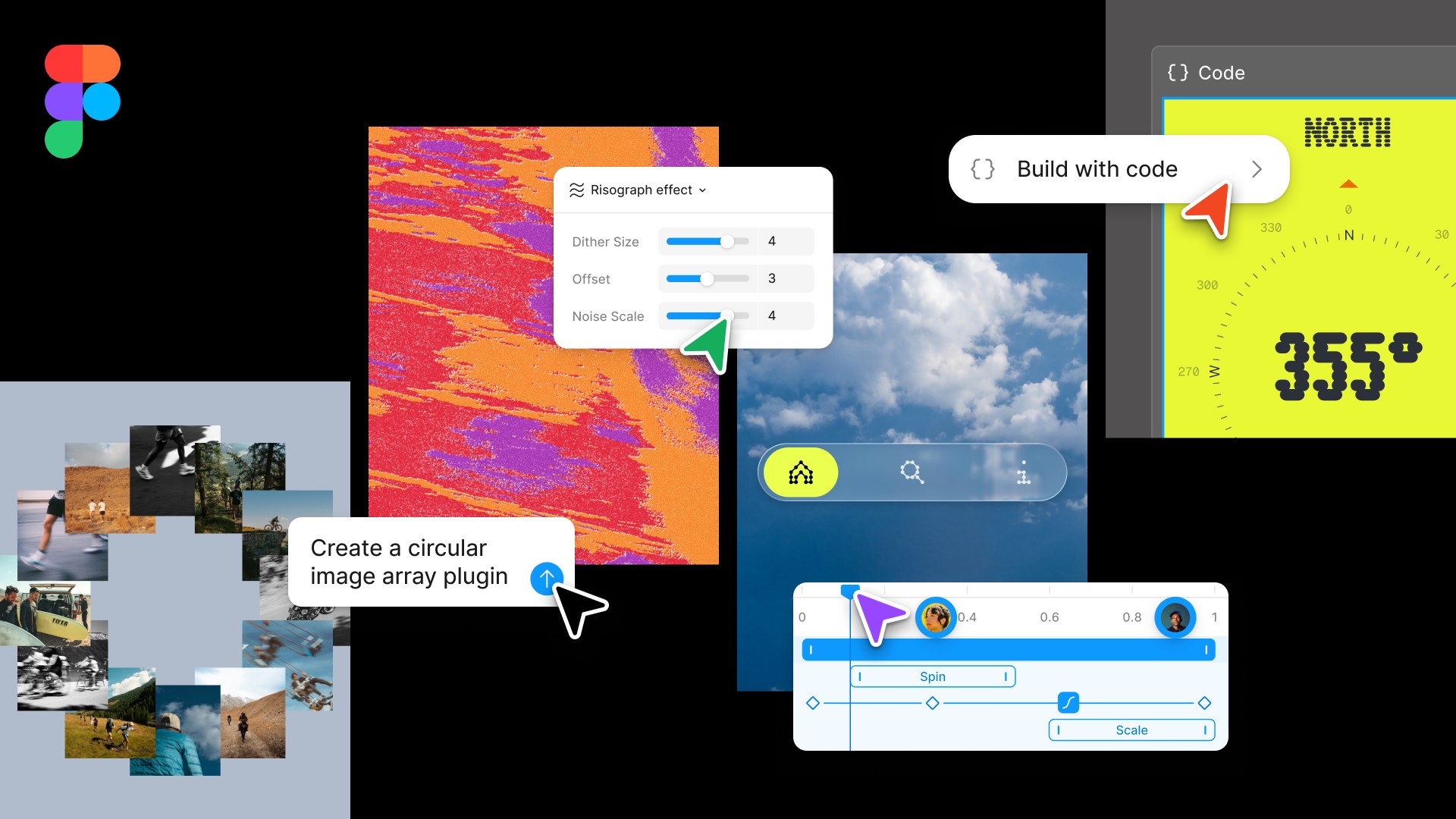
Figma now has AI motion graphics and shader tools
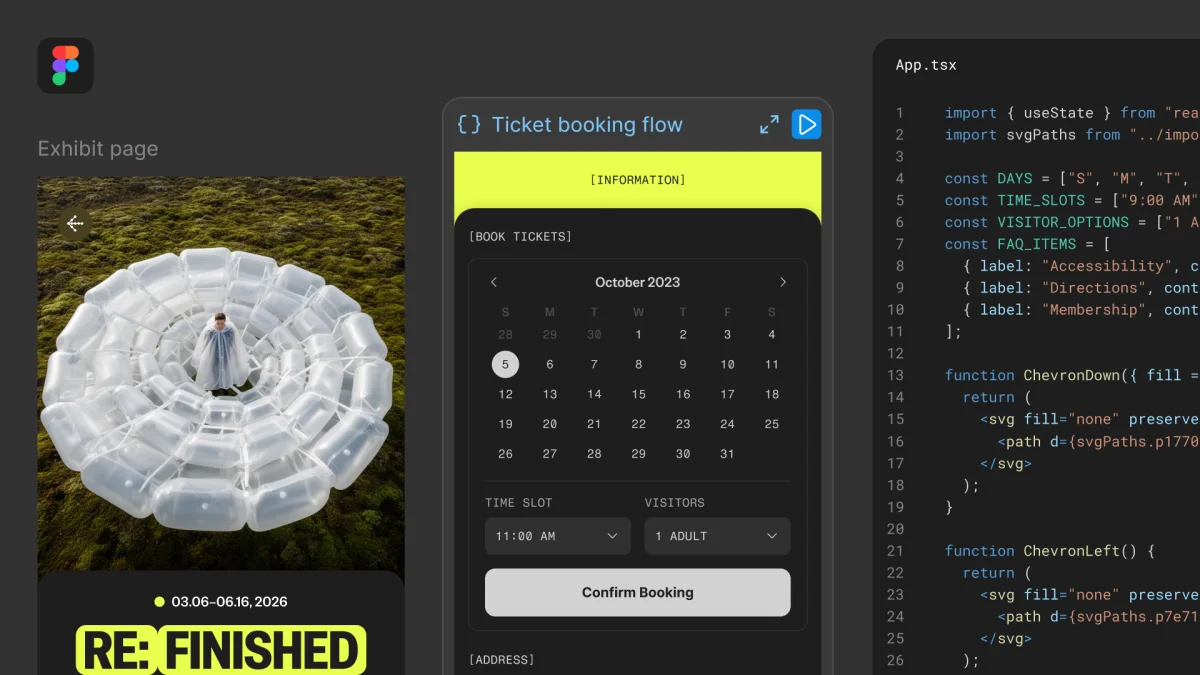
You can also work directly with code on the Figma Design canvas, thanks to code layers.
Confronto fonti
6 prospettive sulla stessa storiaTimeline cronologica
- ·
figma.com
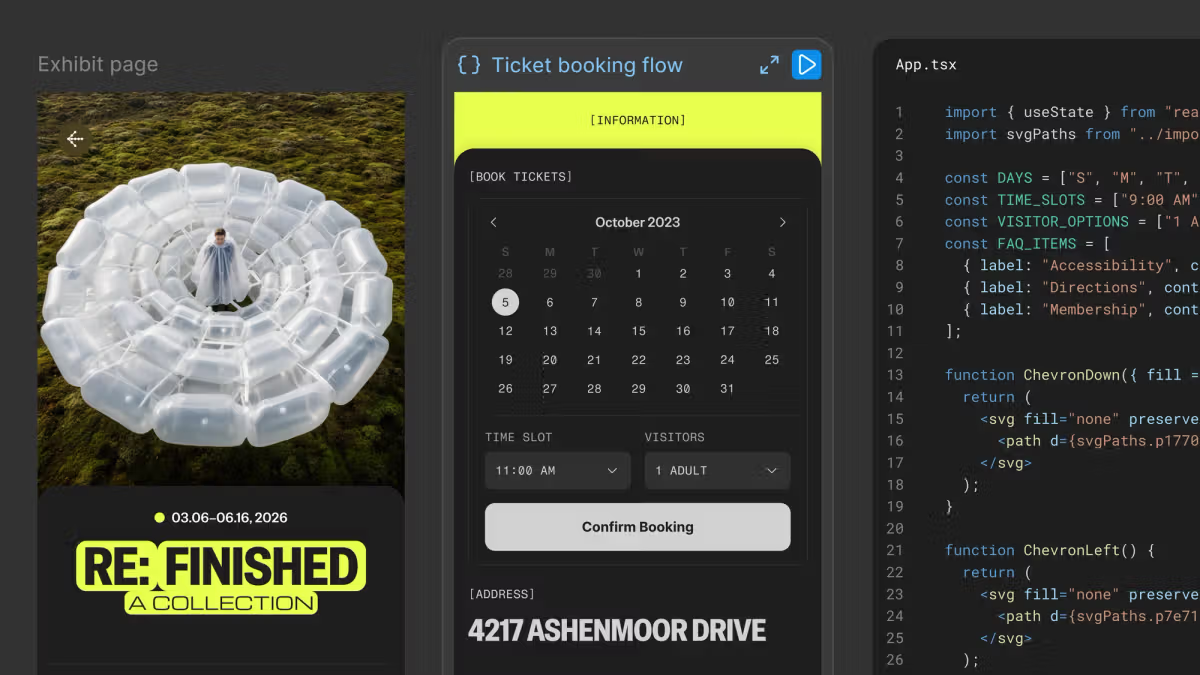
Code on the Figma Canvas | Figma Blog
With code layers in Figma Design, you can explore multiple directions with code, side by side with your team.
- ·
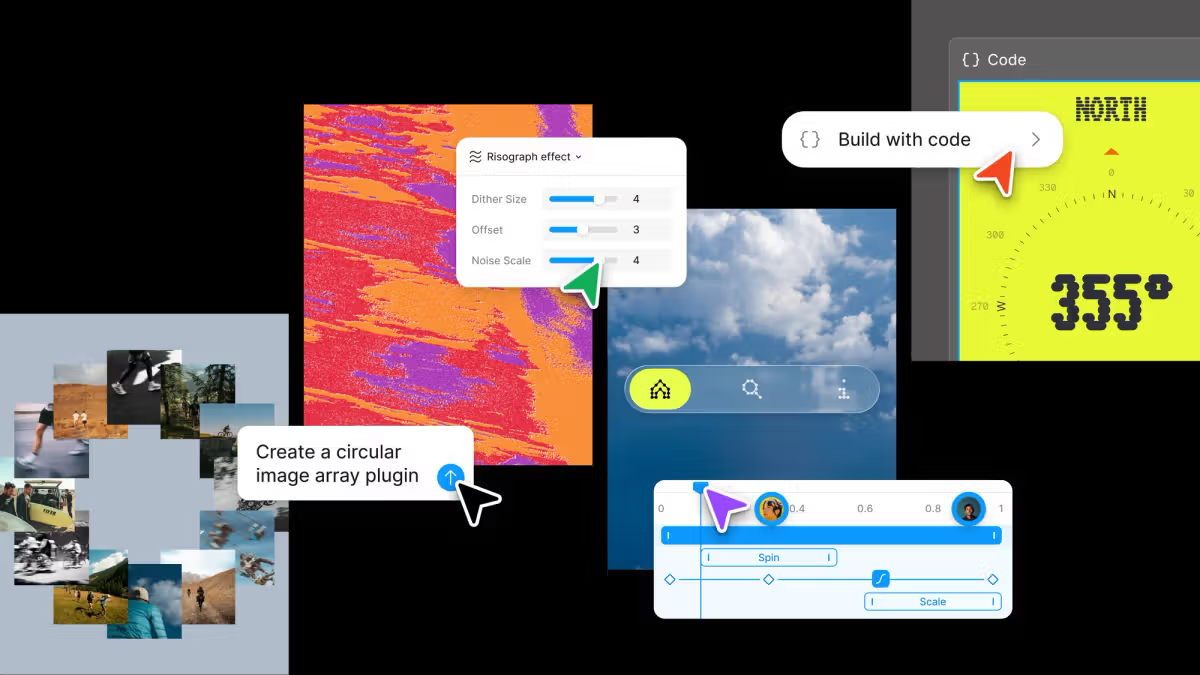
Config 2026: New Materials, New Tools and a More Expressive Canvas | Figma Blog
Push past what you thought was possible with code layers, Figma Motion, shaders, generative plugins and Weave tools, all on the canvas.