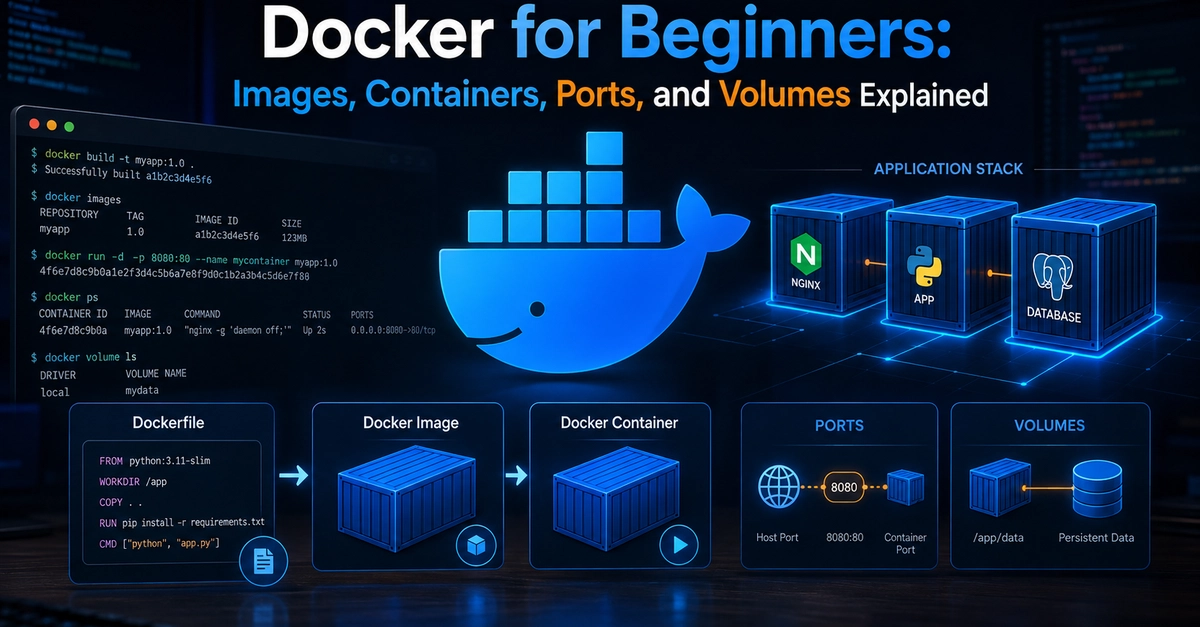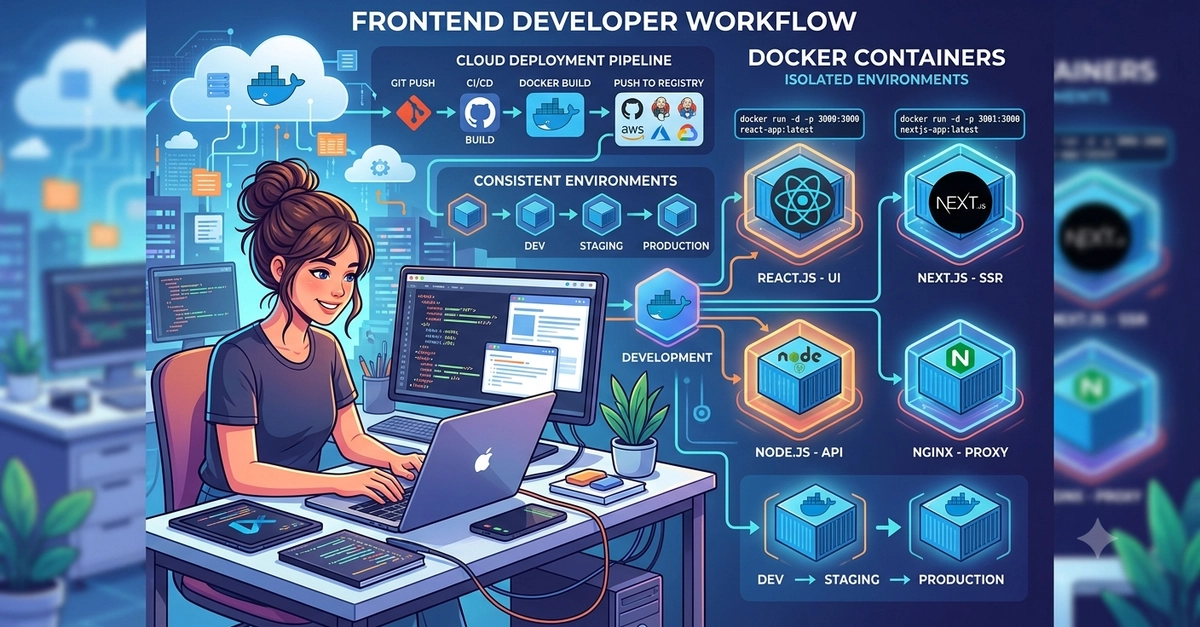
Every modern developer encounters Docker eventually. You have likely run docker run -p 8080:80 nginx or copied a snippet from a README to get a local database running. But moving from blindly running commands to structuring production-grade container workflows requires a deeper understanding of how Docker operates under the hood.
In this article, we will move beyond the basics of containerization. We will explore core container concepts, build a highly optimized multi-stage Dockerfile for a web application, orchestrate local environments with Docker Compose, and review production best practices that keep your images small and secure.
1. Demystifying the Core Architecture
Before writing code, let us clear up common misconceptions about Docker components.
Container: A runnable instance of an image. It is isolated from the host machine and other containers using Linux namespaces (for isolation) and cgroups (for resource limiting). Think of a container as an object instantiated from a class.