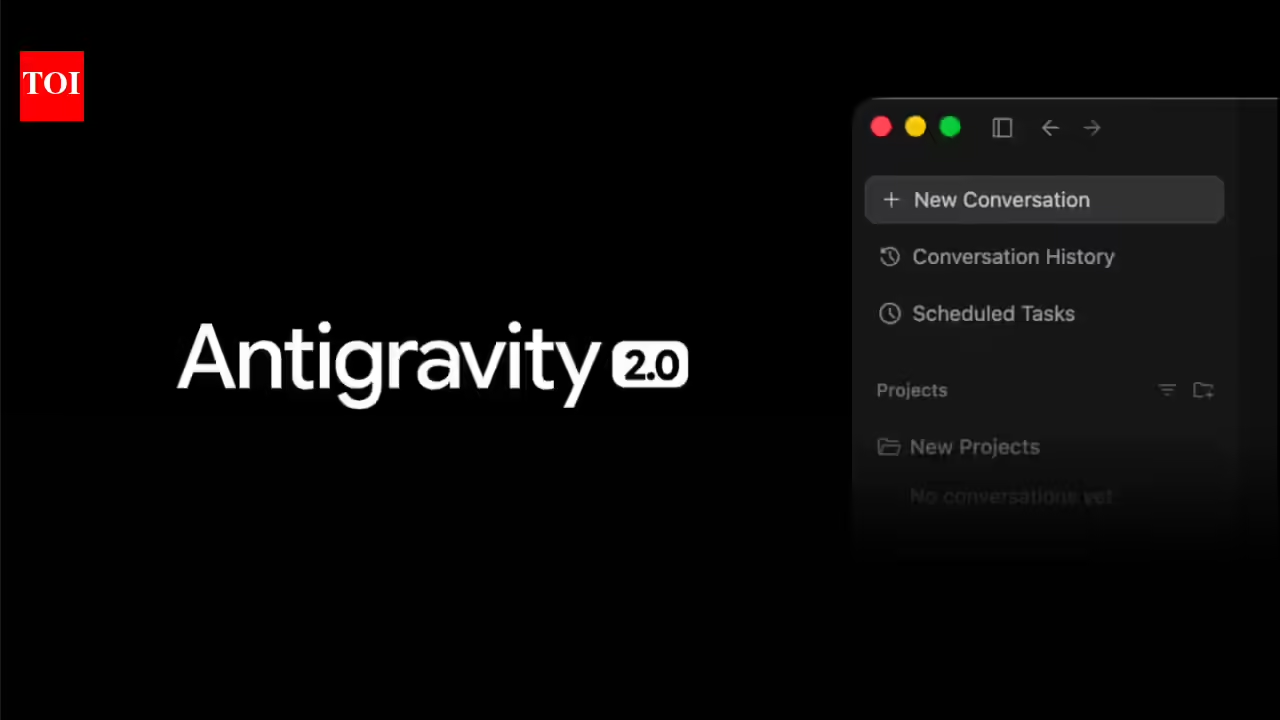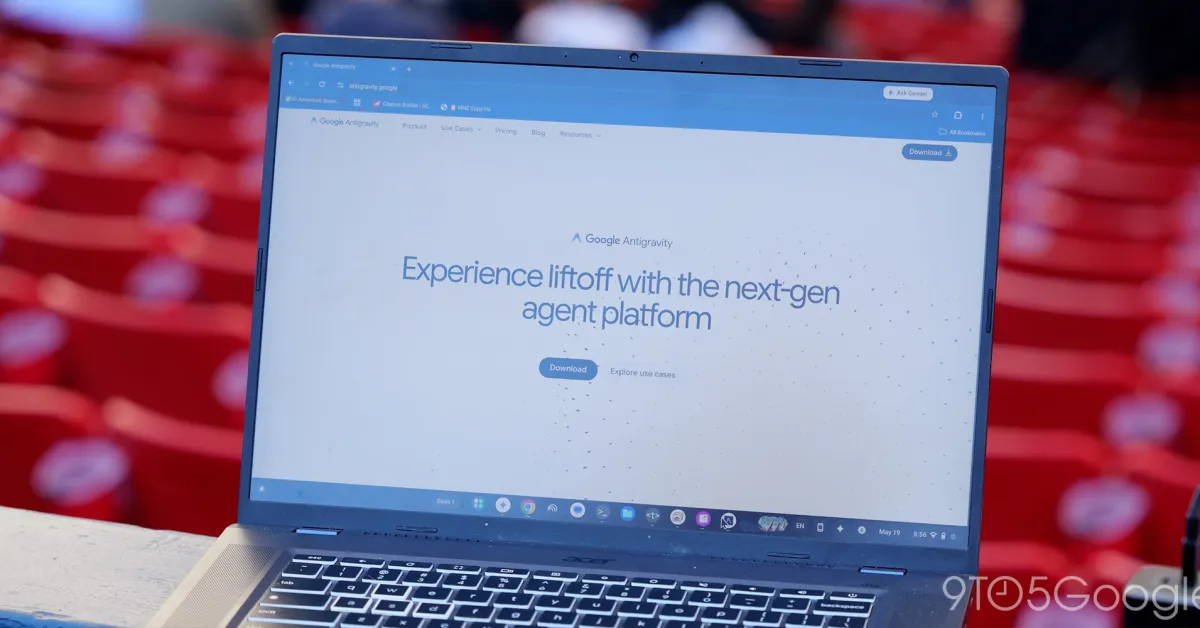
If you've tried an "agentic" AI coding tool recently, there's a good chance it asked you to switch editors entirely. Google's own agent-first IDE, Antigravity, launched in November 2025 with exactly that trade-off: full agentic power, but only inside its own dedicated desktop application.
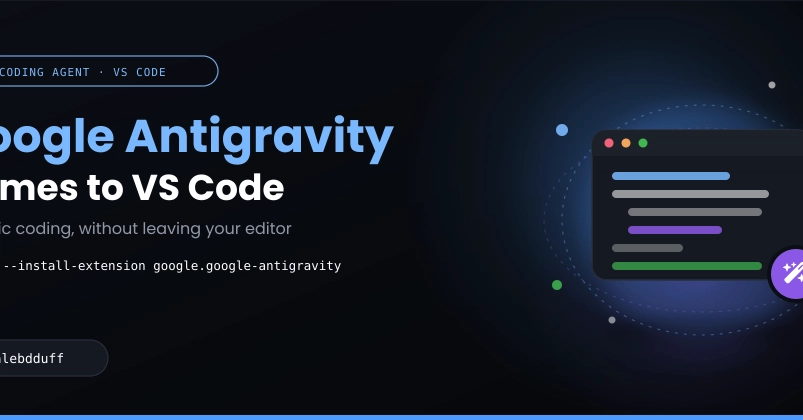
That trade-off just went away. Google has shipped Antigravity extensions for VS Code, Visual Studio, JetBrains, and Zed, bringing the same agent, the same review workflow, and the same account into the editor you've already spent years configuring exactly the way you like it.
This post walks through what the VS Code extension actually is, how it fits into Antigravity's broader architecture, how to install and configure it, and most importantly; how its permission system keeps an agent that can read files, run terminal commands, and drive a real browser from doing anything you haven't explicitly allowed.
By the end of this article, you will be able to:
Explain how the extension relates to the full Antigravity 2.0 desktop app and the agy CLI