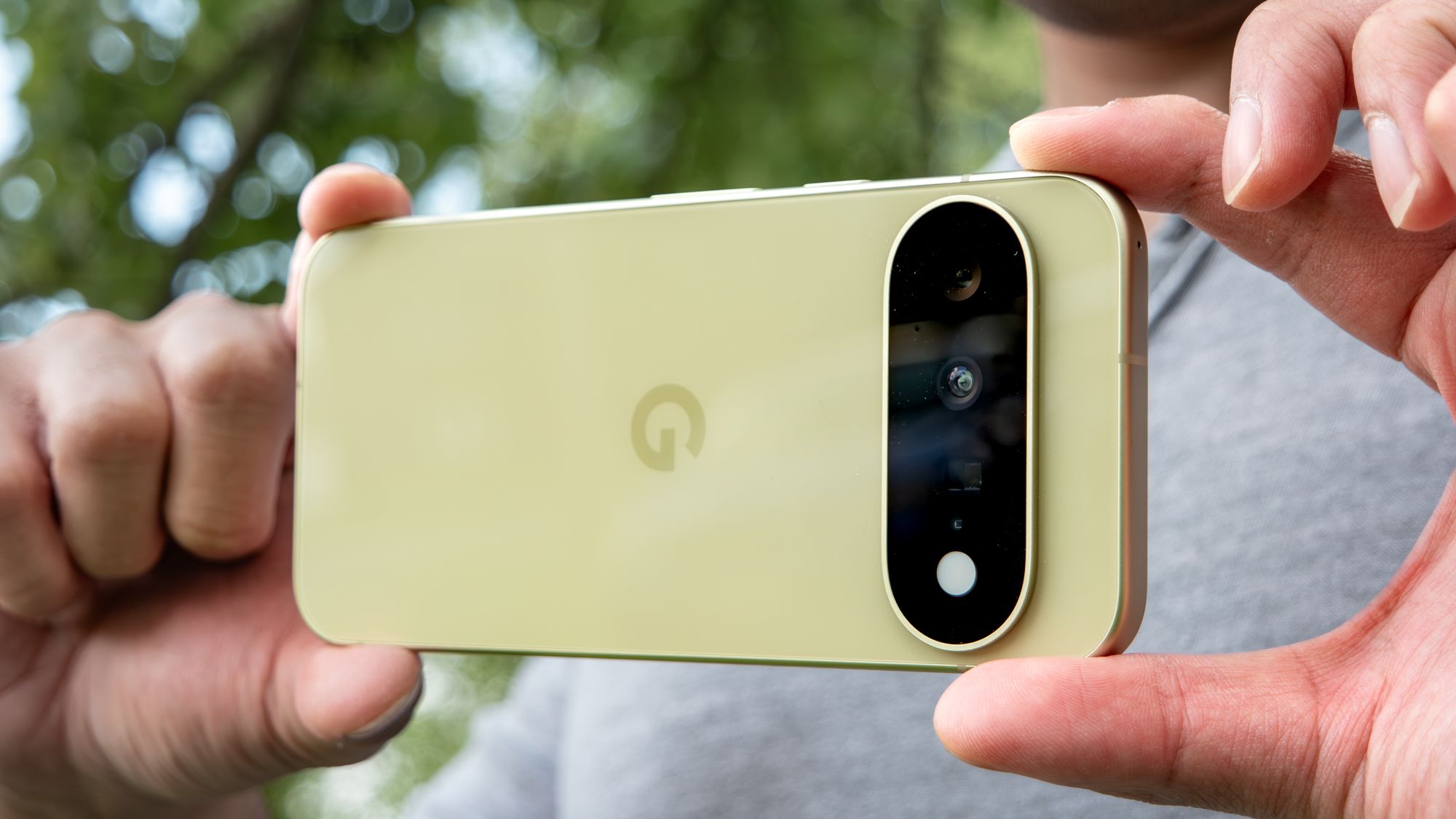
(Image credit: John Velasco / Tom's Guide)
If you've ever tried to snap photos of an unpredictably moving target, you'll know that a smartphone is not the best tool for the job. There's no burst mode in a lot of default camera apps, and actually tapping the shutter button by hand isn't always fast enough. Google thinks it's figured out a solution, though.In our Google Pixel 11 review, we weren't overly enthused by the phone as a whole, but its "Magic Capture" camera mode is something I've found truly useful. It works by recording a video clip, then uses AI to analyze each frame and pull out the most appropriate stills. It's not quite a dual-capture mode, but it's probably the closest thing Pixel phones actually have right now.The question is, can Magic Capture actually do what Google has promised? HiLight has turned out to be a colossal disappointment, and the Pixel 11 is about as exciting as beige paint. So can Google recapture user enthusiasm through the camera? I tested it to find out.How to use Magic Capture
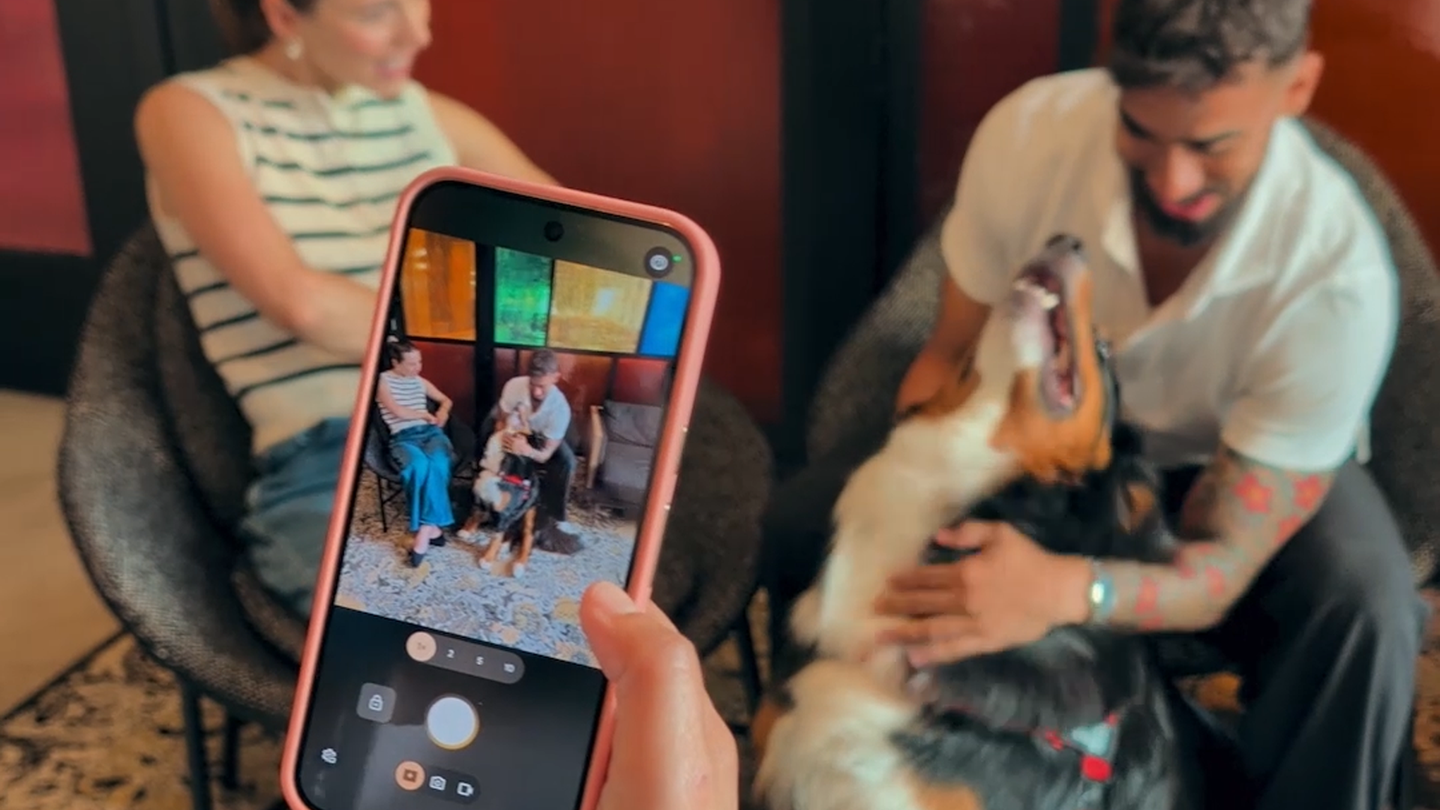
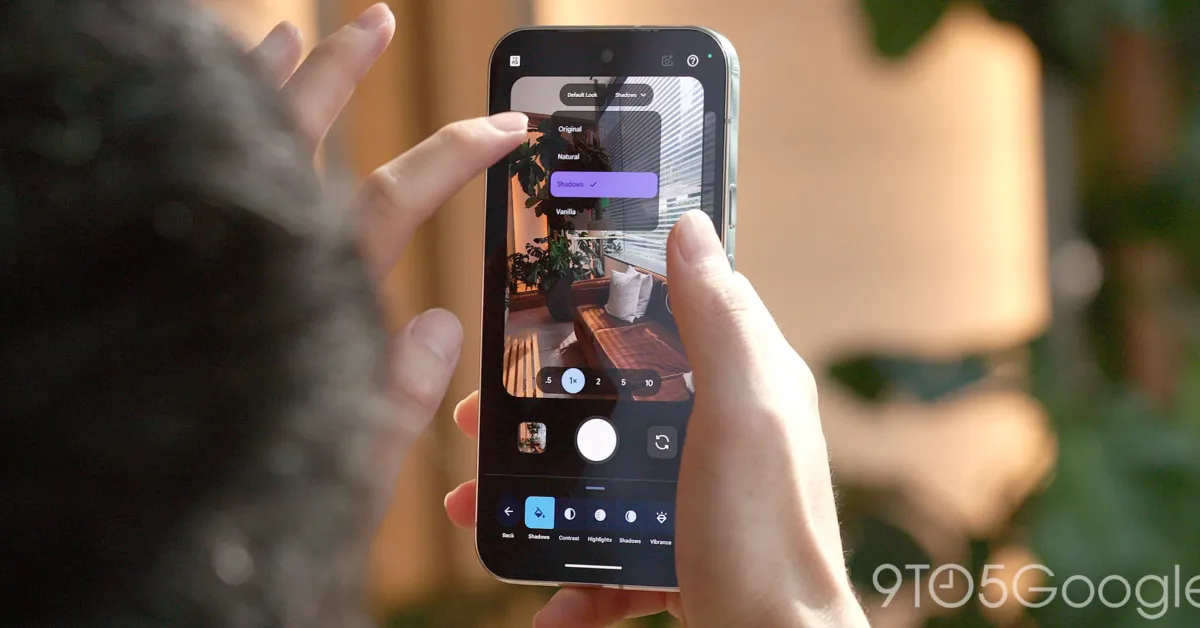
(Image credit: Future)In my experience, a lot of new AI features can be difficult to find, even if you know where to look. That's not the case with Magic Capture. Google has put it front and center in the Pixel 11's camera app. It is prominently displayed at the bottom of the screen, next to the Photo and Video toggles that have been around for years.Tap it, and the camera interface suddenly gets a whole lot cleaner. Your only serious options are to tap the shutter button and control the level of zoom. There is a settings toggle that lets you control whether you have Video Boost switched on too, should you prefer things that way.All you need to do is tap the shutter button and your phone will start recording. Once you've finished, the onboard AI will analyze the footage and figure out which frames are worthy of becoming photos. Those new photos then get added to your camera reel automatically.It's surprisingly simple, and that's one of the things I really like about Magic Capture. You don't need to do a bunch of research to figure out how it works, or what you can gain from it. The button is positioned front-and-center, and it works just like every other video camera mode on your phone.Get instant access to breaking news, the hottest reviews, great deals and helpful tips.There are some restrictions on how it works