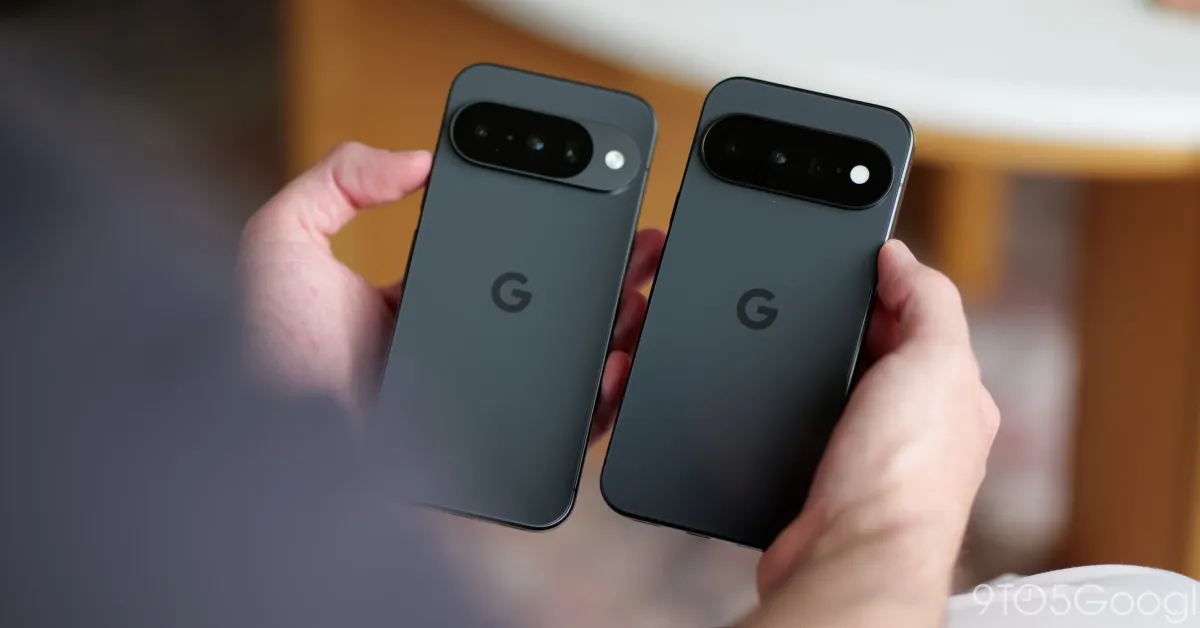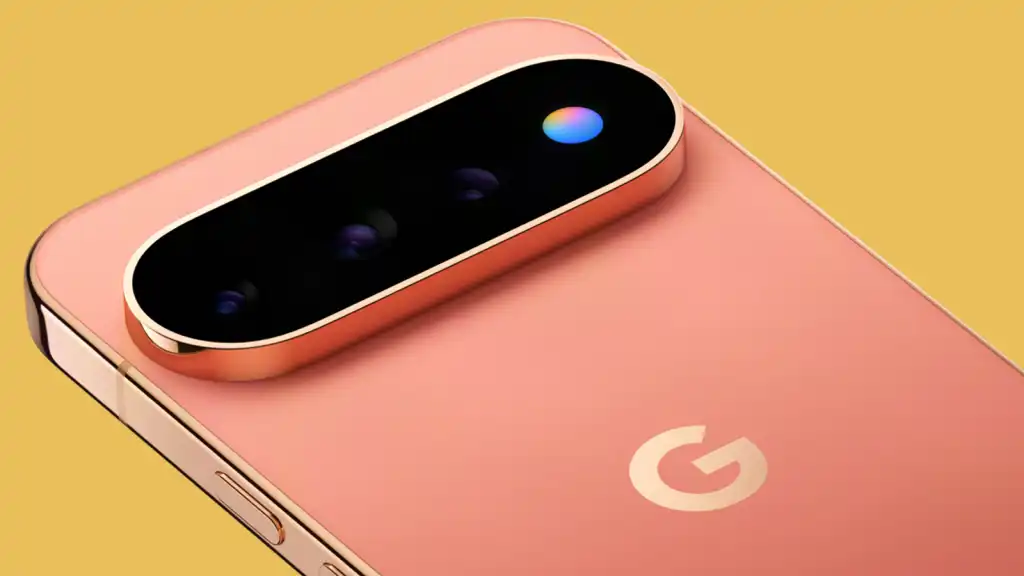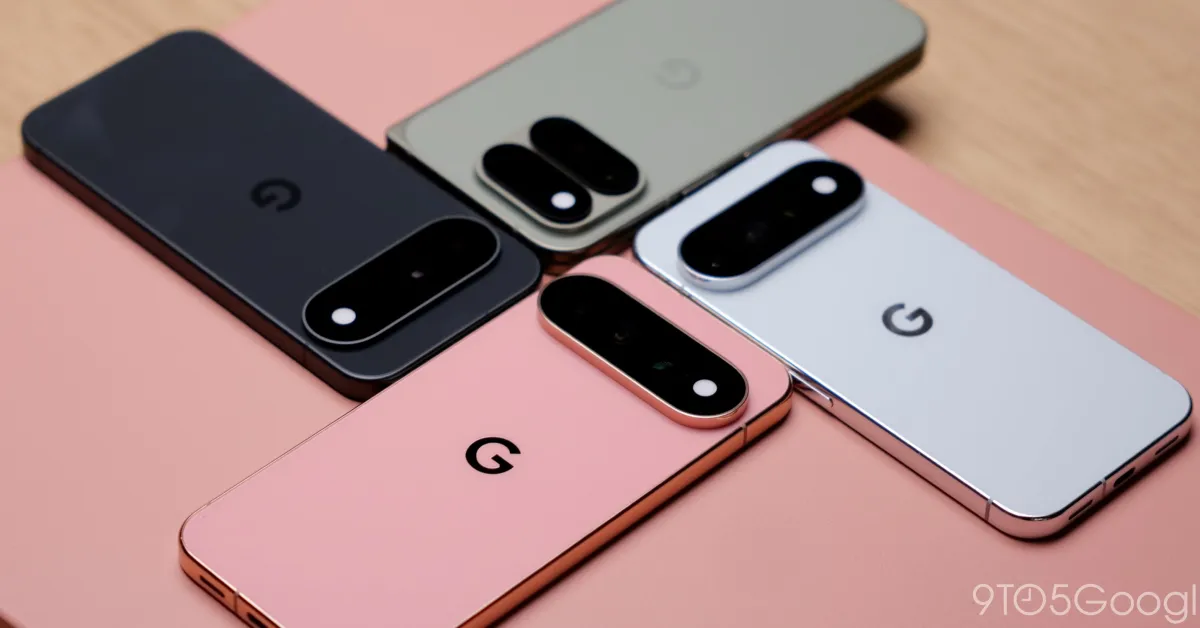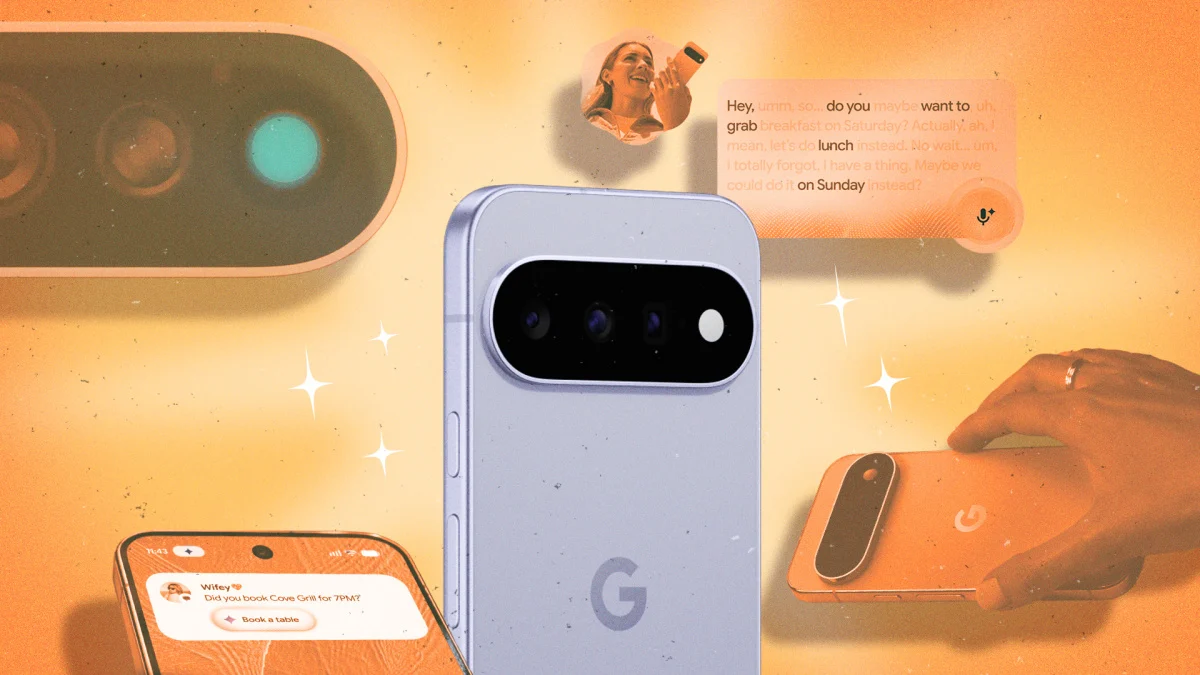
Part of the fun of upgrading your phone is digging into all the new features and functions it offers, and it's no different with Google's recently unveiled Pixel 11 series. While there are hardware bumps in these phones, many of the most notable selling points are on the software side, with a bunch of upgrades related to AI and Android 17.If you've invested in a Pixel 11, Pixel 11 Pro, Pixel 11 Pro XL, or Pixel 11 Pro Fold, then these are the best tricks to try out first. All of these hacks are exclusive to the 2026 flagships, though we might see some of them trickle down to older handsets over time (for now, Google isn't saying one way or the other).Install this app to take full control of HiLightHiLight is new to the Pixel 11, and uses a rear LED light to alert you to incoming calls from the most important people in your life—the idea being that it helps you cut out the rest of the noise associated with owning a smartphone in 2026.
You can configure HiLight from Settings by choosing System > HiLight, but there's not actually much configuring to do. It only works for Gemini chats and calls from contacts marked as favorites, with a simple toggle switch in both instances. You can choose different colors for different contacts, but that's about it.To do more with HiLight, though, you can install HiLight Studio. This third-party tool unlocks HiLight for use with more apps on your phone, and gives you full control over the colors displayed, making HiLight much more useful.Use Camera Looks filters to add imperfections to your photosOne of the Pixel 11 exclusives in the Camera app is what Google is calling Camera Looks. They work like subtle filters, similar to the Photographic Styles on iOS, with gentle adjustments to contrast and colors that give your images a different feel (and can remove the ultra-clean, over-processed vibe of Pixel photos in general).Open the Camera and tap the controls button (lower right), then Looks. This gives you access to the four different options you can apply by default when snapping images: Original (the usual Pixel processing), Natural (for "relaxed details"), Shadows (for "deeper contrast"), and Vanilla (for "a warm, golden glow").