Google has begun a global rollout of Scene Extension in the Gemini app for Google AI Plus, Pro and Ultra subscribers. The feature is designed to continue an existing video with newly generated footage, giving creators and businesses a more direct way to build longer sequences while retaining the context of an earlier clip.
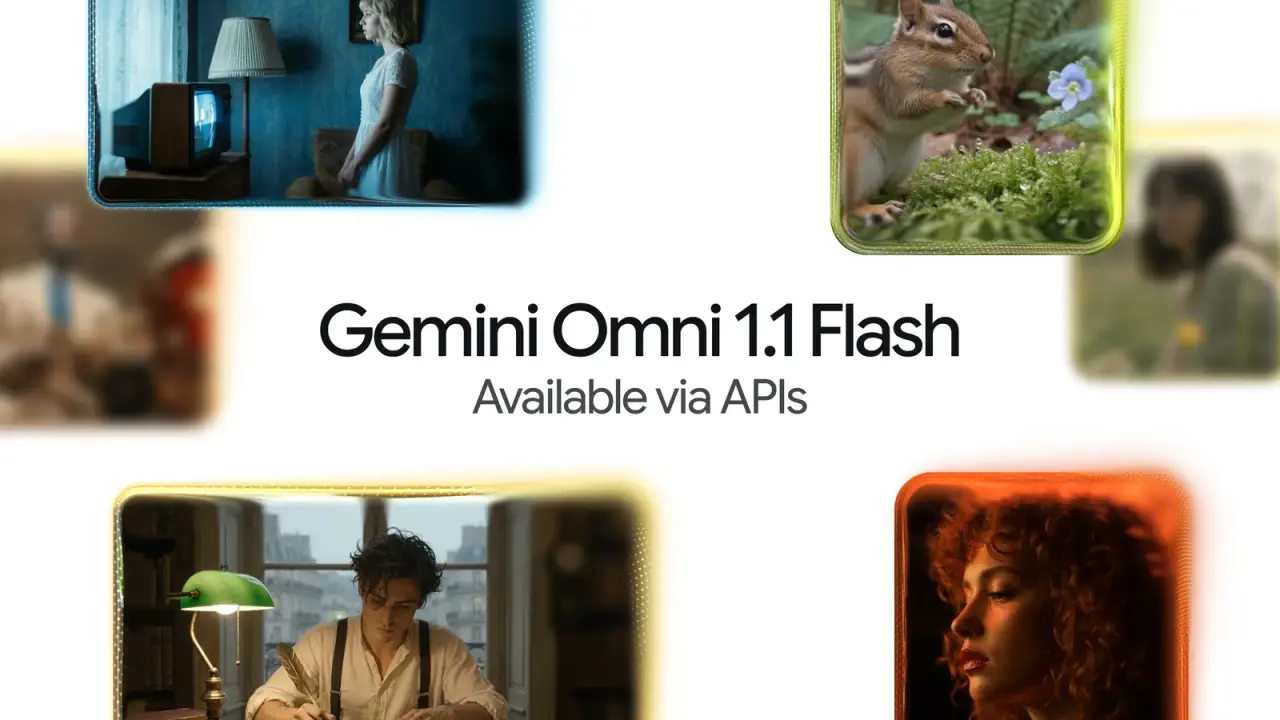
The rollout is part of Gemini Omni 1.1 Flash, which Google describes as adding advanced, production-ready video controls. In Google's official Omni 1.1 Flash announcement, the company says Scene Extension can reference up to 10 seconds of prior video context, then generate continuations in 10-second increments, up to a total video length of 40 seconds.
For teams producing marketing clips, product explainers or social content, the central value is continuity. Rather than treating each generated clip as a disconnected asset, Scene Extension is intended to let users continue an established scene, action or visual concept. That does not remove the need for review and editing, but it can reduce the manual work involved in creating a sequence from separate short generations.
How Gemini Scene Extension works
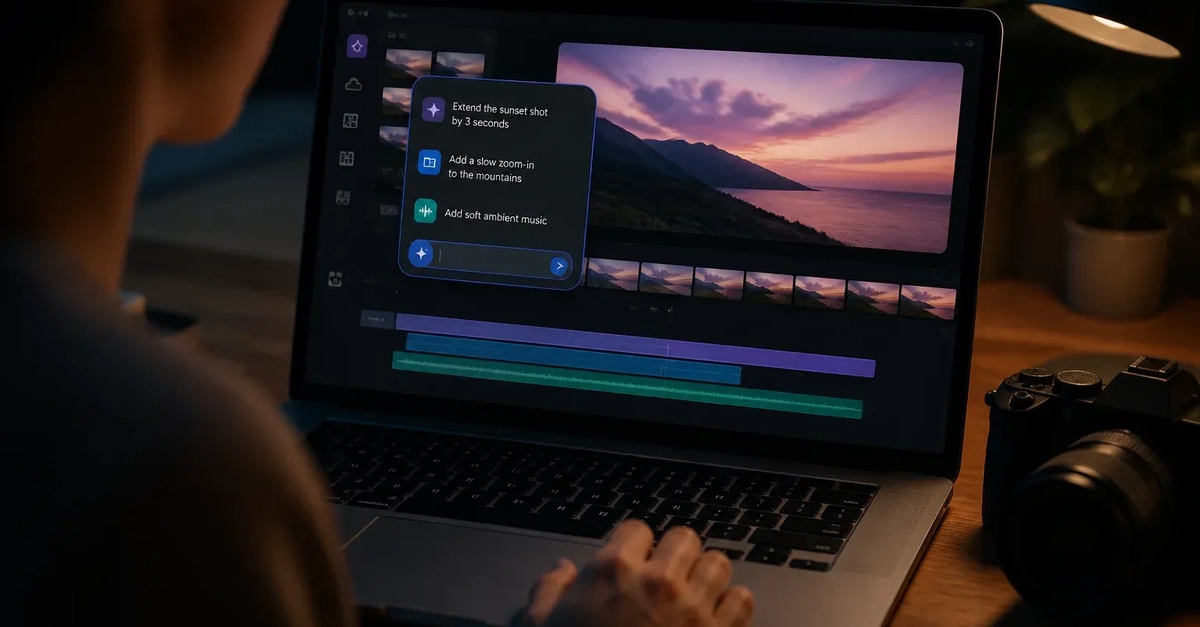
In Gemini, users can select Create video from the tools menu, create or upload a video, and ask Gemini to extend the scene with a description of what should happen next. The prompt matters because it supplies the creative direction for the continuation, such as a new action, camera progression or next moment in a product story.