Follow ZDNET: Add us as a preferred source on Google.
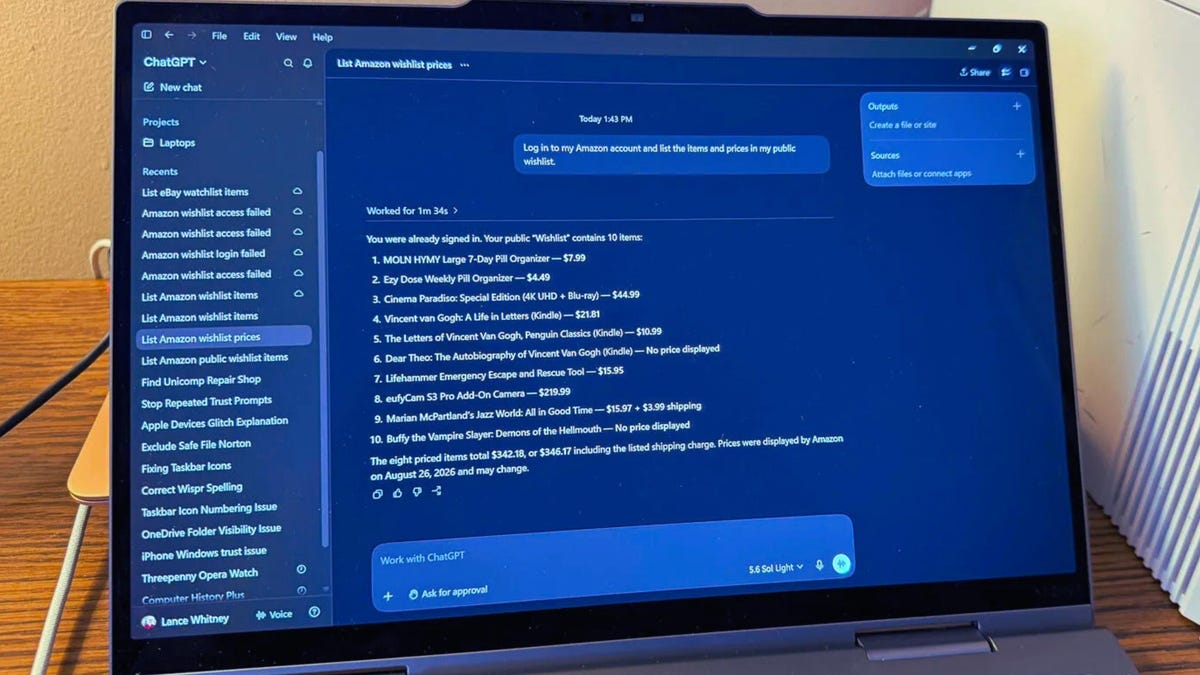
AI agents can complete a variety of requests without your intervention. One task that does typically need your input is logging in to a password-protected website. But a new option available with ChatGPT can automatically sign you in to one of your online accounts, at least under certain conditions.
Also: How to use ChatGPT Work - and my top 10 tips for getting started with agentic AI
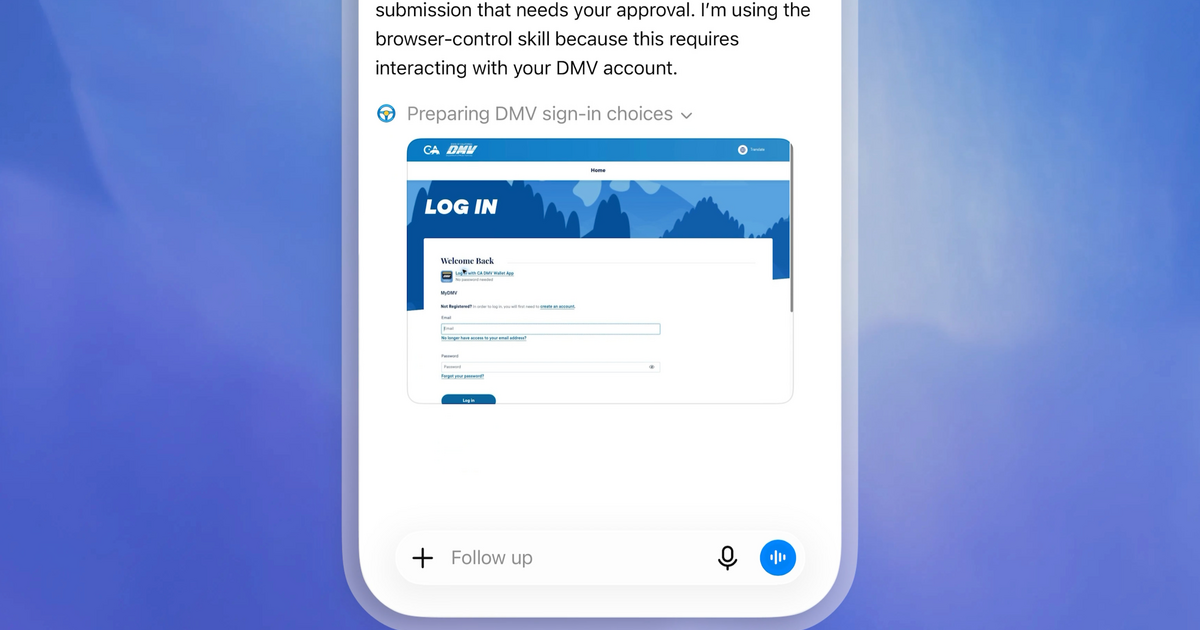
Launched on Tuesday, the new skill is accessible through the agentic ChatGPT Work, which carries out assignments on its own based on your requests. Available only for ChatGPT Pro and Plus accounts, this new option uses ChatGPT's built-in browser to keep your session signed in for future tasks. How? By storing your login information in cookies, just like any other browser.
The first time ChatGPT needs to access one of your website accounts, you'll be prompted to enter your username and password or your passcode. You can manually type them or autofill them from a third-party password manager. The AI will then sign in to your account as expected. The next time ChatGPT needs to log in to that same site, you won't be prompted. Instead, the AI will use the cookies generated from the previous session to sign you in without your input.