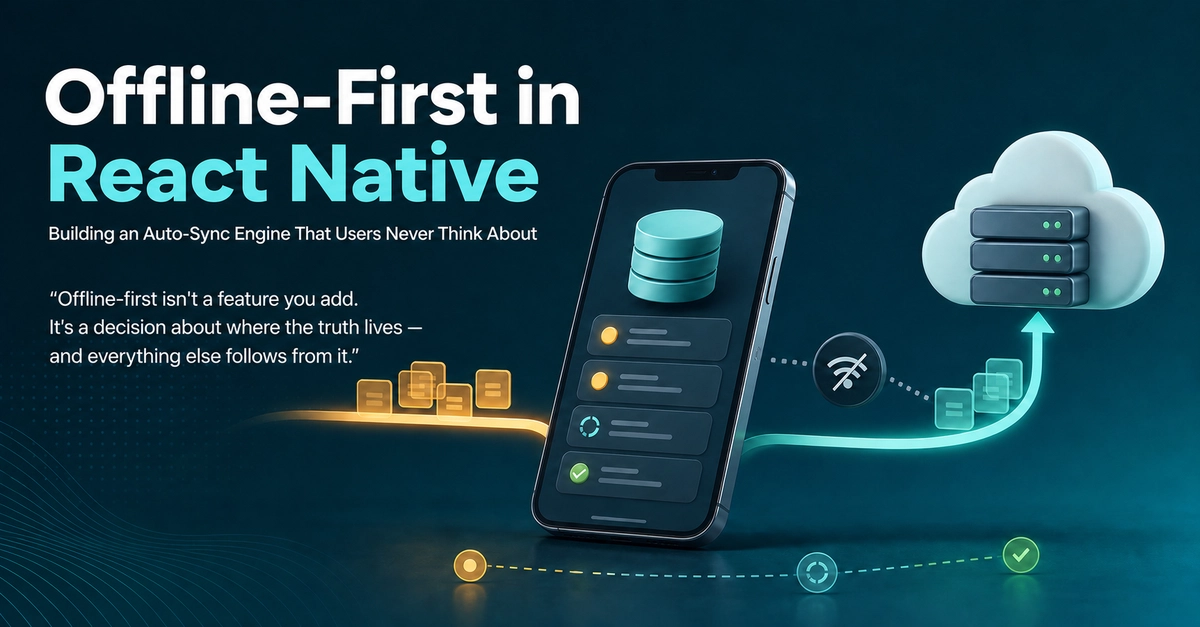
By Shivkrishna Shah · Engineer Philosophy — @shivkrishnashah · @engineerphilosophy
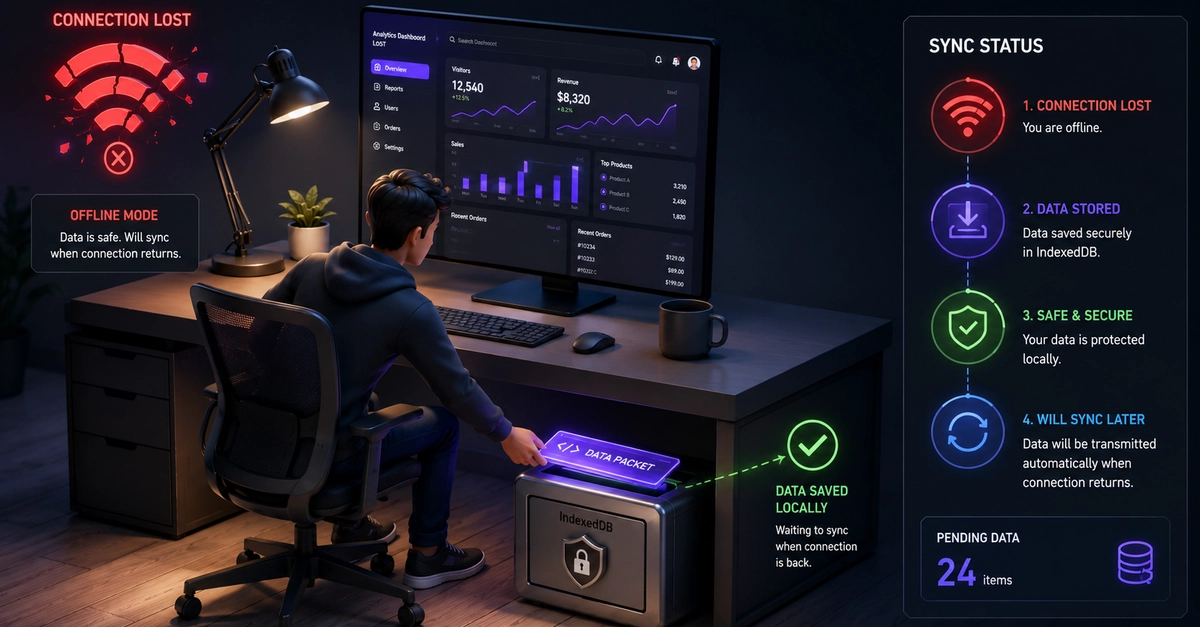
Your app shouldn't have a "no internet" screen. Here's the architecture I use to make mobile apps write locally, sync automatically, and survive the messy reality of field connectivity.
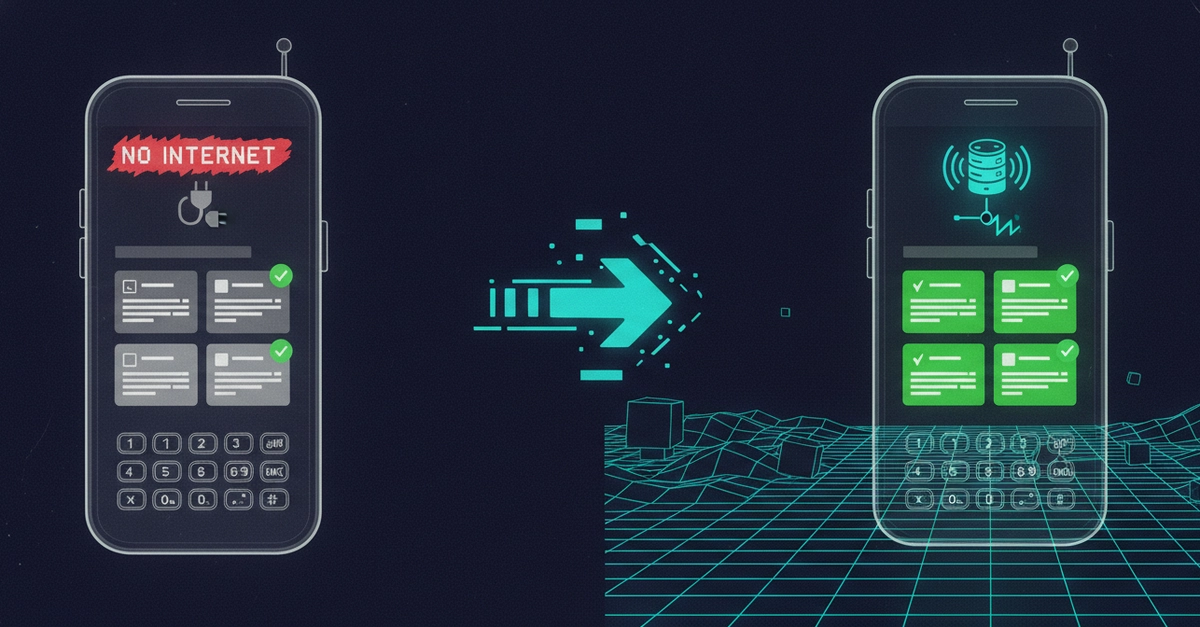
Every mobile developer has shipped this screen at least once: a sad cloud icon and the words "No internet connection. Please try again."
For consumer apps, that's an annoyance. For enterprise field apps — sales reps in hospital basements, auditors in warehouses, technicians in rural areas — it's a dealbreaker. If the app stops working when the signal drops, people stop trusting it. And once field users stop trusting an app, they go back to paper and WhatsApp.
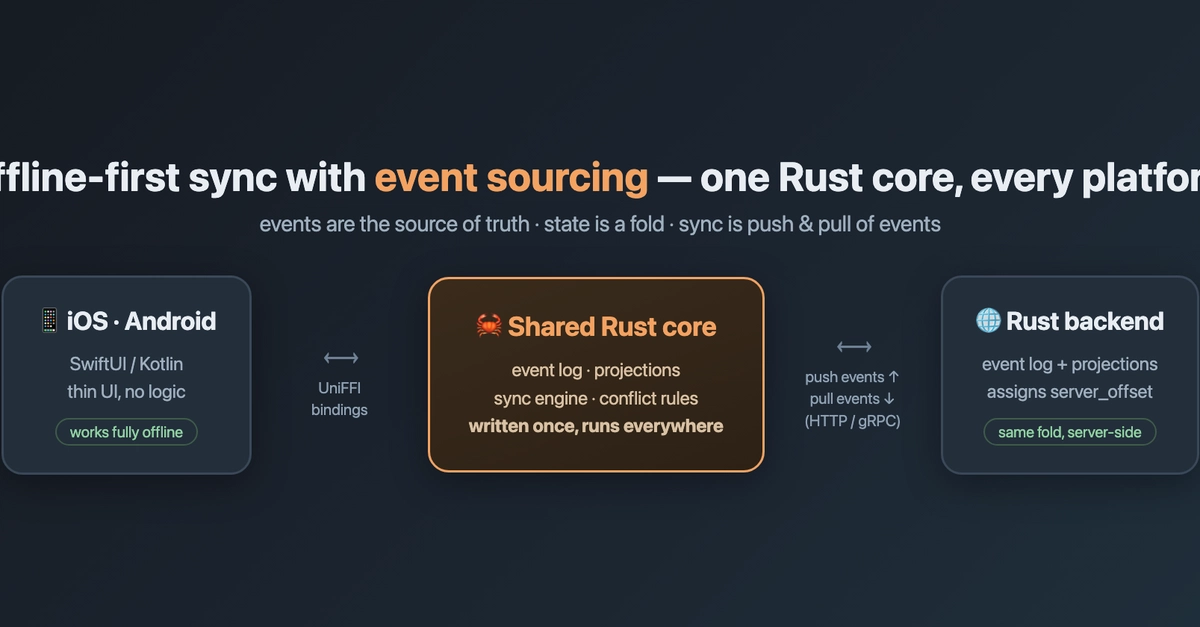
I spent the last few years building and maintaining an offline-first React Native platform used daily by field teams across multiple countries. This post is the architecture I wish someone had handed me on day one: how to structure local storage, detect connectivity, queue writes, auto-sync in the background, and avoid the two bugs that will absolutely bite you (duplicates and conflicts).