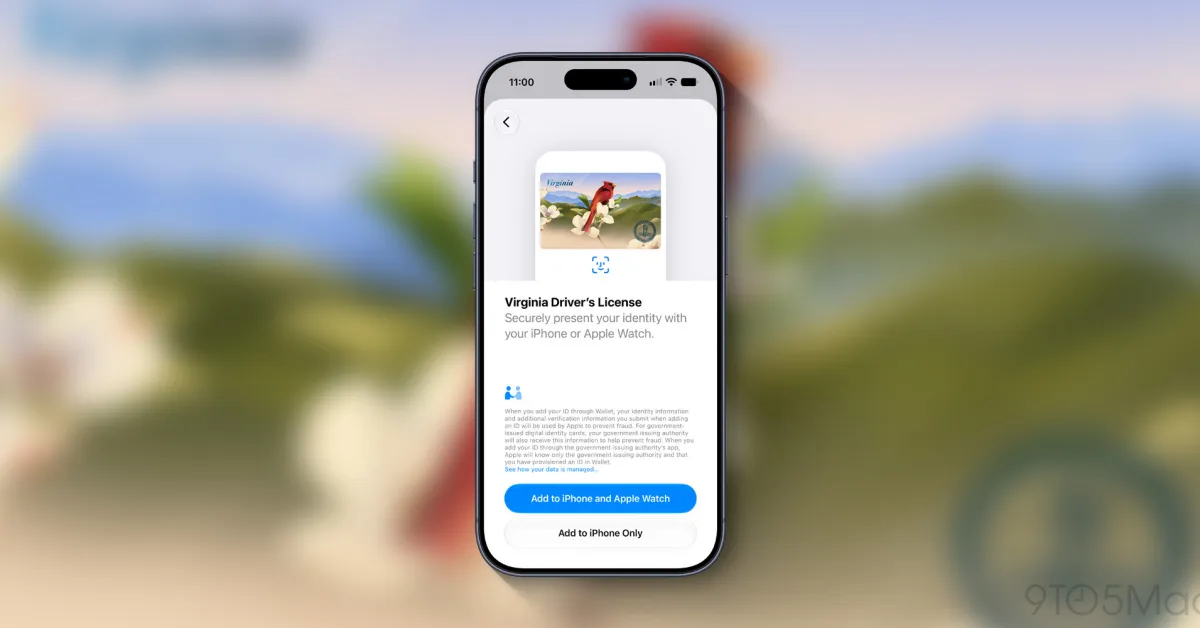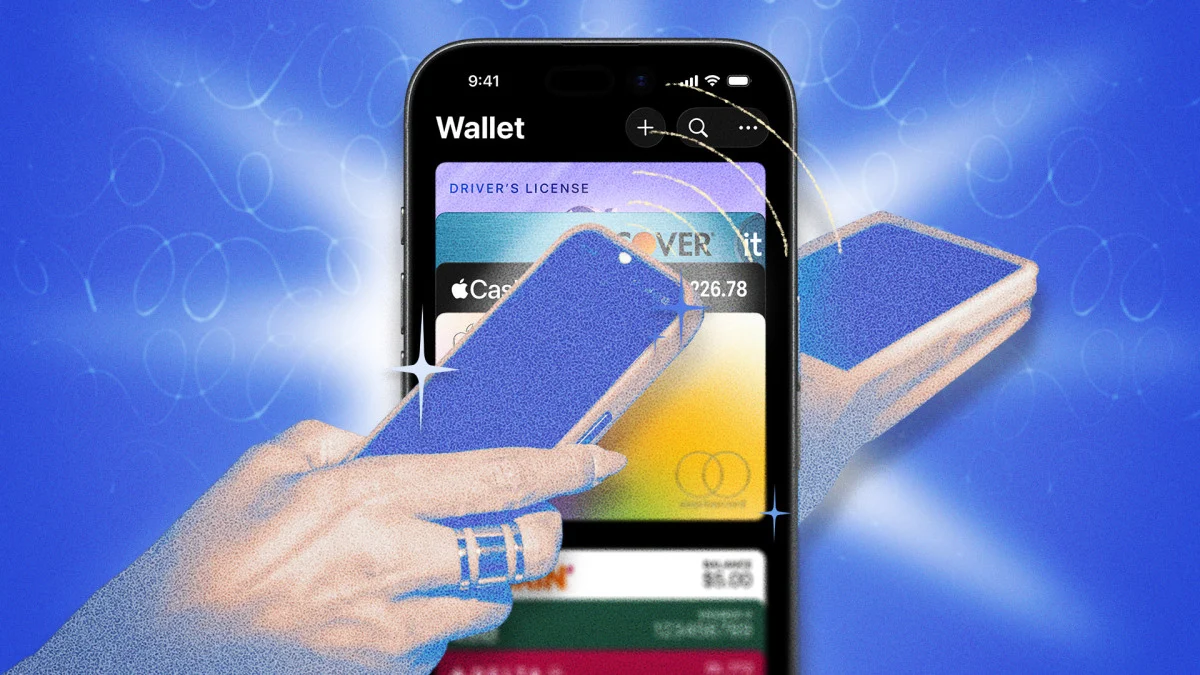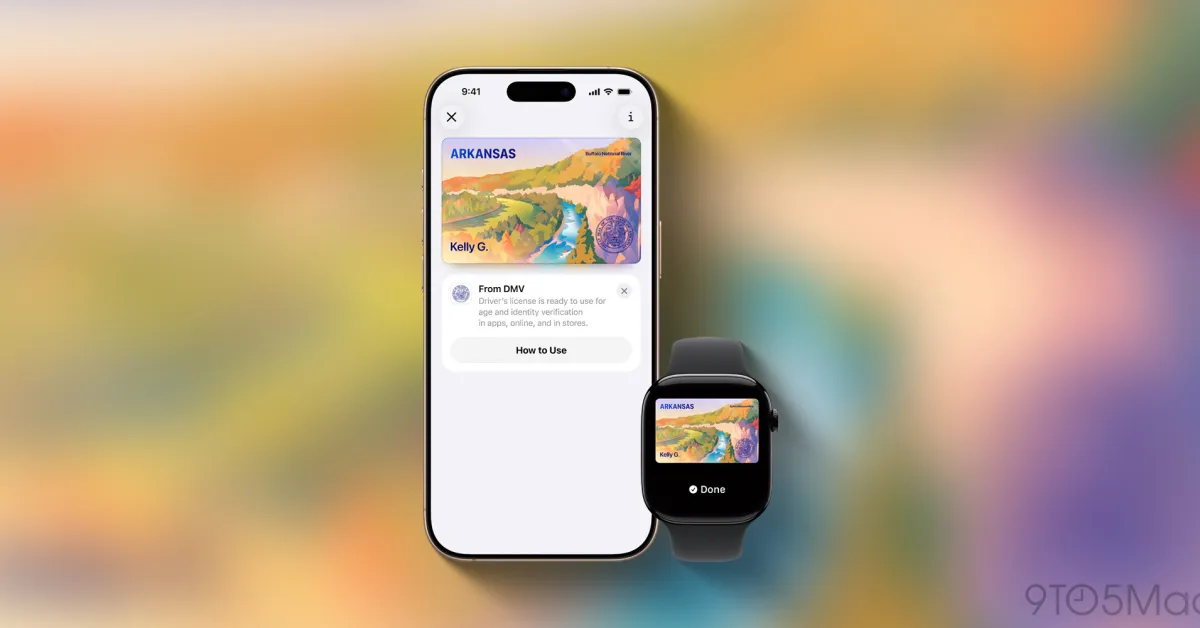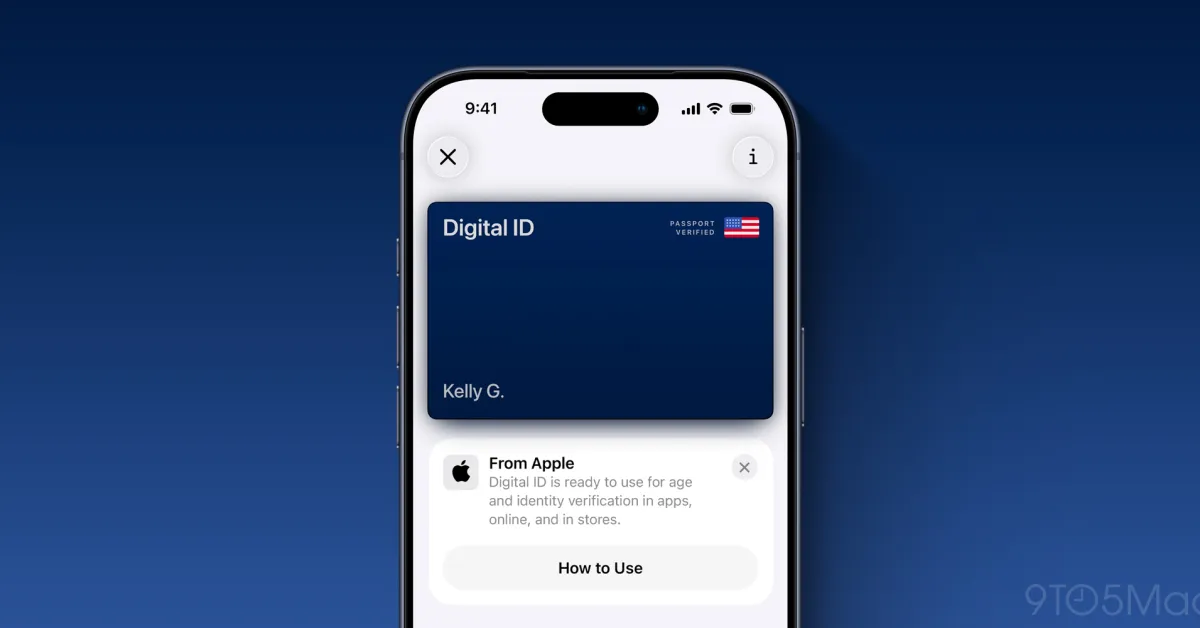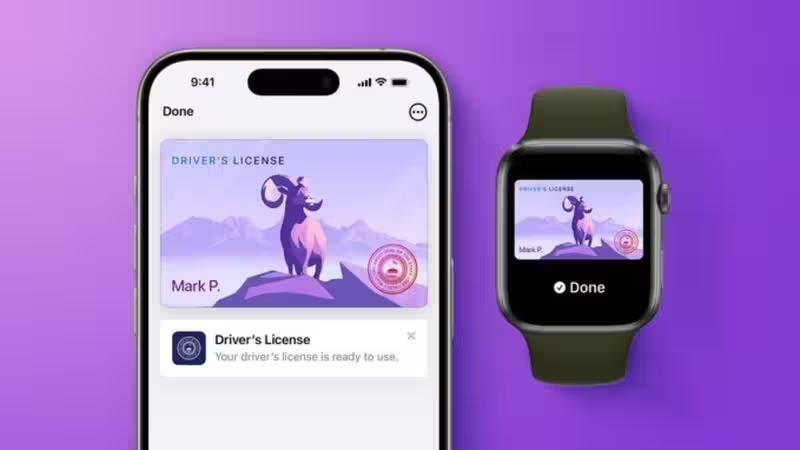
Step-by-Step Guide to Adding IDsStepWhat to do1Open the Wallet app on your iPhone.2Tap the + Add button.3Select Driver’s License or State ID.4Choose your state or territory.5Decide whether to add the ID to your iPhone and eligible paired Apple Watch.6Photograph the front and back of your physical license or ID.7Follow the instructions to capture your face and complete the required movements.8Complete the verification process with your issuing authority.9Once approved, use Face ID or Touch ID when presenting the digital ID.The exact verification flow can vary by issuing authority and supported device.Completing Identity Verification With a SelfieAdding an ID involves more than photographing the physical card because the issuing authority must verify that the person creating the digital credential is the legitimate holder. During setup, the iPhone asks users to take a series of images of themselves. The process can include positioning the face within a frame and making specified head or facial movements.Proofing is the step in the process that verify the government-issued ID is valid and indeed owned by the user. After the proofing procedure is finished, the credential may be added to Apple Wallet. Apple mandates the user to use the identical Face ID or Touch ID for authenticating their identity before presenting the credential for proofing as when the user added the ID into their Wallet.Supported States Expand Apple Wallet ID AccessSupport for Apple Wallet IDs has expanded beyond the original states, although availability remains concentrated in the U.S. According to the latest cited guide, the jurisdictions supporting driver’s licenses or state IDs in Apple Wallet are Arizona, Arkansas, California, Colorado, Georgia, Hawaii, Illinois, Iowa, Maryland, Montana, New Mexico, North Dakota, Ohio, Virginia and West Virginia, along with Puerto Rico.Apple’s developer documentation also confirms support for several of the newer jurisdictions, including Arkansas, Illinois, Montana, North Dakota and West Virginia. Because availability can change as issuing authorities join the program, users should check Apple’s current feature-availability information before attempting setup.Sharing Less Information Makes Digital IDs UsefulThe main reason to add an ID to Apple Wallet is convenience, but privacy is another important part of the system. Apple says users can review the information requested during a transaction and authorize its release using Face ID or Touch ID. Instead of handing over a physical card containing an address, birth date and identification number, a participating reader or app can request only the information it needs.
Apple Wallet Lets Users Add Driver’s Licenses and State IDs: How to Set It Up and Supported States
Apple Wallet now allows digital driver's licenses and state IDs in select US states. Eligible users can add identification to their iPhone and Apple Watch devices. This feature offers a convenient digital alternative for identity verification at participating locations. Verification involves capturing a selfie and completing a process with the issuing authority. While convenient, the digital ID does not replace the physical license for all situations.
396 words~2 min read