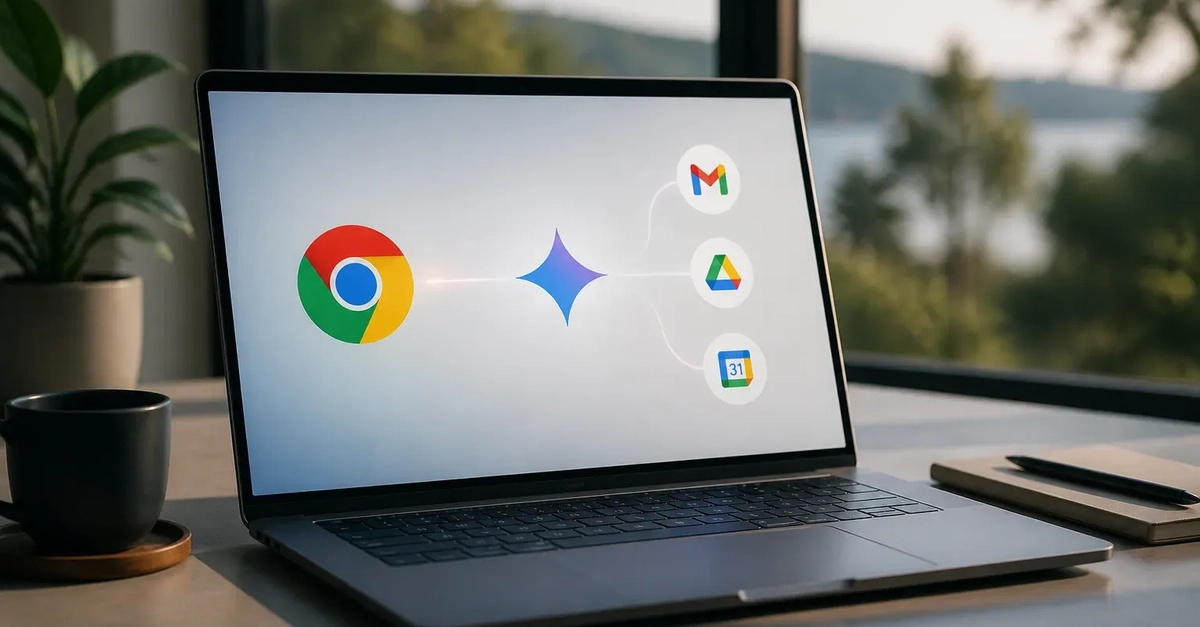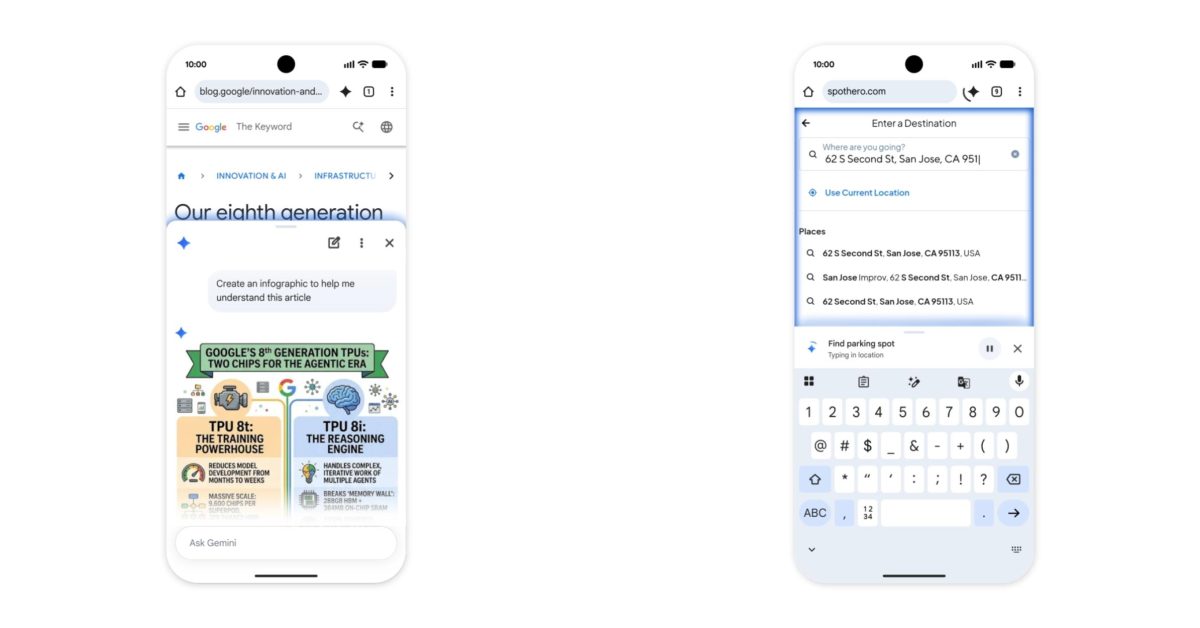
Google has expanded Gemini in Chrome with a desktop workflow that lets users send a selected part of a web page directly to Gemini. Called Select from screen, the feature is designed for moments when a full page is not the relevant context: a user can draw a box around particular text, an image, or a mixed section of page content and ask Gemini to analyze or act on it in Chrome's side panel.
The change makes Gemini more closely embedded in everyday browser work. Rather than manually describing what is on a page or switching between tools, users can identify the exact on-screen material they want Gemini to consider. For teams that regularly research products, review creative assets, compare information, or work from web-based documents, that can make AI assistance more immediate. Its usefulness will still depend on whether Gemini in Chrome is enabled for the user and, for managed environments, how administrators configure access.
How Select from screen works
Google's official instructions for sharing specific parts of a screen with Gemini in Chrome describe a straightforward process. Users open the Gemini side panel in Chrome, choose Select from screen, then draw around the area they want to share. The chosen content is sent to Gemini as the basis for the next interaction.