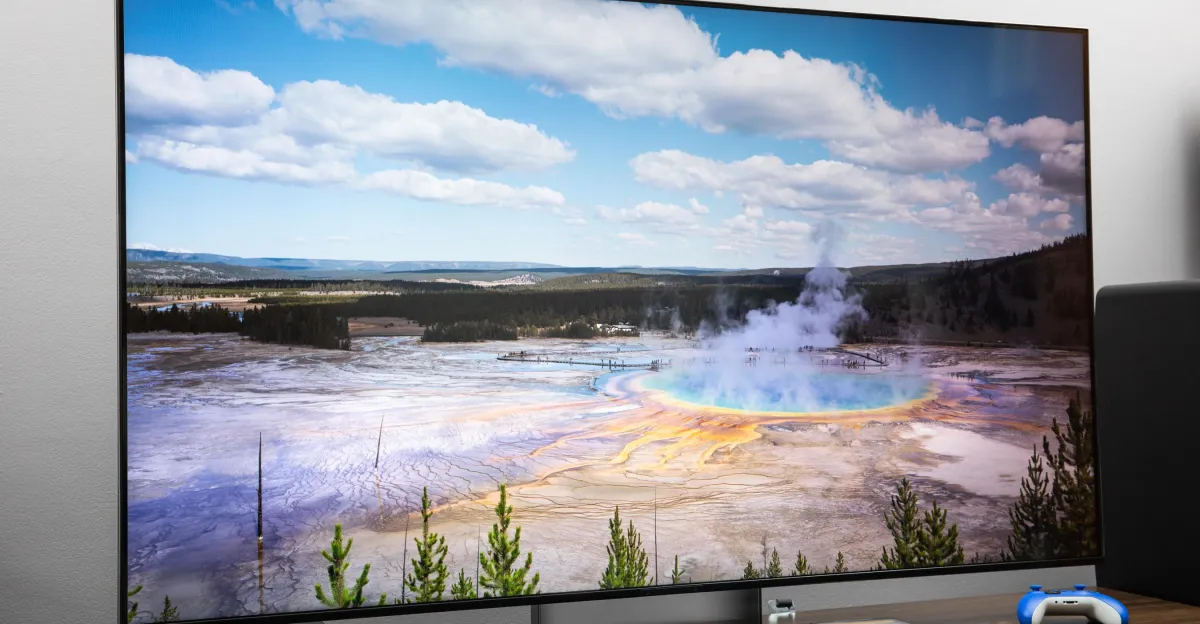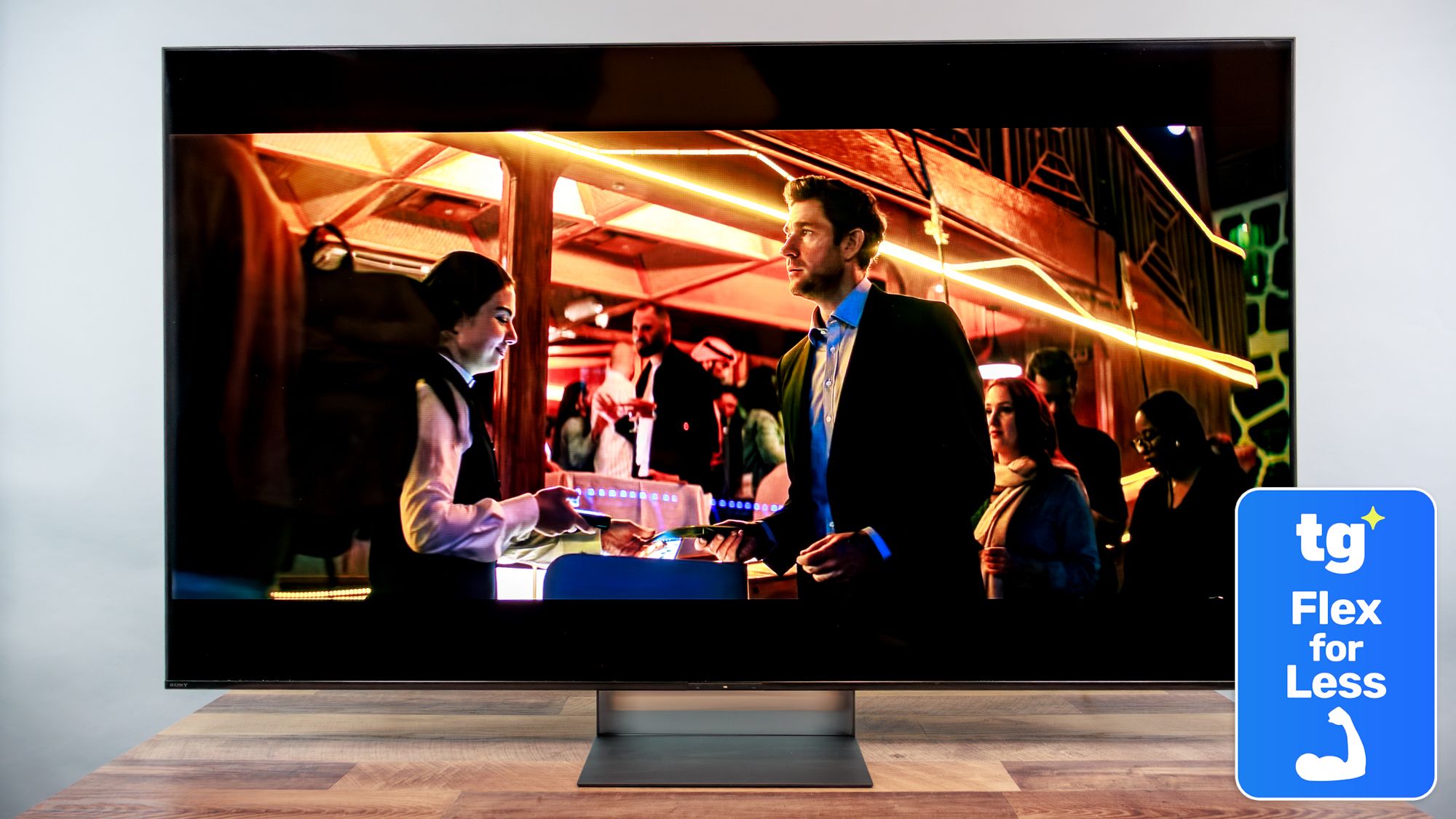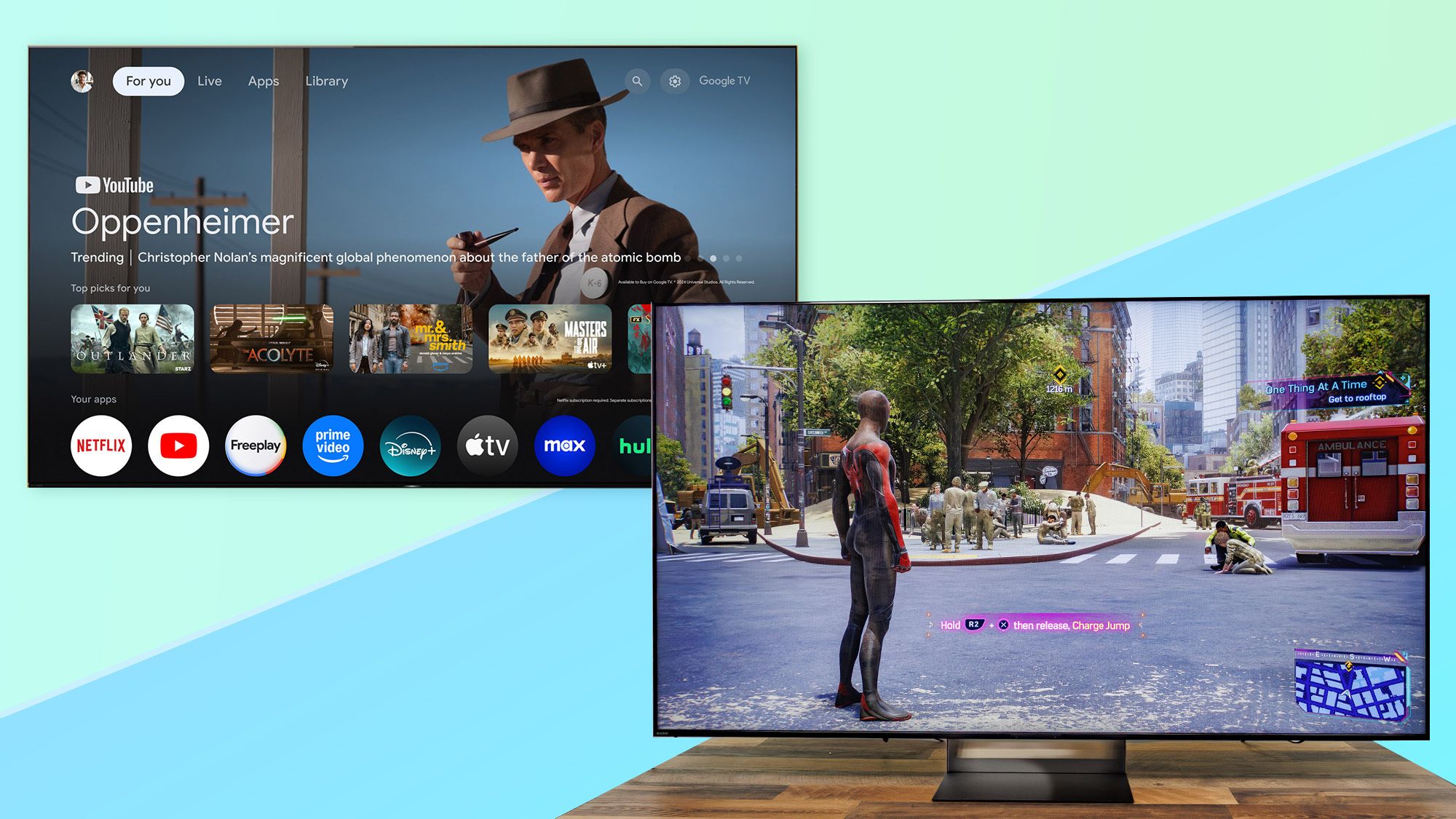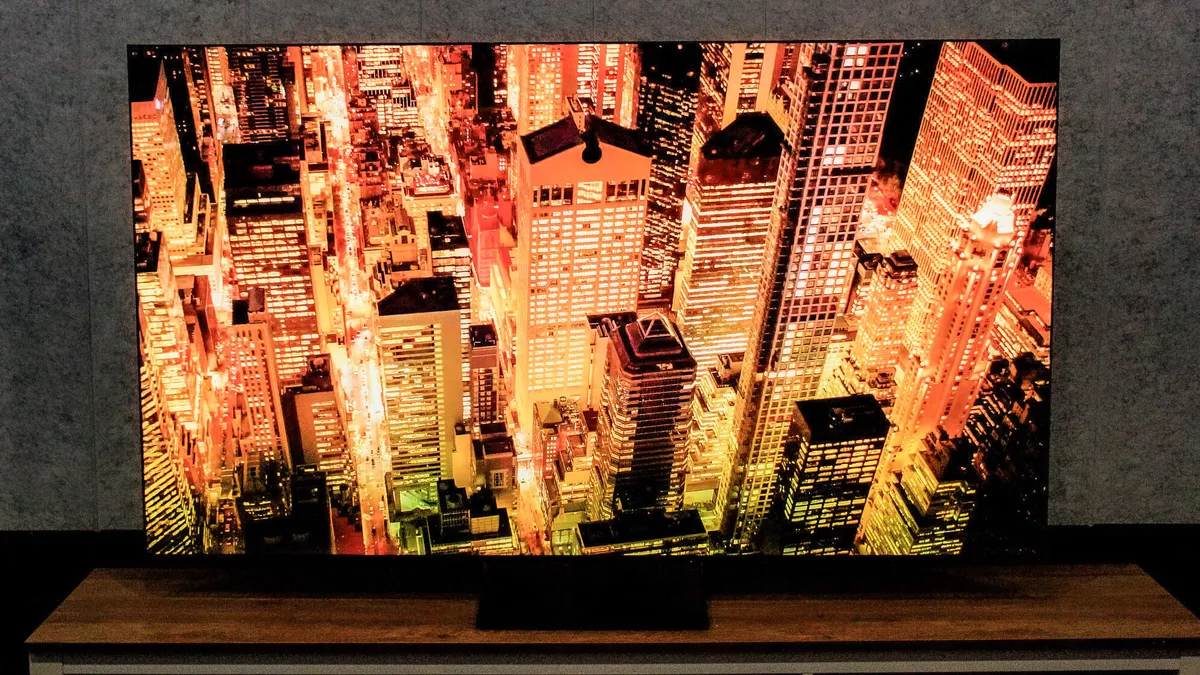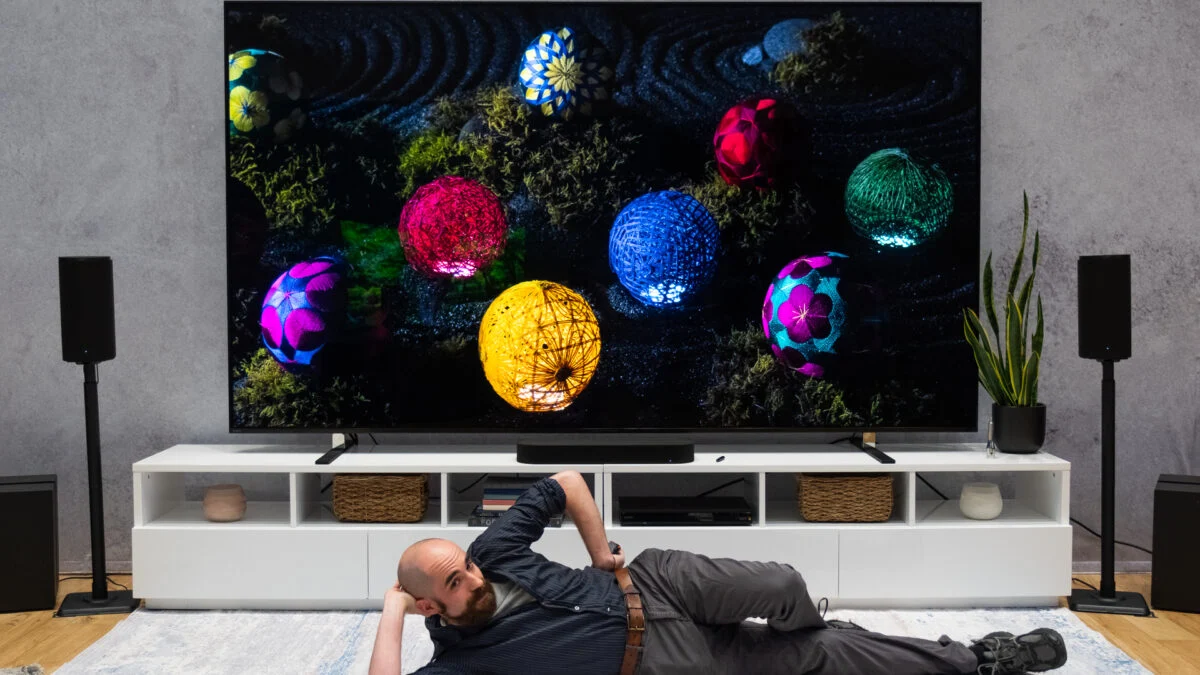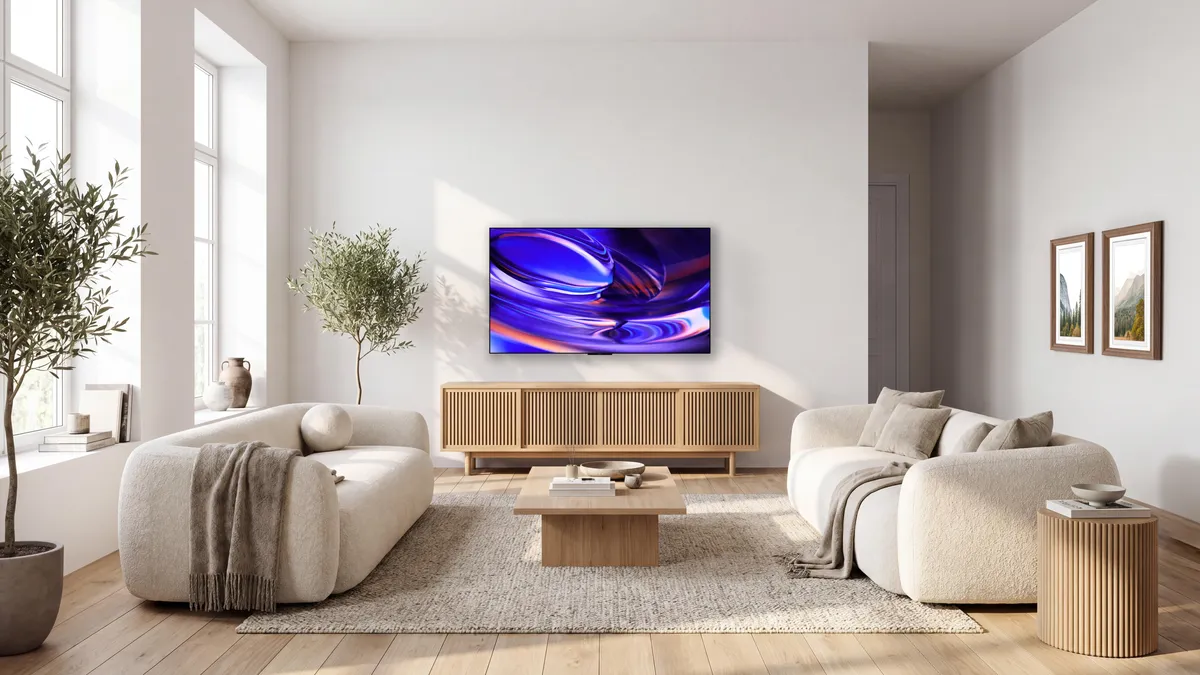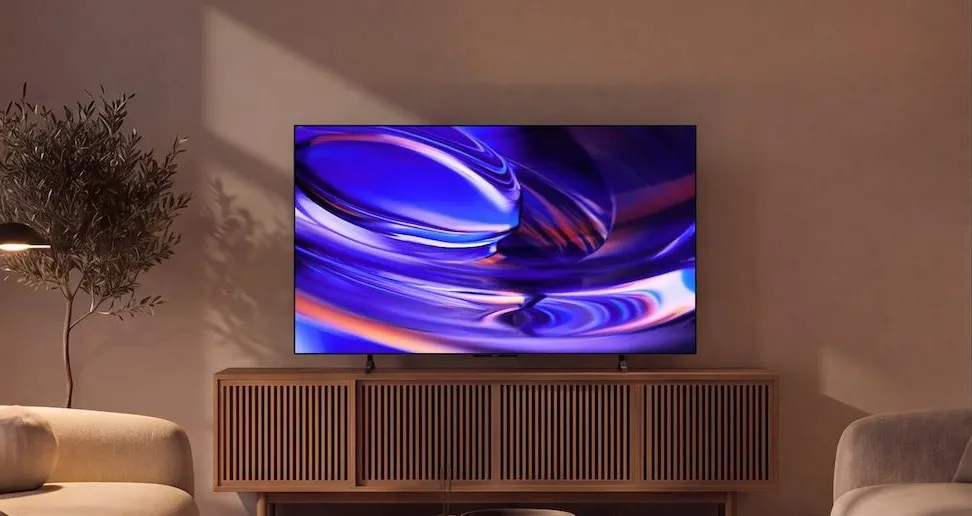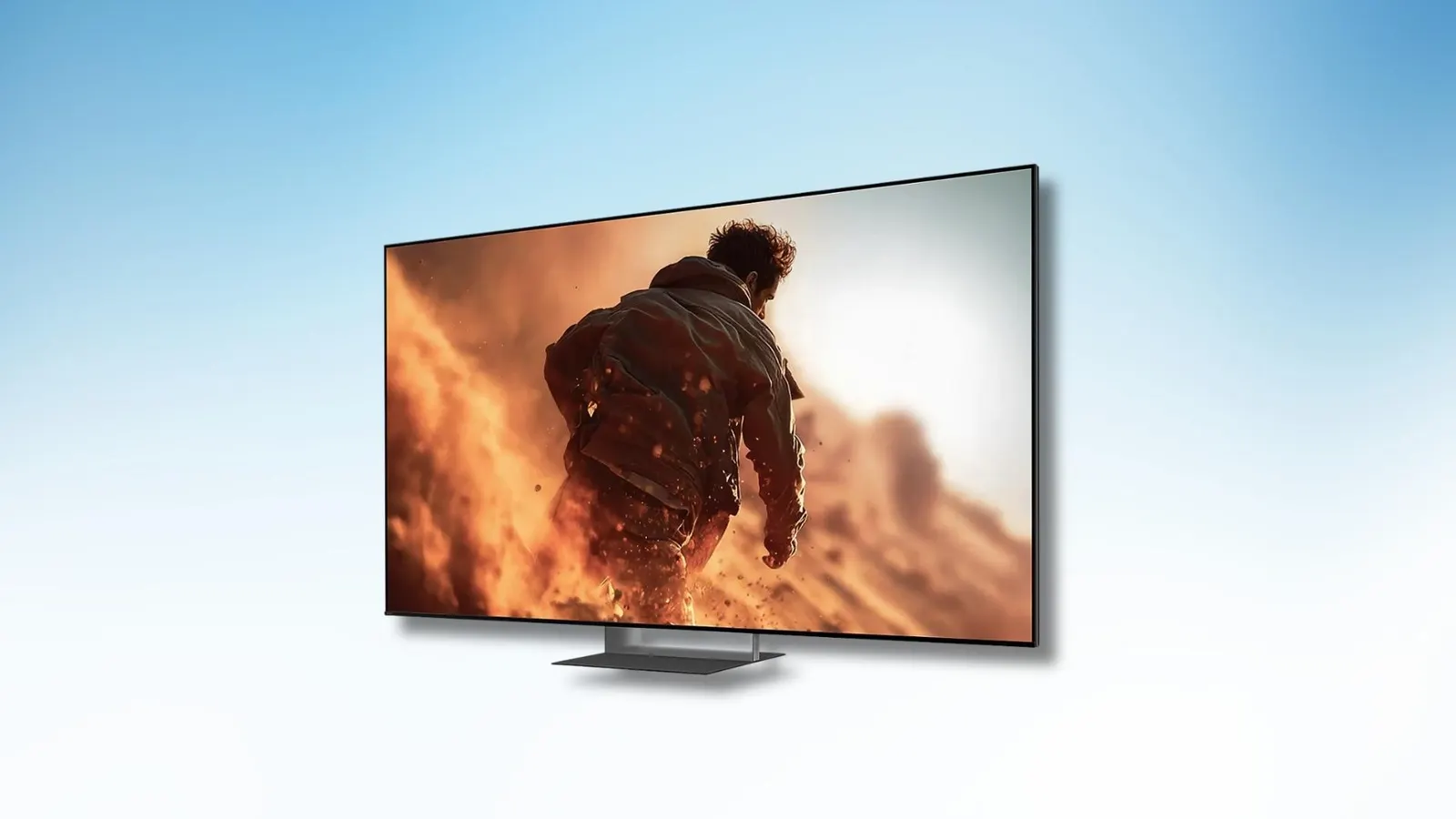
Sony BRAVIA 7 IISonyThe Sony BRAVIA 7 II is a mid-range 4K HDR TV and one of the first models with RGB technology on the market. It debuts with a “True RGB” moniker, which, according to Sony’s claims, delivers superior color, contrast, and brightness compared to its rivals. It replaces the conventional LED backlighting with red, green, and blue LEDs.To be more specific, regular LED TVs use all-blue or white LEDs for the backlight, but RGB LED TVs like the Sony BRAVIA 7 II have independently driven red, green, and blue LEDs. This gives them greater color precision and brighter output than traditional LED TVs. However, the one major drawback of RGB LED panels is that one color can bleed into the other.Sony says its “True RGB” TVs reduce blooming for a better visual experience. Its 65-inch and larger models use the X-Wide Angle Pro technology to deliver consistent colors and contrast at wider viewing angles. This is combined with the company’s Cognitive Processor XR to enhance depth, contrast, and clarity in real time. I used the 55-inch BRAVIA 7 II as my primary content consumption device for a month to find out how it stacks up against its rivals and OLED TVs.Sony has opted for an all-new center stand (called the Mirage Stand) instead of the traditional feet at either end of its TVs. It attaches to the middle of the TV, so you don’t need a massive surface underneath the television for table mounting. All you need to do is attach the prongs to the main stand and then attach the stand to the TV. You also get a transparent plastic piece that sits directly under the television to give it a floating illusion.As for the ports, it comes equipped with just two HDMI 2.1 ports (supports VRR, ALLM, and Dolby Vision gaming) and two older HDMI 2.0b ports. You’ll also find two USB-A ports, a Digital Audio Out, an Ethernet (LAN) port, a cable/antenna input, and a satellite tuner on the left side.MORE FOR YOUSony BRAVIA 7 IIPrakhar KhannaThe Sony BRAVIA 7 II 55-inch has an RGB LED backlight, where each LED cluster independently controls the red, green, and blue light. I watched movies on Amazon Prime Video, Netflix, Sony Pictures Core (these three are studio calibrated), and JioHotstar. I don’t have the testing gear at home for an objective take, but in my experience, the highlights pop, and colors look vibrant.As soon as you open Prime Video, Netflix, or the Sony Pictures Core app, the TV goes into Director’s Cut mode, which lowers the brightness but gives it cinema-like color grading. In Top Gun: Maverick, everything from reflections on the jet’s glass hood to the thrilling dogfight sequence looked true to the scene. I loved the color grading and dynamic range.During the low-light scenes in Spider-Man: No Way Home, the orange from Doctor Strange’s spell and Electro’s yellow sparks looked refined without any blooming. However, you might notice some blooming around the subtitles or when looking at the screen from the sides. It isn’t an OLED panel, after all.I'd love for it to have the same anti-reflective coating as its BRAVIA 9 II sibling.Prakhar KhannaI’d like to point out two nitpicks in my visual experience. First, the BRAVIA 7 II misses out on the anti-reflective coating, which you’d get on the more expensive BRAVIA 9 II. I’d love to have it here, so I didn’t see my ghost during dark scenes. Second, Sony’s upscaling for older content is a mixed bag. It can look very aggressive on lower-resolution visuals, resulting in a not-so-natural, artificial look.Coming to the sound, the 55-inch model features a 2.2-channel speaker setup with two side-firing full-range drivers. It supports Dolby Atmos and DTS, along with 3D Surround Upscaling for virtual height effects. The built-in speakers are enough to fill a small living room, but for an immersive audio experience (to match the excellent visuals), I recommend setting up a soundbar with rears for surround sound.ForbesThe JBL Bar 1300 MK2 Sounds Incredible And Has A Clever Modular DesignBy Prakhar KhannaMy only complaint during the whole experience was its startup times. If the TV is switched off from the main power source (I only turn it on when I need to watch something), the Sony TV can take up to a minute to get ready and load the first app. However, if you keep the power on and simply switch it on, it is ready for use within 10 seconds. Other than this, it is smooth to use and offers plenty of customization options to fine-tune your picture and sound experience.Sony BRAVIA 7 II remotePrakhar KhannaAs for the remote, it is lightweight and long. Sony doesn’t shy away from giving you buttons for frequent tasks, and I’m glad they’re all present here. There’s a dedicated button to toggle subtitles, hotkeys for Sony Pictures Core, JioHotstar, Netflix, Prime Video, SonyLIV, and Crunchyroll, as well as a button for My Cinema Preset.Overall, the Sony BRAVIA 7 II is one of the best LED TVs I’ve used to date. It offers accurate colors, great contrast with deep blacks, and excellent picture processing. Just don’t buy one at the retail price (INR 3,59,900). You can find better OLED TVs for less.Sony has priced it against OLED TVs, but there are certain OLED-specific qualities that the Bravia 7 II can’t compete against. You’ll get even better contrast and deeper blacks on an OLED panel. That said, it is far more attainable and easy to recommend at the current sale price of $1,500 / INR 2,08,040.
The Sony BRAVIA 7 II Makes A Strong Case For RGB LED TVs
The Sony BRAVIA 7 II delivers excellent picture quality, accurate colors, and impressive contrast, but you should only purchase it at the sale price.
926 words~4 min read