Claude's Gmail integration has gone up a notch.
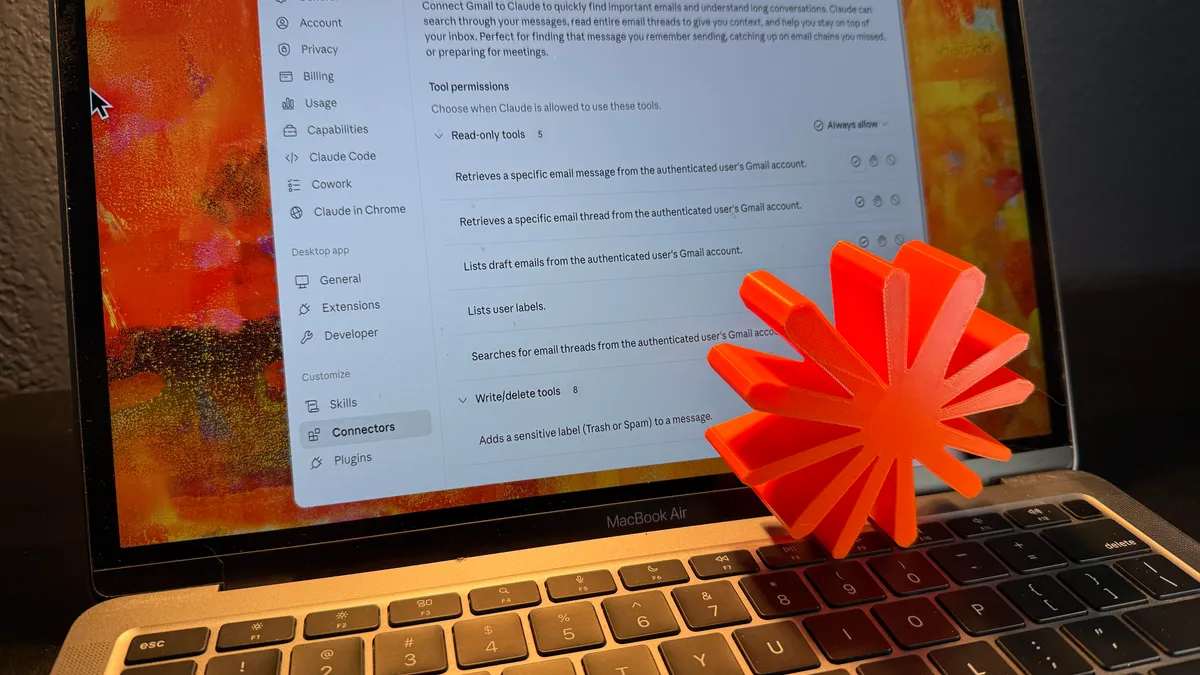
If AI is going to take all of our jobs, the least it can do is make those jobs a little easier while we still have them, and email admin is one of the biggest time sinks I've got in my daily routine. I'm spending hours a week reading and responding to emails when I really need that time to get on with writing about new Pixels or Mac apps.My interest was piqued then by the news that the Claude AI chatbot can now respond to and send emails in a connected Gmail account–and without your specific approval, if you're happy to let it work automatically.Claude has been able to plug into Gmail accounts for a while, so you could already get it to read through and summarize incoming messages—but any email drafting had to be done in the Claude bot and copied over. Now the AI is able to compose and send responses inside Gmail without you having to switch over to the Google email client yourself.
Could this free up some more time in my day? Is it really wise to hand over emailing duties to an AI bot? I gave it a try to assess how it might impact my productivity (and sanity).How to connect Claude to your gmail accountYou need a paid Claude plan for this at the moment, so you're going to have to be on the $20-a-month Pro plan or something higher. To connect your Gmail account if you haven't already, open Claude on the web and click your profile picture (bottom left), then select Settings > Connectors and find Gmail. (If you don't see your profile picture, click the menu button, top left.)To do something in Gmail, you just need to mention it in a prompt. If you're not quite ready to do some drafting and sending, try a prompt like "who's emailed me most today" or "summarize the emails I've received this week." Claude rummages through your Gmail account and delivers what you asked for as a response.When you're ready to start sending, you can be pretty informal and ambiguous with your prompt. Saying "reply to my last unread email," "reply to David Nield," and "reply to the Story edits thread" will all work in Claude. However, the more precise you can be—with a specific email address, for instance—the better, in terms of avoiding mistakes.