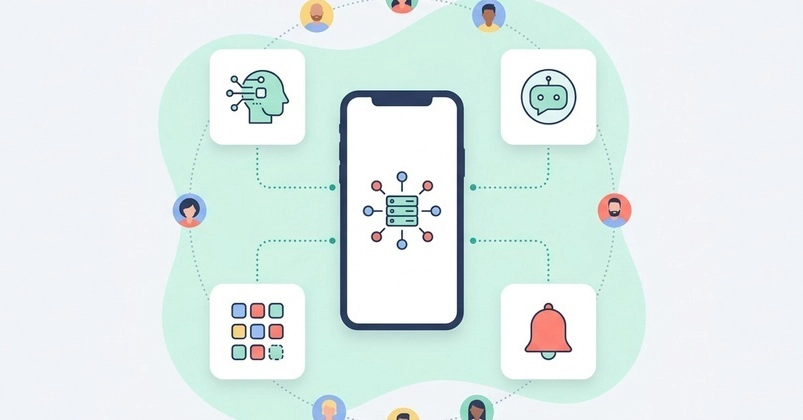
GoodBarber is now listed in the ChatGPT plugin directory. Find GoodBarber in the directory, connect your app, and run it from the chat: content, catalog, members, push notifications. This post extends the announcement on our blog with the developer view, and it closes a loop we opened when we wrote up how we built that server.
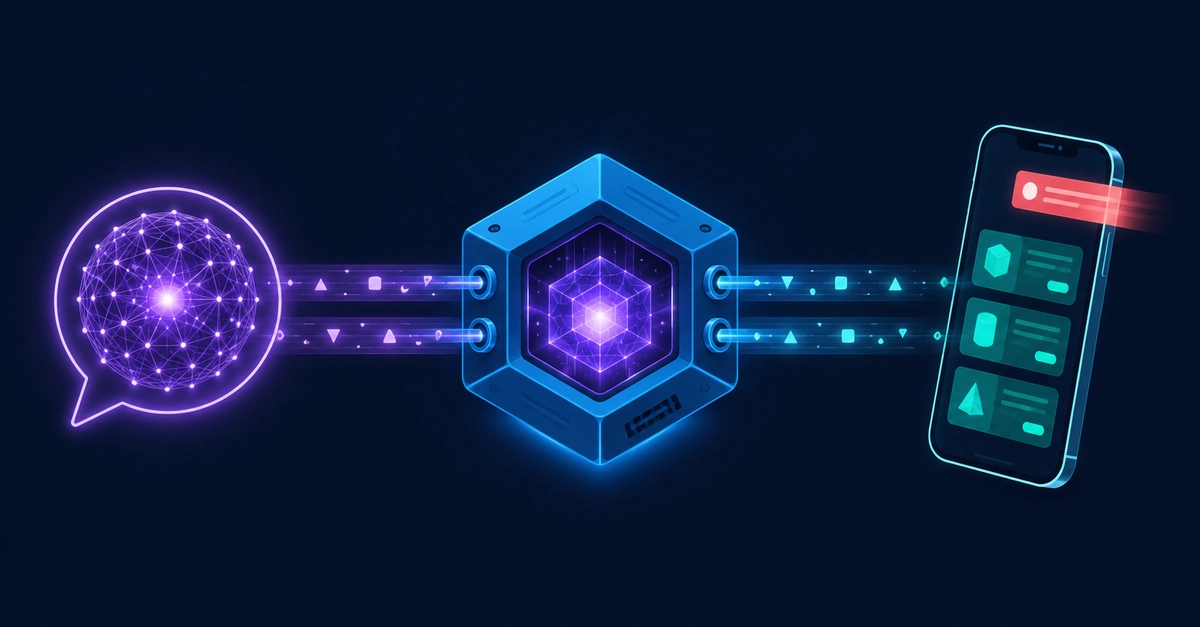
One line of context for new readers: GoodBarber is a no-code app builder (running since 2011). Customers configure an app in a web back office; the platform compiles native iOS and Android builds plus a PWA. We built a public MCP server so that MCP clients (Claude, ChatGPT, Codex, Cursor, n8n and others) can operate those apps.
One server, two ways in
Nothing changed server-side. Both paths land on the MCP connection your app already has, scoped to that single app and authorized by you. What changed is the effort to get connected:
The official app in the directory. Find GoodBarber, connect, authorize access to your app. No Developer mode, no URL to paste.