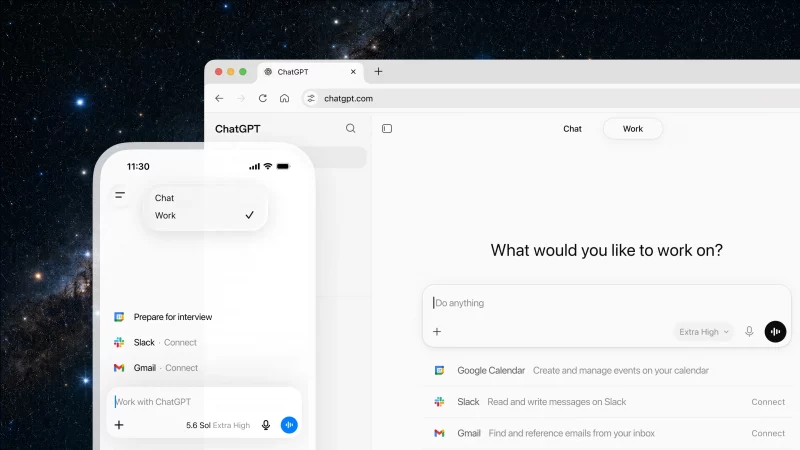
ChatGPT is no longer just a chat app. OpenAI recently launched the Apps SDK, which turns ChatGPT into a platform where developers can build interactive applications. These apps run inside ChatGPT and can display custom interfaces, connect to databases, and perform real actions.
In this guide, you will learn how to build a ChatGPT app that connects to your Supabase database. You will use mcp-use, an open source SDK that makes it easy to deploy MCP servers on Supabase Edge Functions. By the end, you will have an app that lets ChatGPT users explore your database schema, view table data, and run SQL queries, all through interactive widgets.
ChatGPT apps extend what ChatGPT can do. Instead of just answering questions, ChatGPT can now show interactive interfaces and connect to external services.
Every ChatGPT app has two parts:
MCP server. This is your backend. It defines the tools and capabilities your app provides. When a user asks ChatGPT to do something, ChatGPT calls your MCP server to get the data or perform the action.