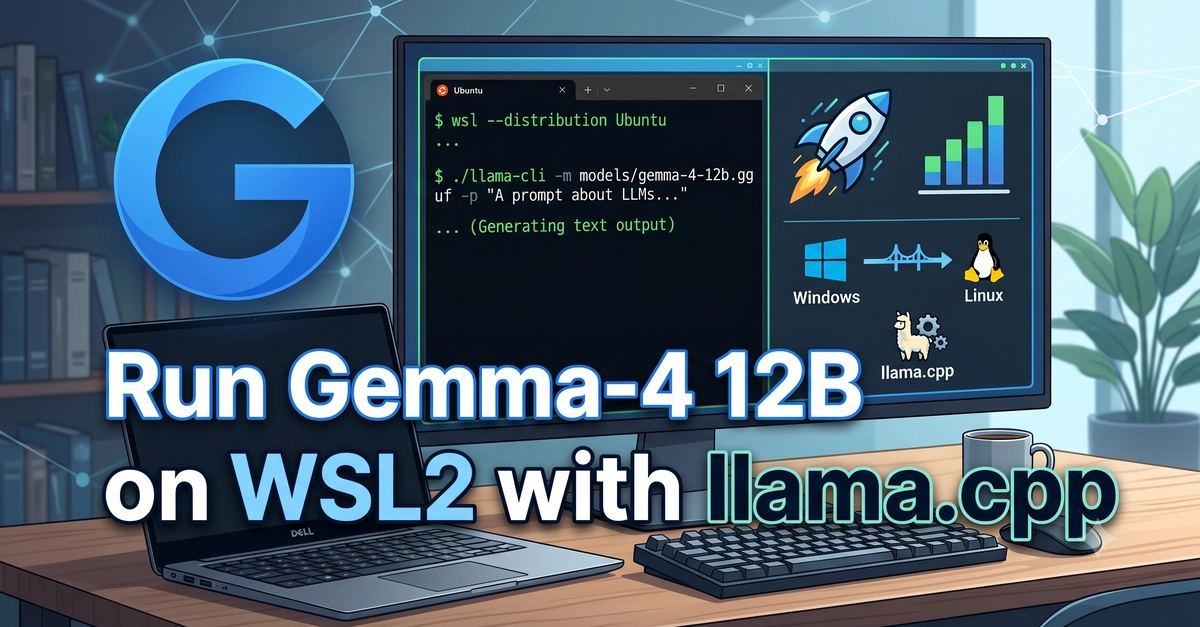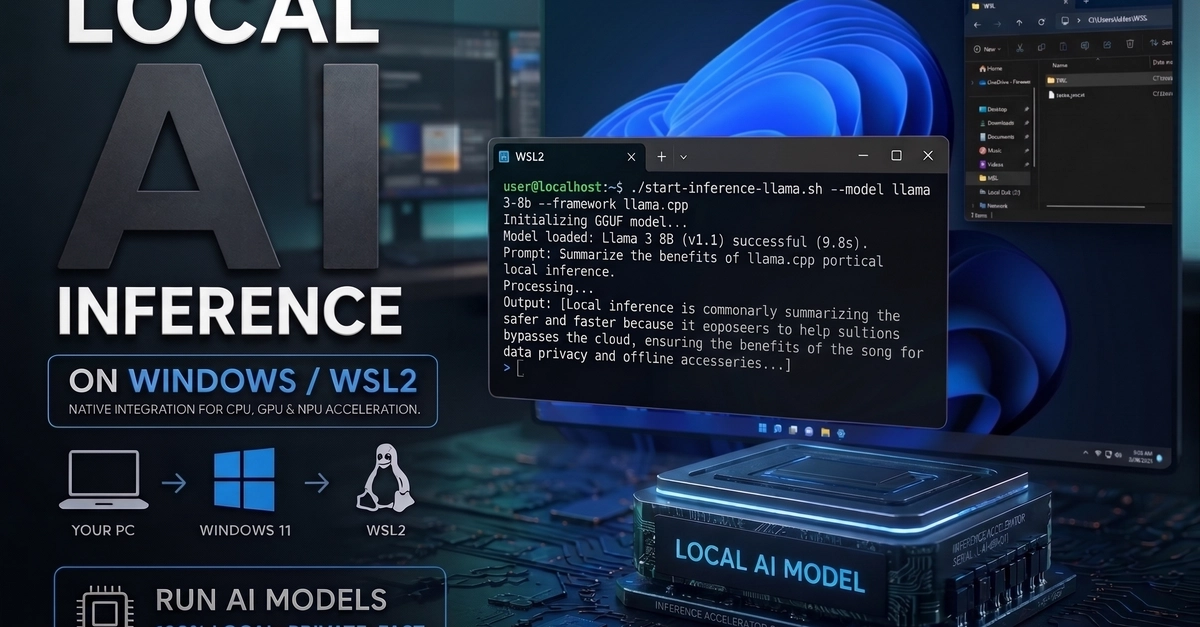
I went to a Build with Gemma event expecting to spend the day experimenting with local models. Instead, I spent most of the day trying to make a Windows-installed LM Studio talk to code running inside WSL2.
If your development environment also lives in WSL2, this is the setup path I wish I had before the workshop.
The Problem
The workshop instructions were straightforward: install a local model runner, download Gemma, and write a small Python application that talks to the model. The codelab was based on Ollama, which made the Windows-native path look especially simple.
The problem was that my development environment was not on Windows. I use WSL2 for my terminal, Python projects, virtual environments, and Git repositories. LM Studio, however, was installed on the Windows side because that is where the desktop application and model runtime live.