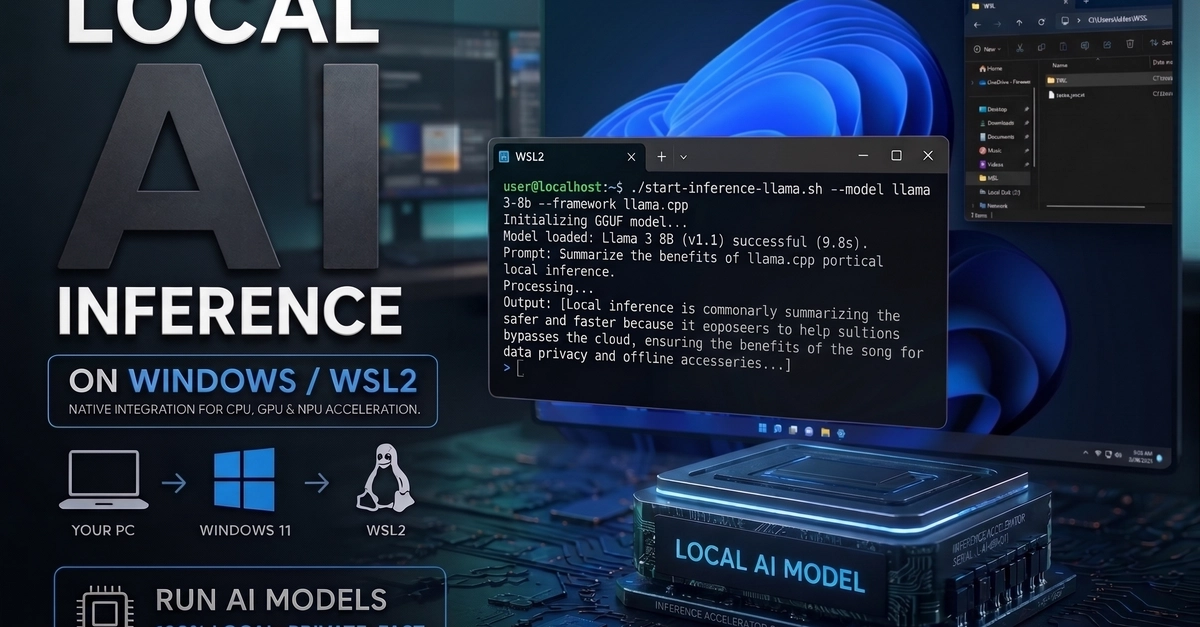
If you're a web developer on Windows, Windows Subsystem for Linux (WSL) is essential. This tutorial walks you through understanding what WSL is, why you should use it, and how to install and configure it for development.
Note: This guide is for Windows only. If you're on macOS, you already have a Unix-based terminal, so you can skip this tutorial and move on to the next one in the series.
Do I really need WSL?
Short answer: Yes, if you're doing web development on Windows.
Most web development tools, packages, and tutorials assume a Unix-based environment (Linux or macOS). While you can develop on Windows using PowerShell or cmd.exe, you'll constantly run into compatibility issues with package managers, build tools, and open-source projects that assume a Unix shell. WSL lets you run Linux directly on Windows without the overhead of a virtual machine.