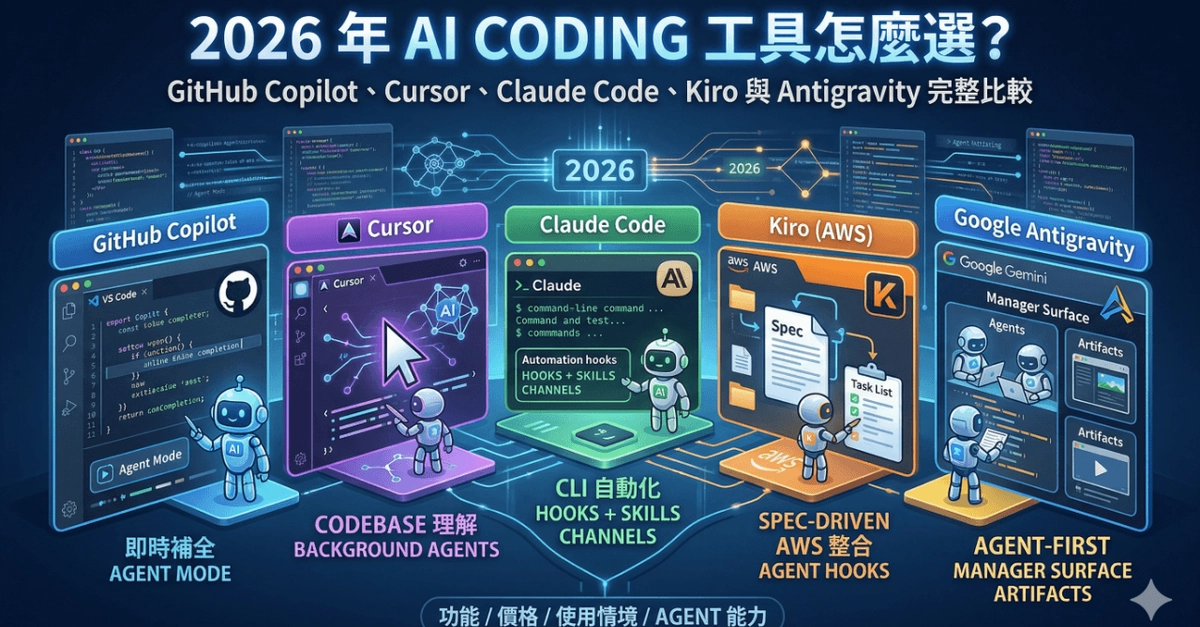
The biggest mistake in choosing an AI coding tool is comparing autocomplete latency. Cursor and Windsurf are editors with agent abilities. Claude Code works mostly through a terminal on your local repository. GitHub Copilot spans IDEs, GitHub, code review, and a cloud agent. Replit Agent connects generation to a hosted environment where the app actually runs. CodeGeeX provides affordable IDE help for Chinese-language development.
They execute in different places. That means a single "best AI coding tool" ranking is a category error — the right question is where the AI should run your work.
The four execution models
IDE assistants and agentic editors (Cursor, Windsurf, Copilot IDE features, CodeGeeX) stay close to your current edits. Feedback is immediate, and you stay in control of scope. The cost is that complex work still consumes your attention, and two overlapping AI editor subscriptions rarely make sense — run a two-week crossover pilot and keep one.
Local terminal agents (Claude Code) read repositories, edit files, and run commands on your machine. This fits debugging, dependency migrations, and test loops. The security docs describe a read-only default with permission requests, and you should keep that default: start read-only, smallest directory, no broad allowlists for network, deletion, or deployment commands.