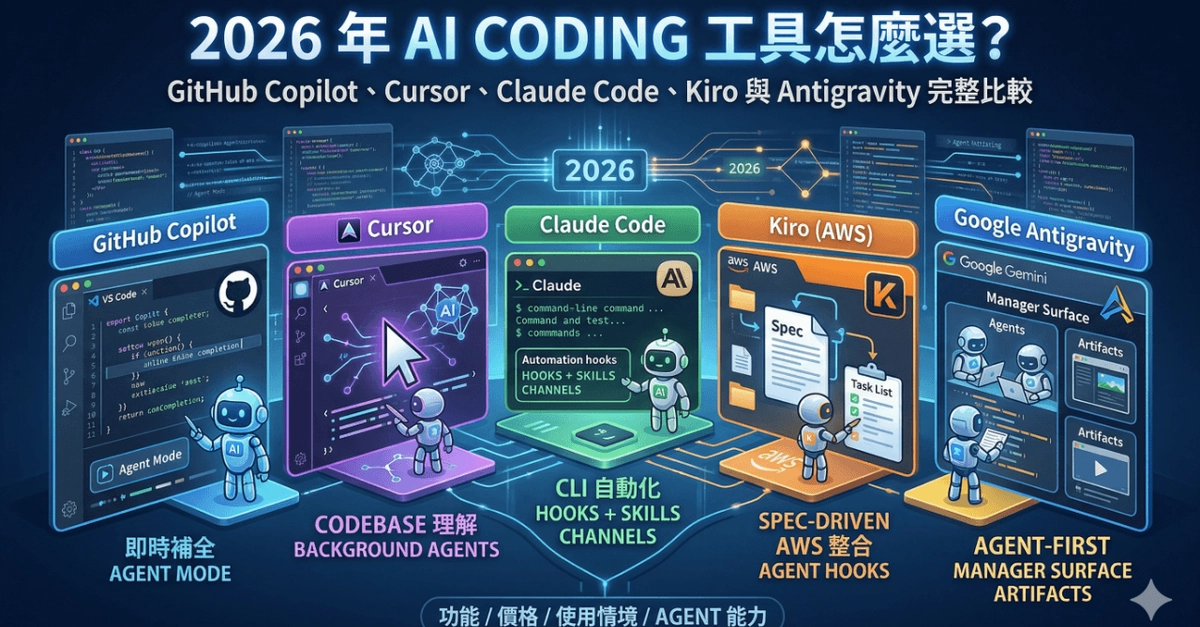
By 2026, the question isn't whether to use an AI coding assistant - it's which one actually fits how you work. The gap between a well-chosen tool and a poorly matched one shows up directly in your output: one makes you faster at real tasks, the other distracts you with confident-sounding hallucinations. This guide cuts through the marketing noise by comparing the leading tools across real TypeScript, Python, Go, and Rust codebases.
Why AI Coding Assistants Took Off in 2026
Three things shifted simultaneously in 2026 to make this tooling category genuinely useful. First, context windows grew large enough to hold entire repositories rather than single files. Second, models became more specialized for code generation rather than relying on general-purpose LLMs. Third, agentic patterns matured - tools can now run tests, read failure logs, and iterate on fixes without constant human hand-holding. The result is a set of tools that actually belong in a professional developer's workflow.
How to Evaluate an AI Coding Tool
The right tool depends on four factors specific to your setup. Your editor preference matters first - some tools are plugins that augment your current IDE, while others are full AI-native editors that replace it. Then consider what kind of coding help you actually need: quick autocomplete, or multi-file reasoning that spans your whole codebase. Third, check compliance requirements - some environments (defense, finance) mandate air-gapped or on-premises deployment. Finally, consider your ecosystem: whether you live in GitHub, AWS, or a specific IDE like JetBrains shapes which tool integrates most naturally.