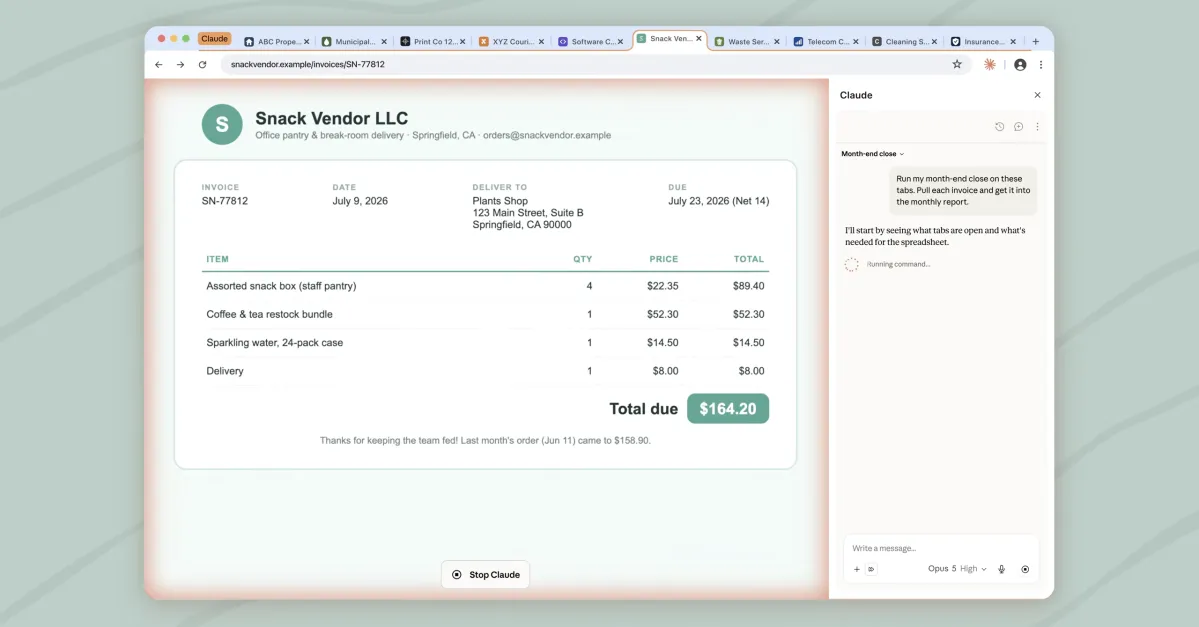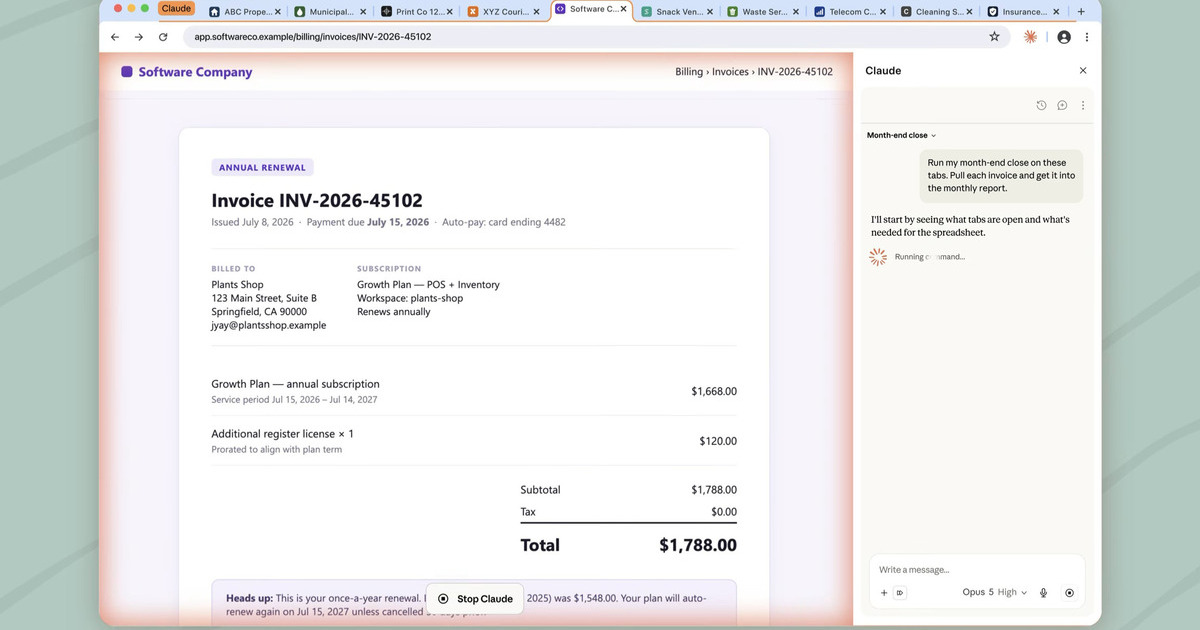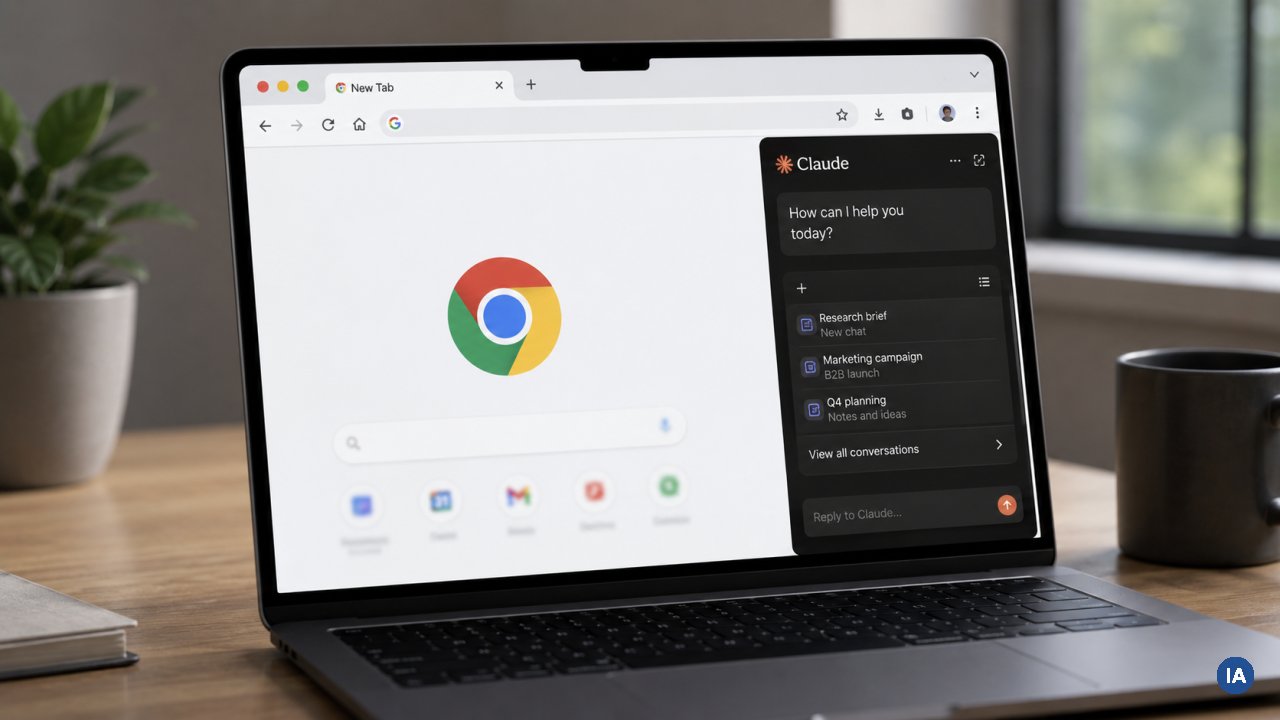
Anthropic just made its Chrome extension significantly more useful. Claude sessions that start in Cowork or Claude Code now sync directly with the browser extension, meaning users can carry full AI context into their Chrome workflow without starting over. The update also brings support for Skills and Connectors, two features that were previously confined to other parts of the Claude ecosystem.
What Skills and Connectors actually do
Skills are markdown-based instruction files that tell Claude how to behave in specific contexts. Some are custom-built by users, others come predefined for particular use cases. A legal team might have a Skill that instructs Claude to draft responses using specific contract language. A developer might use one that enforces a particular coding style.
Connectors are integration bridges. They link Claude to external tools and data sources like Google Drive, Gmail, and Slack through MCP (Model Context Protocol) connections. Previously, if you wanted Claude to pull context from your email or a shared drive, you had to copy-paste like it was 2019. Connectors let Claude reach into those services directly.
How Cowork synchronization changes the workflow