How Scam Text Protection actually works
© SurfShark
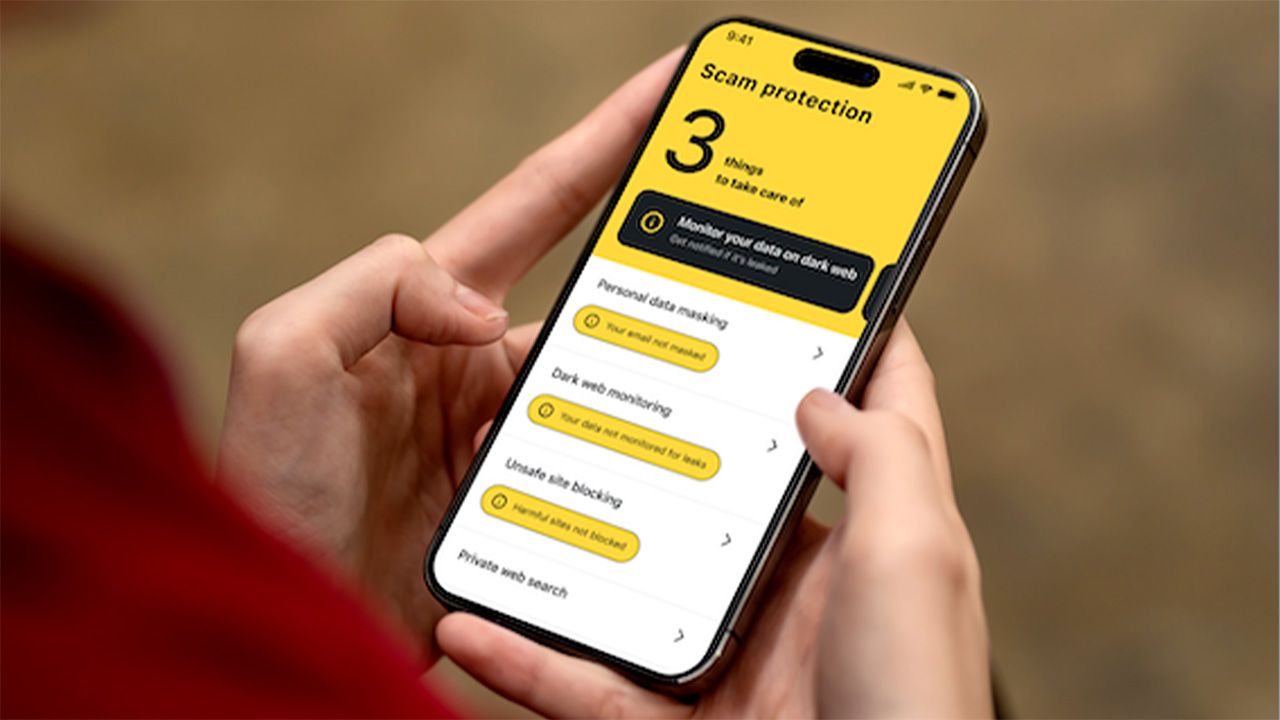
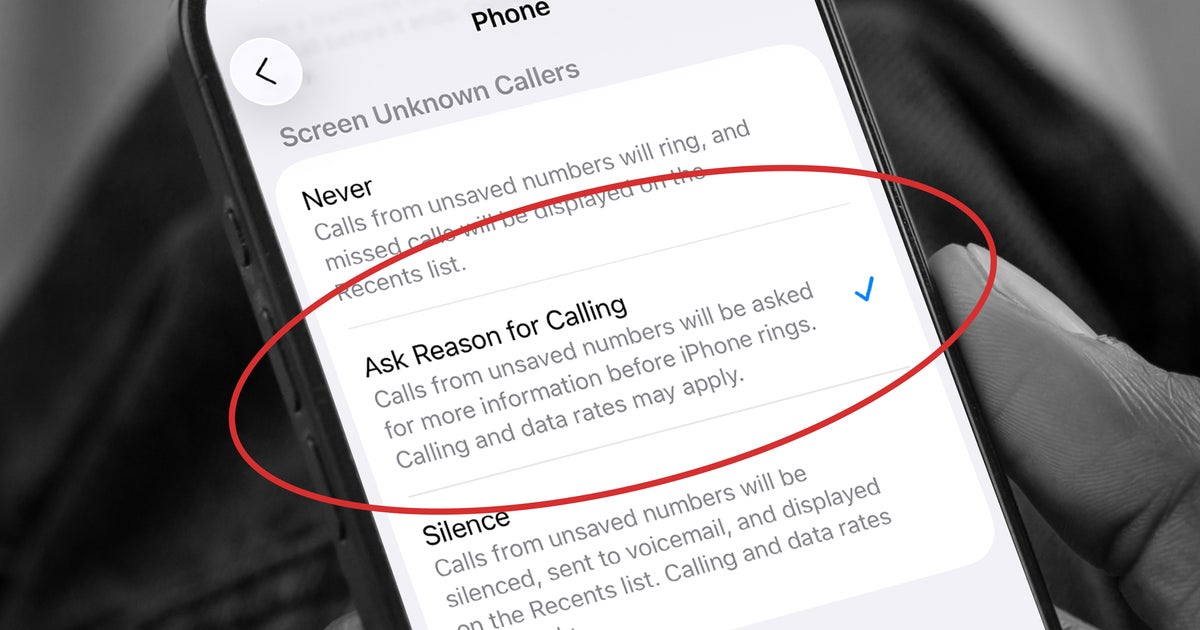
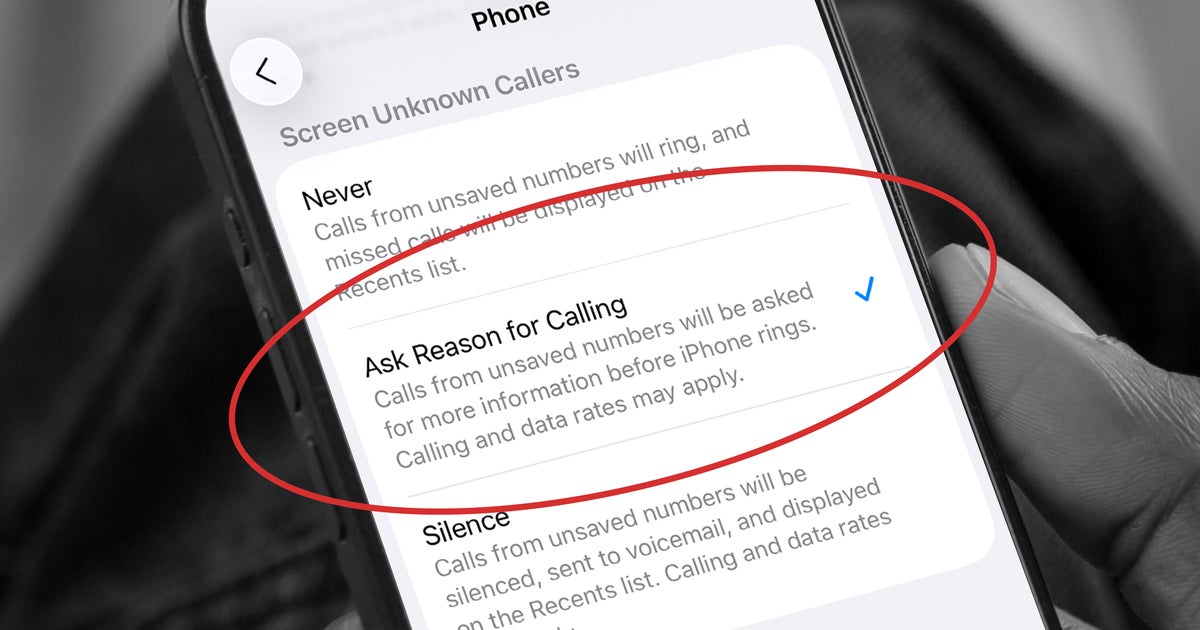
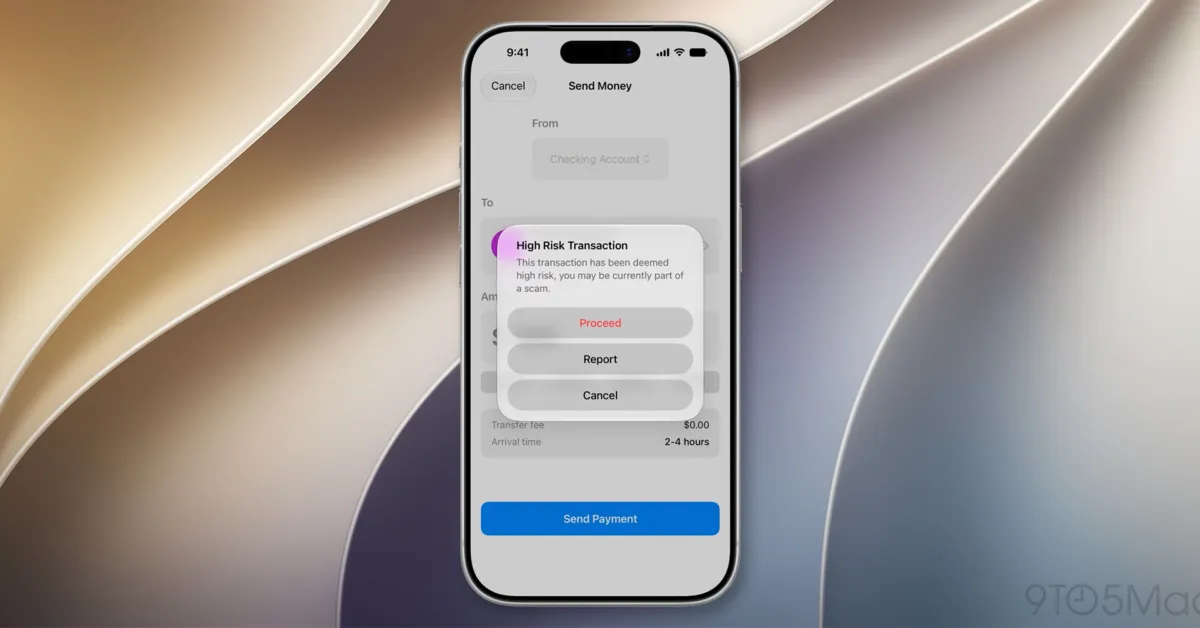
The feature behaves differently depending on your operating system, because Apple and Google grant apps very different levels of access to text messages. On iOS, suspected scam messages are automatically detected and moved to a separate spam folder, no action required from you. You simply stop seeing the obvious ones in your regular inbox.
On Android, the app takes a more visible approach. When a potential scam SMS arrives, you get an alert and can safely review the message inside the Surfshark app itself, along with an explanation of why the message was flagged. The system looks at signals like suspicious links, urgency cues, spoofed sender IDs, and known scam patterns pulled from a continuously updated threat database. Either way, the goal is the same: reduce the chances that you tap something you shouldn’t have.
Avoid Scam SMS