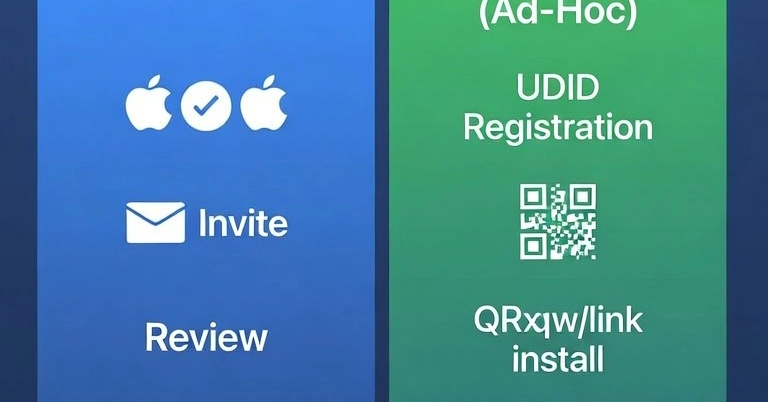
If you're testing an iOS build with real devices, you've got two main paths: Apple's TestFlight, or Expo's EAS Preview using Ad-Hoc provisioning. They solve the same problem — getting a build onto a real iPhone without the App Store — but the workflows are genuinely different, not just cosmetically.
How each one works
TestFlight uses Apple's official infrastructure. You upload your build to App Store Connect (often via npx testflight to speed this up), Apple processes/reviews it, and testers install the TestFlight app and accept an email or public link invite. No UDID collection needed — Apple handles device registration behind the scenes.
Expo EAS Preview (Ad-Hoc) uses Ad-Hoc provisioning. You register each tester's device UDID against your Apple Developer account before building — either manually (eas device:create, eas device:list) or by having the tester scan a QR code that installs a temporary profile. Once devices are tied to your provisioning profile, you build with:
bash