If you've ever needed to build a serious data table in React, you've probably run into this problem. React doesn't include a native data grid component, so you're usually left choosing between paying for an enterprise solution or spending weeks building advanced table functionality yourself.
For small datasets, a simple HTML table works well enough. But once you need virtualization, row grouping, inline editing, advanced filtering, server-side data loading, or richer keyboard interactions, things become much more complicated. Those features require significant engineering effort if you decide to build everything from scratch.
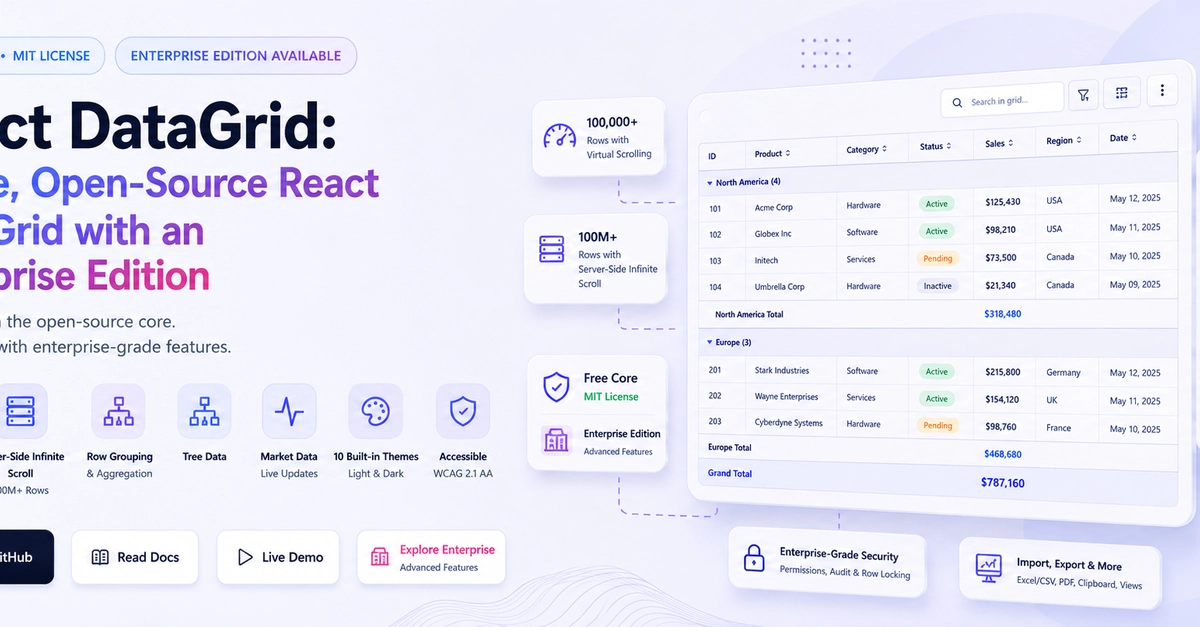
That's exactly where React DataGrid, an open-source React data grid with both free and Enterprise offerings, comes in.
In this article, I'll walk through what makes a production-ready React data grid, introduce React DataGrid, show how to get started with its open-source edition, explore its standout features, explain what's available in the Enterprise edition, and compare it with AG Grid so you can decide which option is right for your project.
TL;DR