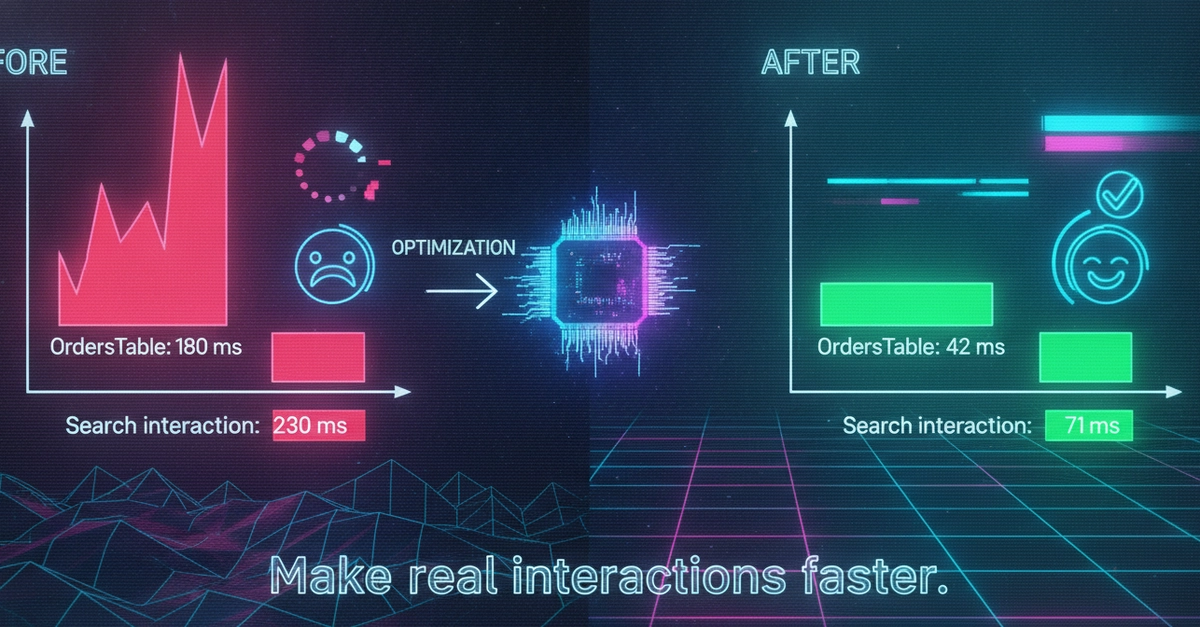
Performance work in Next.js often starts with the wrong question: “what can we optimize?”. That is too broad. Soon the team is compressing images, moving components, removing libraries, changing cache settings and hoping the graphs improve. Sometimes they do. More often, nobody knows which change helped or whether the original bottleneck was even in that area.
A better question is: which route is slow, for whom, at which moment, and why? Only then does optimization become useful. This guide walks through a practical process: measurement, diagnosis and concrete Next.js techniques — Server Components, caching, Cache Components, Partial Prerendering, bundle analysis, images and third-party scripts.
A fast application is not an accident
Speed is not one metric. An application can have a fast first byte but ship too much JavaScript. It can have a small bundle but wait for a slow CMS. It can score well on the homepage and still be painful on a logged-in detail view.
Do not start with “let’s optimize Next.js”. Start with one route and one symptom: