A Next.js application can feel fast during development and still become painfully slow after deployment.
Local development usually runs with a small database, almost no network latency, limited traffic, and cached browser resources. Production introduces larger datasets, real users, third-party scripts, slower devices, remote services, and more complex rendering paths.
The framework already provides Server Components, code splitting, image optimization, caching, prefetching, and streaming. But those features only help when the application uses them correctly. Next.js pages and layouts are Server Components by default, while Client Components should be introduced only where browser-side interactivity is needed.
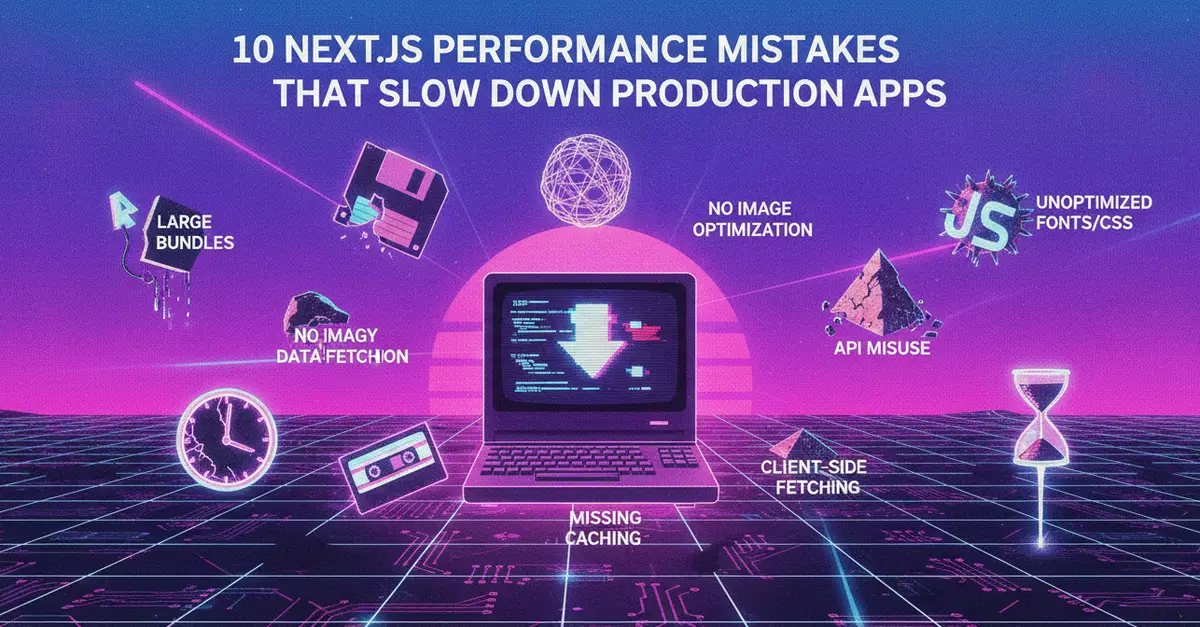
Here are ten common performance mistakes that can quietly slow down a production Next.js application.
1. Marking everything "use client"